32
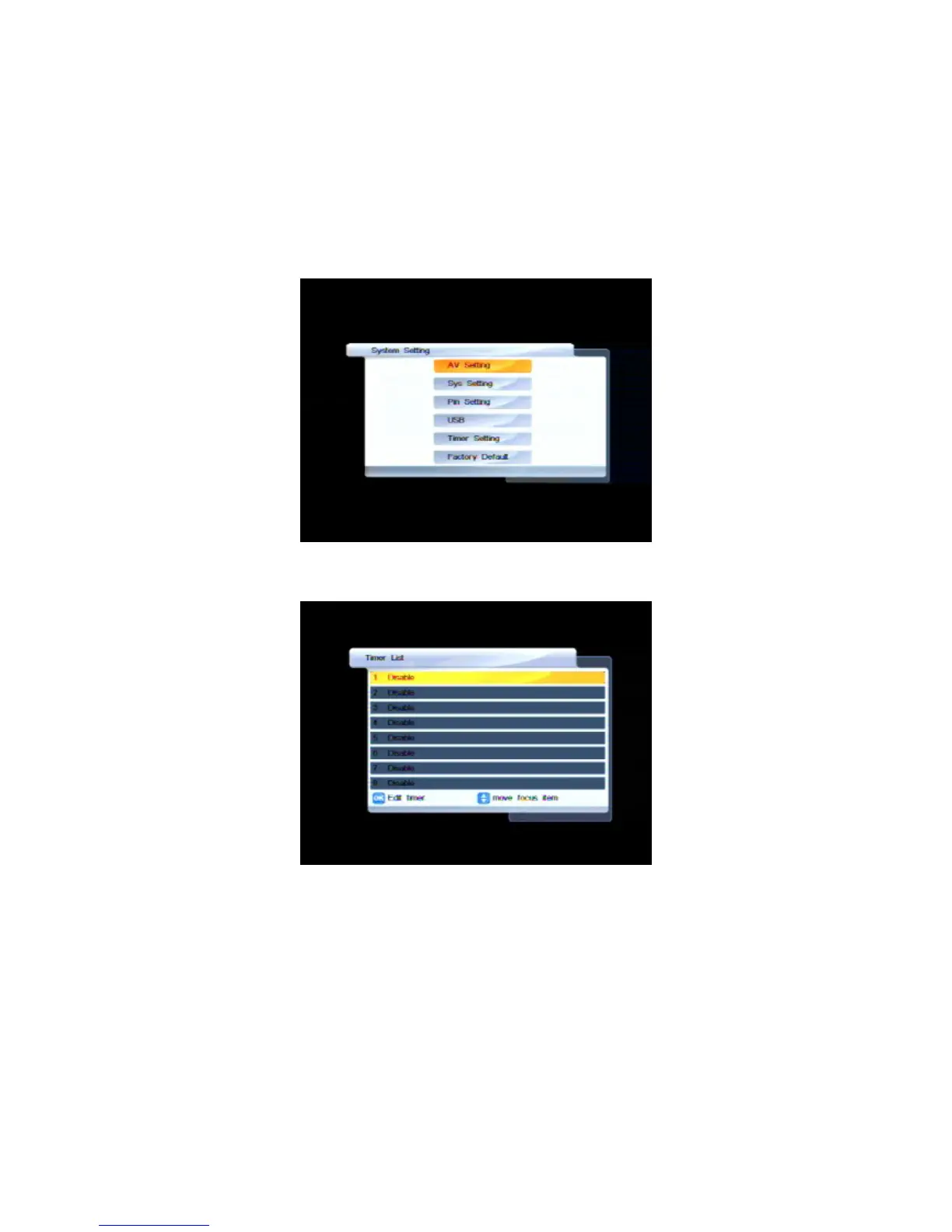
Timer settings
You can set up to eight times at which specified channels will automatically come on or the unit
will turn off. Follow this procedure to set or change a timer.
1. Press MENU on the remote control. The Main Menu appears.
2. If System Setting is not highlighted in the main menu, press
CHd or CH
c
until it is and then press
OK. The System Setting menu appears.
3. If Timer Setting is not highlighted, press CHd or CH
c
until it is and then press OK. The Timer List
window appears.
4. If necessary, press CHd or CH
c
until the timer you want to select is highlighted and then press OK.
The Timer Edit screen appears.



 To Next Page