28
User Settings
Audio–Visual (AV) settings
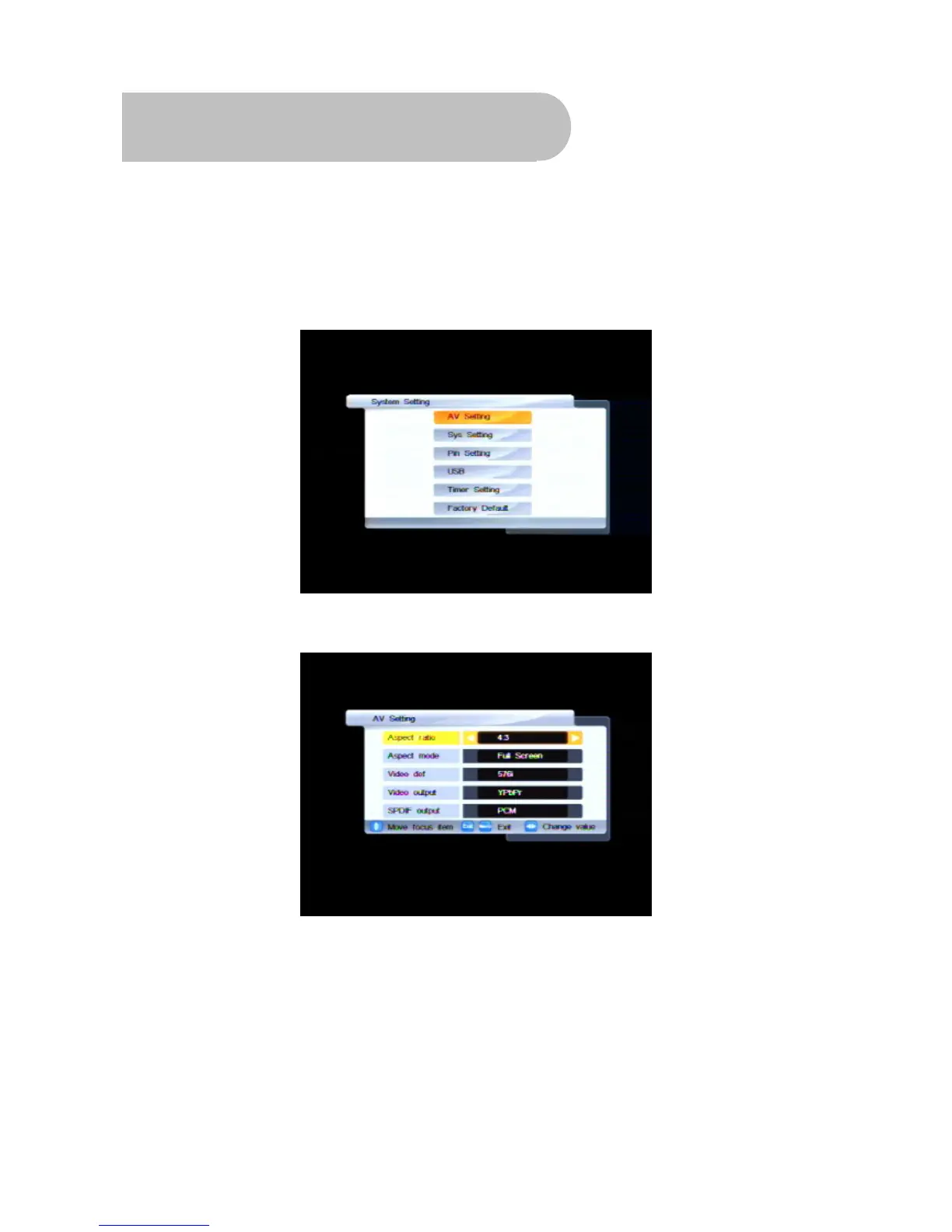
1. Press MENU on the remote control. The Main Menu appears.
2. If System Setting is not highlighted on the main menu, press
CHd or CH
c
until it is and then press
OK. The System Setting menu appears.
3. If AV Setting is not highlighted on the menu, press CHd or CH
c
until it is and then press OK. The
AV Setting menu appears.
With this menu you can control the following settings:
• Aspect ratio – 4:3 or 16:9
• Aspect mode – Full screen, Letterbox or Pan
& Scan
• Video definition – 576i, 576p, 720p and 1080i
• Video output – YPbPr or YC
• S/PDIF output – PCM or AC3



 To Next Page