20
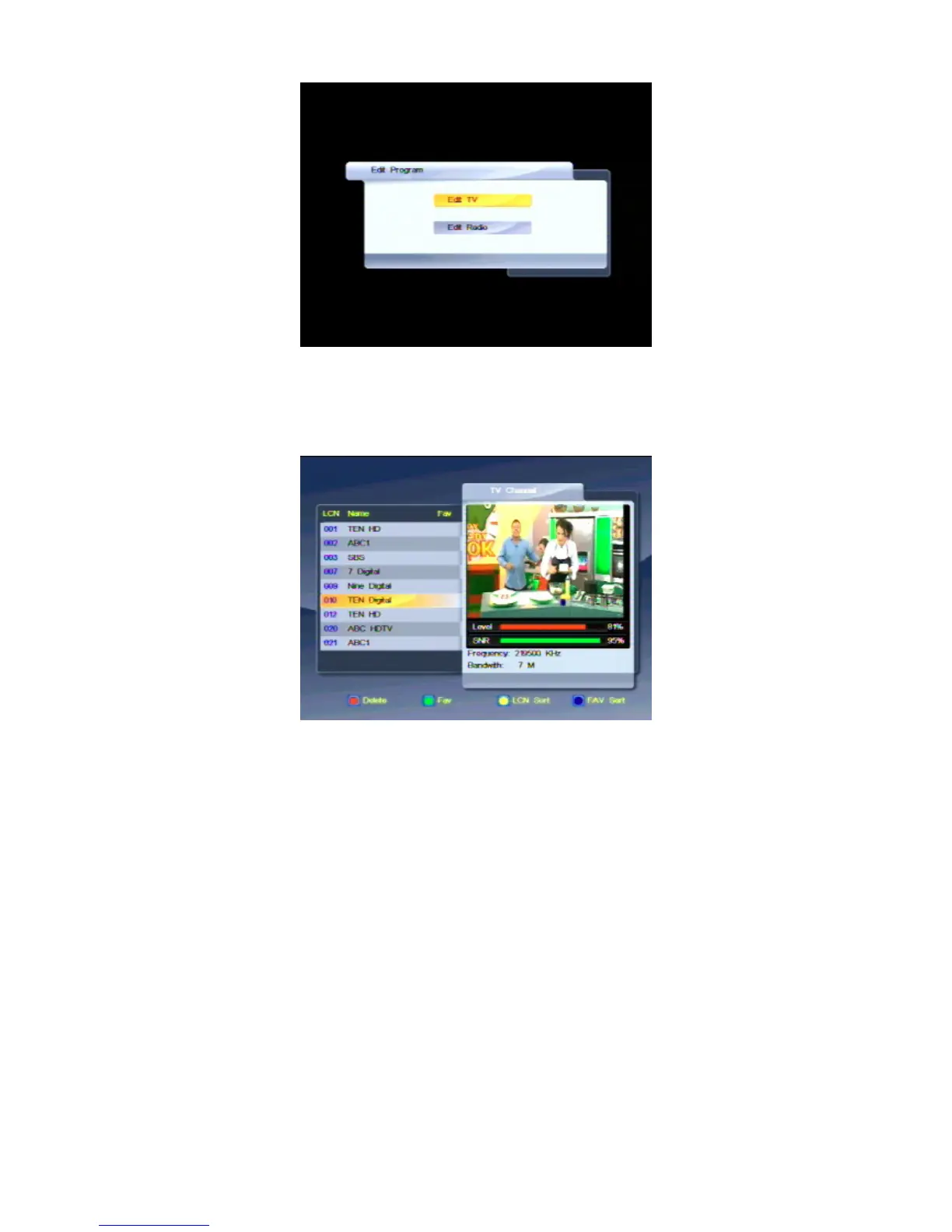
3. If you want to make a TV channel a favourite, make sure Edit TV is highlighted; if you want to
make a radio station a favourite, make sure Edit Radio is highlighted. With the option you want
highlighted, press OK.
A list of channels or stations appears.
4. Press CHd or CH
c
until the channel or station you want to select is highlighted.
5. Press the AUDIO button (the green button) on the remote control to mark the highlighted
channel or station as a favourite (or to mark it for removal from your favourites list). An icon of a
heart appears beside the channel or station name to indicate that it is to become a favourite
(or the icon disappears if it was already a a favourite).
6. If you want to select another channel or station a favourite, repeat from step 4.
7. Press MENU or EXIT. A message appears asking you to confirm that you want to save the
changes.
8. To proceed, press OK. To cancel, press MENU or EXIT.
9. Press MENU or EXIT. to return to normal viewing.



 To Next Page