PART 1
z
English
21
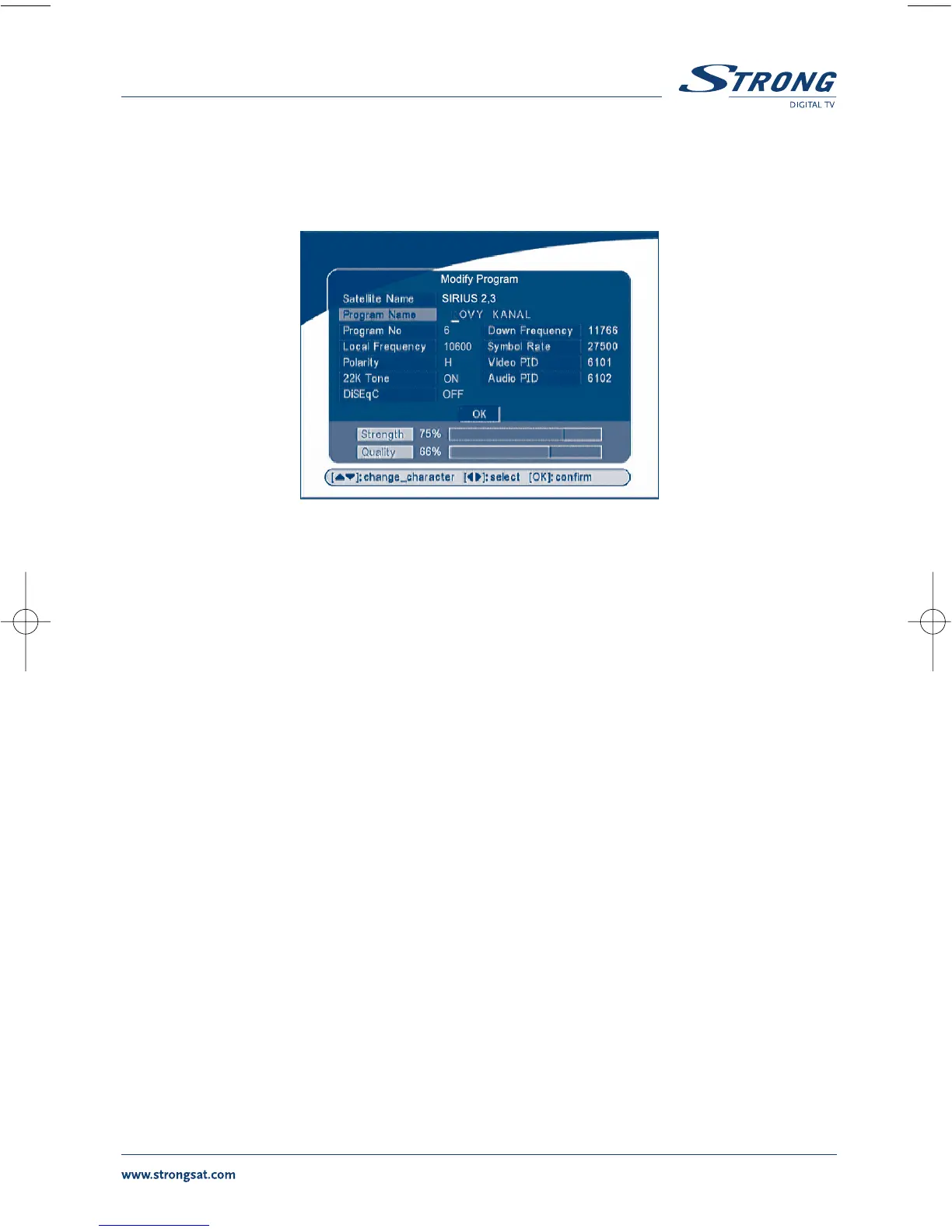
If you want to rename the channel, use the UP/DOWN keys to select “Program Name” and press OK,
the program name dialog will shown as below.
SCREEN 14
Use the LEFT/RIGHT button to move the cursor to the character you wish to edit. Use the UP/DOWN
button to change character (scroll alphabet). If you wish to delete character you have to replace it with
“space” character.
When editing is complete, press the OK button.


 To Next Page
 Loading...






