NNoottee
• The controller determines WWaarrmmiinngg or CCoooolliinngg therapy based on the selected water target temperature and the
current water temperature.
• Do not place additional heat sources between the patient and thermal transfer device.
• After the patient target temperature is achieved, patient temperature is controlled within +/-0.3° C.
• If the patient temperature is not within 0.5° C of the current target temperature, the yellow patient icon will flash and
the patient temperature deviation alarm will sound. This occurs after the initial patient target temperature is achieved.
SSeettttiinngg oorr eeddiittiinngg tthhee ccoooolliinngg rraatteess
Setting cooling rates is for Automatic Mode only.
1. To set the cooling temperature, highlight your choice of cooling rates.
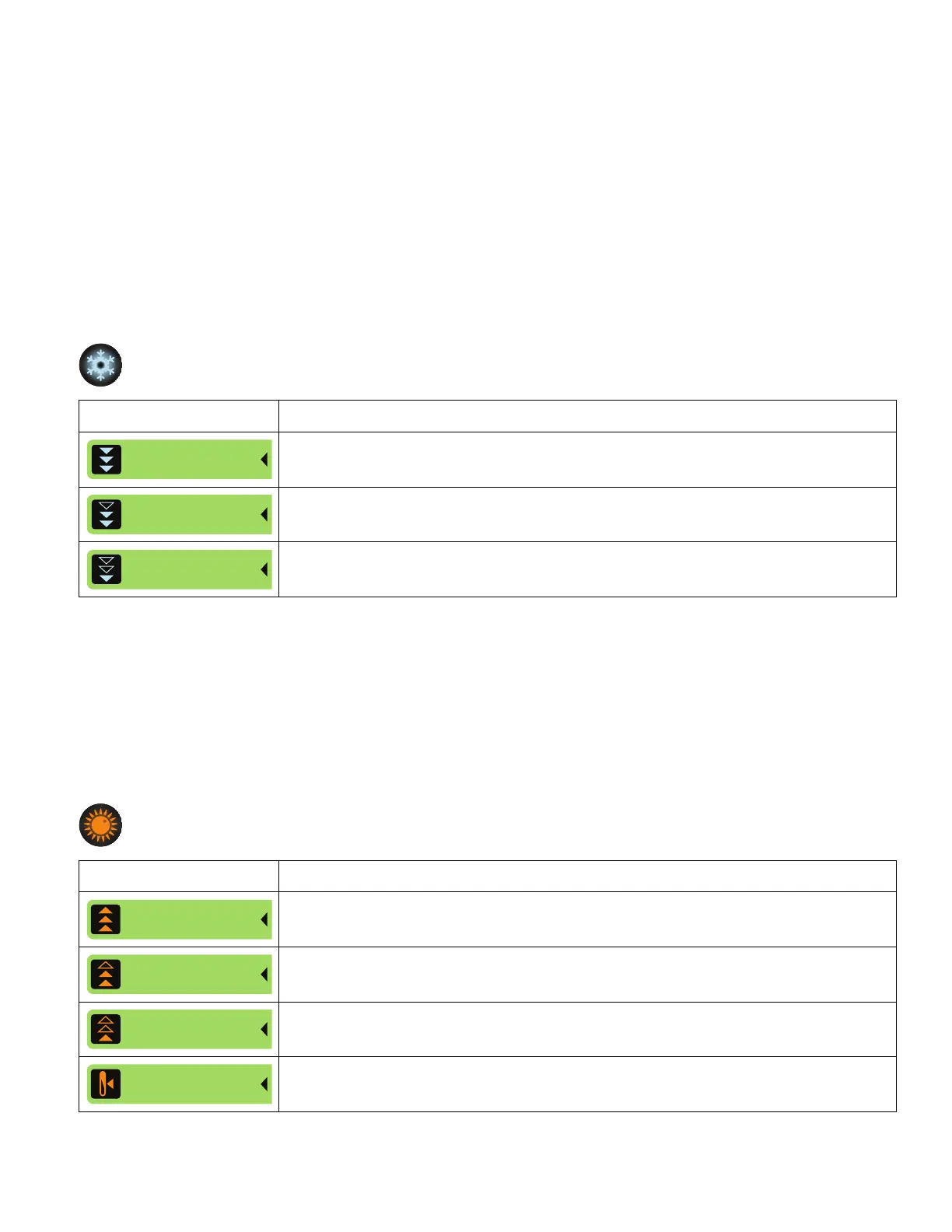
Select a cooling rate Description
Maximum: approaches patient target temperature as fast as possible
Medium: water is cooled to target, with a max of 15.0° C difference between the patient
and the water temperature
Minimum: water is cooled to target, with a max of 10.0° C difference between the patient
and the water temperature
2. Tap Confirm.
3. Tap the Edit button to make changes.
SSeettttiinngg oorr eeddiittiinngg tthhee wwaarrmmiinngg rraatteess
Setting warming rates is for Automatic Mode only.
1. To set the warming temperature, highlight your choice of warming rates.
Select a warming rate Description
Maximum: approaches patient target temperature as fast as possible
Medium: patient temperature increases at a rate of 4.0° C in 12 hours (0.33° C/ hour).
Minimum: patient temperature increases at a rate of 4.0° C in 24 hours (0.17° C/hour).
Set Custom: patient temperature increases at a customized temperature and time
period the operator selects. The temperature increases 0.05° C/hour to 0.5° C/hour.
2. If you select Set Custom, tap the Increase and Decrease buttons to set the rate (Figure 18).
EN 28 8001-109-001 Rev C.0









 To Next Page