30
Problem Possible Solution
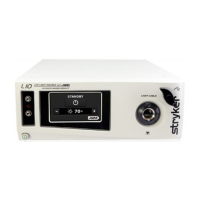
Flickering light
in the video
• Ensure a light cable is properly connected to the
L10 AIM Light Source.
• Place the light source in Standby mode and disable
ENV mode, then remove the light cable from the
light source. Reattach the light cable.
Frozen
Touchscreen
• Turn o the console, wait 30 seconds, and then
turn it back on.
Cannot
advance past
Advanced
Imaging
Modality
screen
• Check connection of disposable ber (to activate
IRIS mode)
• Check connection of AIM SafeLight cable and
1588AIM Camera Control Unit (to activate ENV
mode)
Note: If this troubleshooting guide does not resolve the problem, call Stryker
Technical Support at 1-877-478-7953 (inside the U.S.) or see the standard
warranty.










 To Next Page