42
Symbol Denitions
This device and its labeling contain symbols that provide important
information for the safe and proper use of the device. These symbols are
dened below.
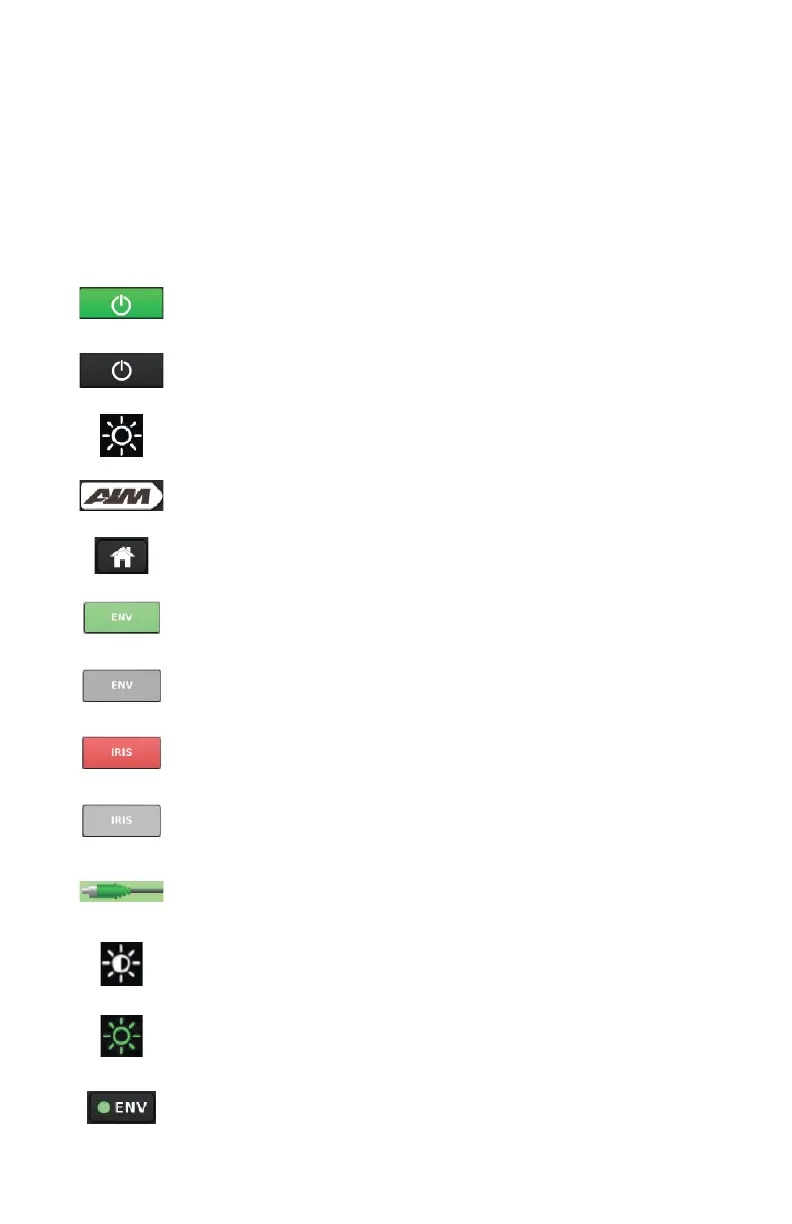
Touchscreen Interface
Green=selected mode is activated
Gray=Selected mode is disabled (or light source is in Standby
mode)
White Light brightness level (white icon)
AIM button (navigate to Advanced Imaging Modality screen)
Home button (navigate to White Light screen)
Green=ENV mode is available
Gray=ENV mode is not available (connect required equipment
to make the mode available)
Red=IRIS mode is available
Gray=IRIS mode is not available (connect required equipment to
make the mode available)
AIM SafeLight cable is properly connected
Backlight level
ENV laser level (green icon)
ENV indicator button (mode is activated; press to return to ENV
mode screen)










 To Next Page