pg 12
Configuring the EXP/MIDI Jack (continued)
• MIDI Mode: BLUE - Allows for the selection of three presets using
a Strymon MultiSwitch Plus� Full MIDI functionality is available
by sending MIDI Program Change messages via 1/4” TRS MIDI
connection using a Strymon Conduit or MIDI EXP cable� Up to 300
presets are available via MIDI�
(See “Configuring MultiSwitch Plus”
on page 18 or “Saving Presets in MIDI Mode” on page 25�)
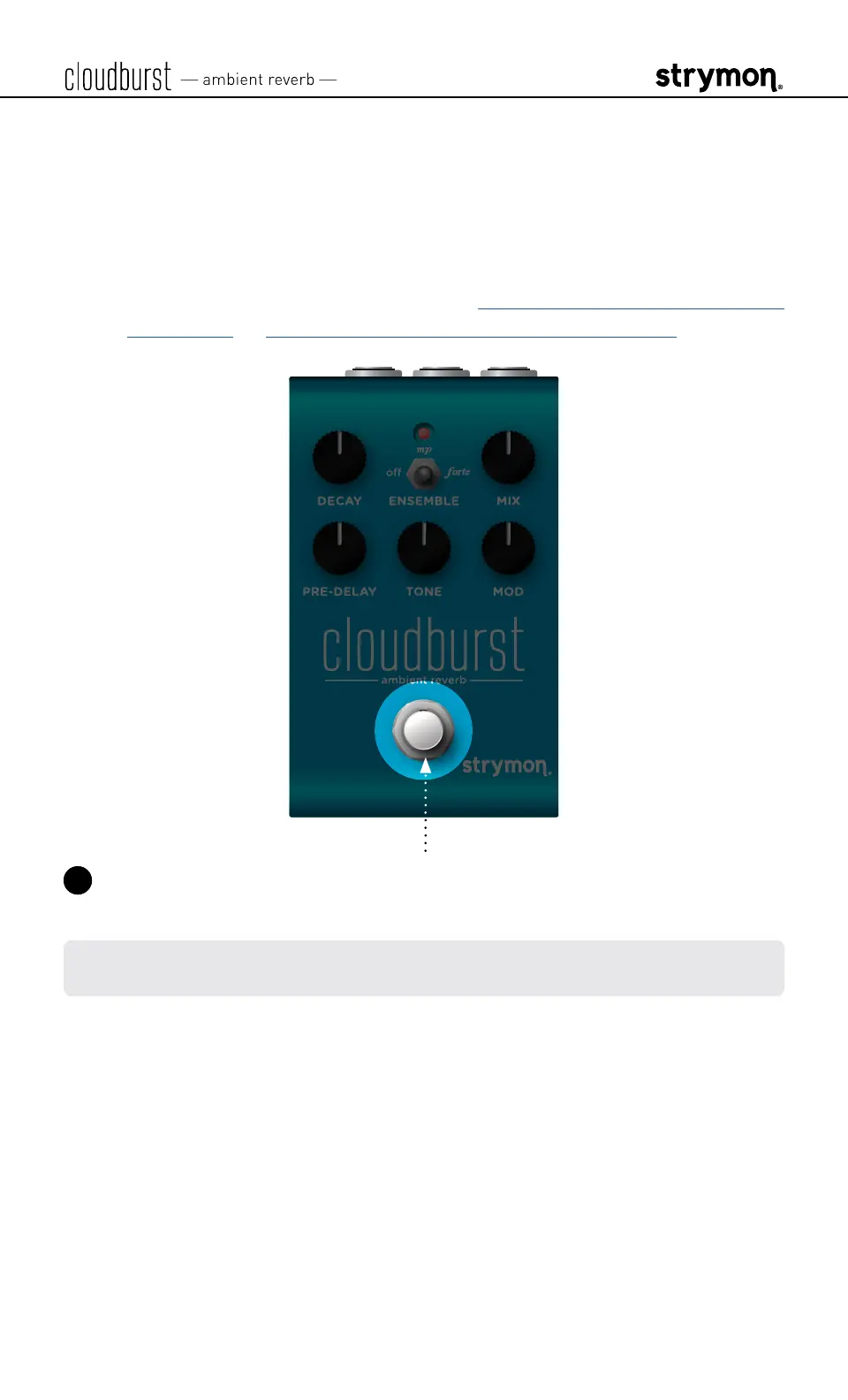
3 Press the footswitch to store the EXP/MIDI Jack Mode and begin
using cloudburst�
NOTE: The EXP/MIDI jack setting persists across power cycles and is not
saved per preset�



 To Next Page