pg 3
Knobs and Switches
Front Panel Controls
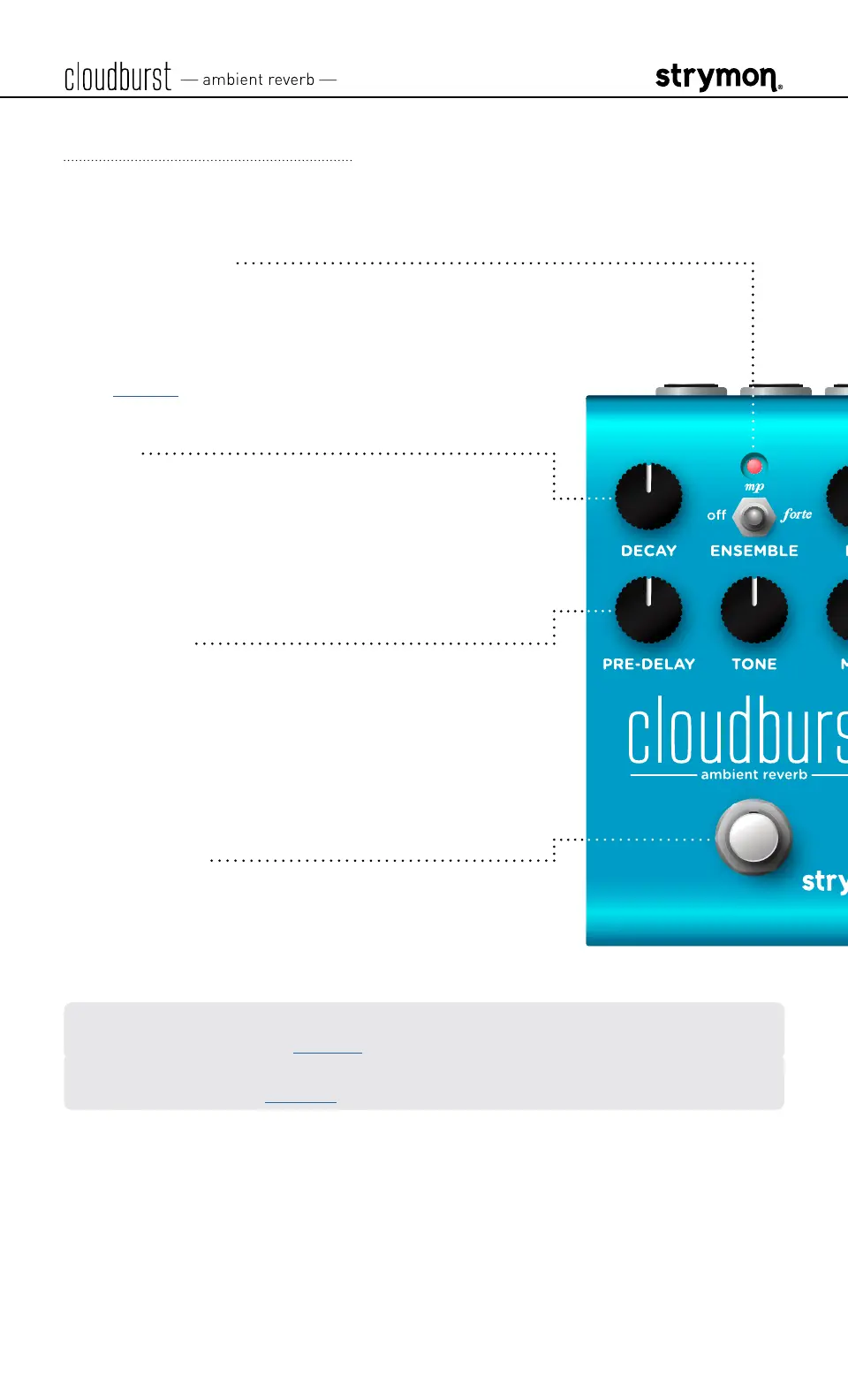
LED INDICATOR
Lights RED
when the effect is engaged� Use
the FOOTSWITCH to engage and disengage the
effect� Also indicates Power Up Mode features�
(See page 8�)
DECAY
Controls the decay time of the reverberated
signal from very short to over 50 seconds� Lower
settings reduce the size of the reverberated
space�
PREDELAY
Sets the amount of time before the reverberated
signal appears, an essential control in creating
an accurate and pleasing reverb� For most
natural results, use lower MIX settings when
using higher PREDELAY
�
FOOTSWITCH
Engages and disengages the effect� The RED LED
on at the top of the pedal indicates that the effect
is engaged�
NOTE: Press and hold the footswitch to configure Expression Pedal parameter
assignments� Please see page 13�
You can optionally configure an external footswitch for FREEZE or INFINITE
mode functions� (See page 16�)



 To Next Page