pg 9
Power Up Modes
Spillover Mode
Setting cloudburst to Spillover Mode allows the wet reverb signal of the
currently selected preset to “spill” into bypass—or into the next loaded
preset if you’re using a Multiswitch Plus or MIDI for preset switching�
NOTE: Because of the buffer architecture, the current preset must be active
for at least 5 seconds before Spillover between presets will be operational�
Spillover is available immediately when bypassing the effect�
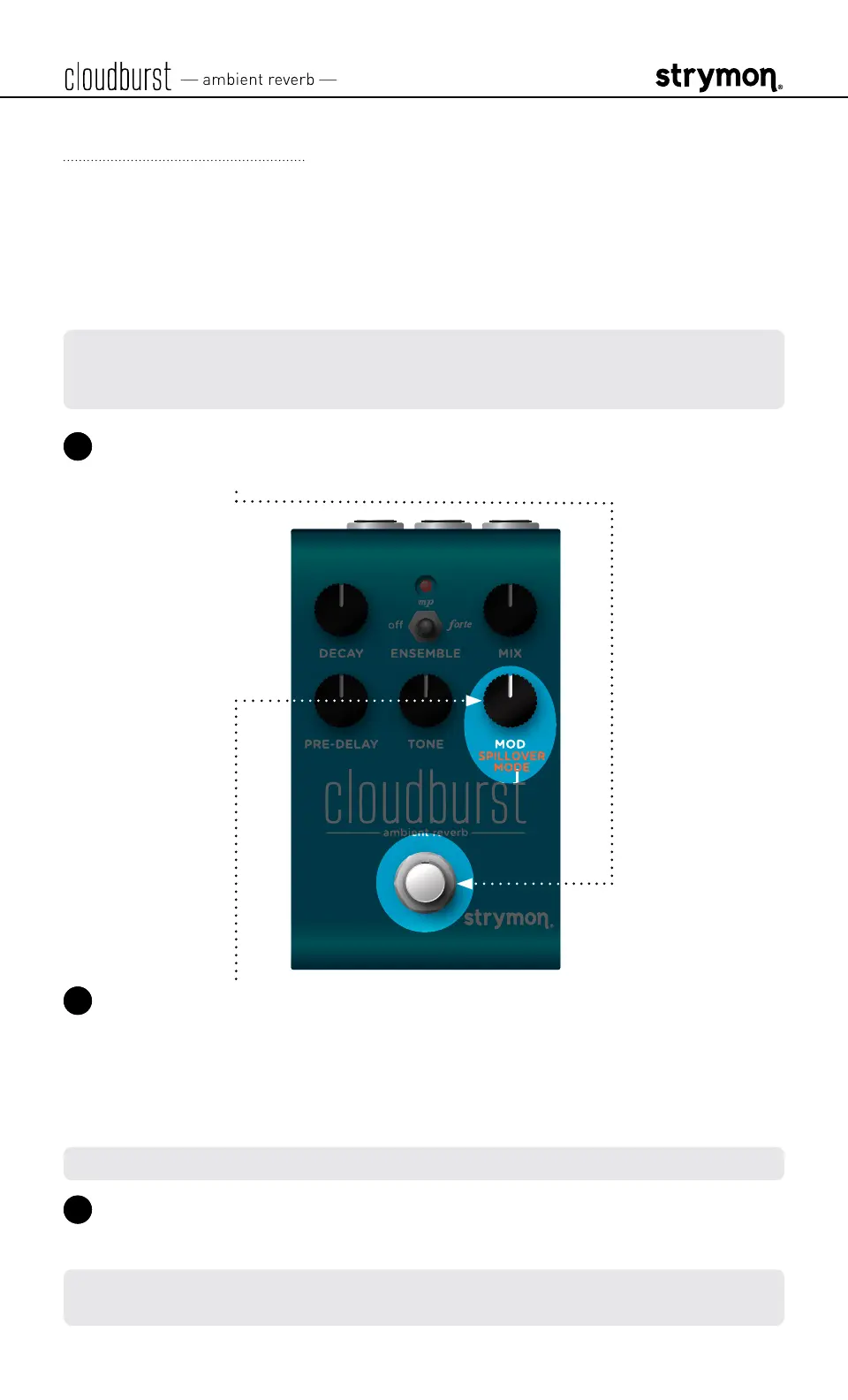
1 Press and hold the footswitch for at least 2 seconds while powering
up cloudburst� Once the LED flashes, release the footswitch�
2 Turn the MOD (SPILLOVER MODE) knob to set Spillover Mode on or
off� The LED will change color to indicate the current status as you
turn the knob�
• Spillover Mode Off: AMBER (default, minimum)
• Spillover Mode On: PURPLE (maximum)
NOTE: When Spillover is set to On, Bypass Mode is set to Buffered Bypass�
3 Press the footswitch to store the Spillover Mode setting and begin
using cloudburst�
NOTE: The Spillover Mode setting persists across power cycles and is not
saved per preset�



 To Next Page