Black plate (138,1)
北米Model "A2440BE-A" EDITED: 2006/ 12/ 6
3-18 Instruments and controls
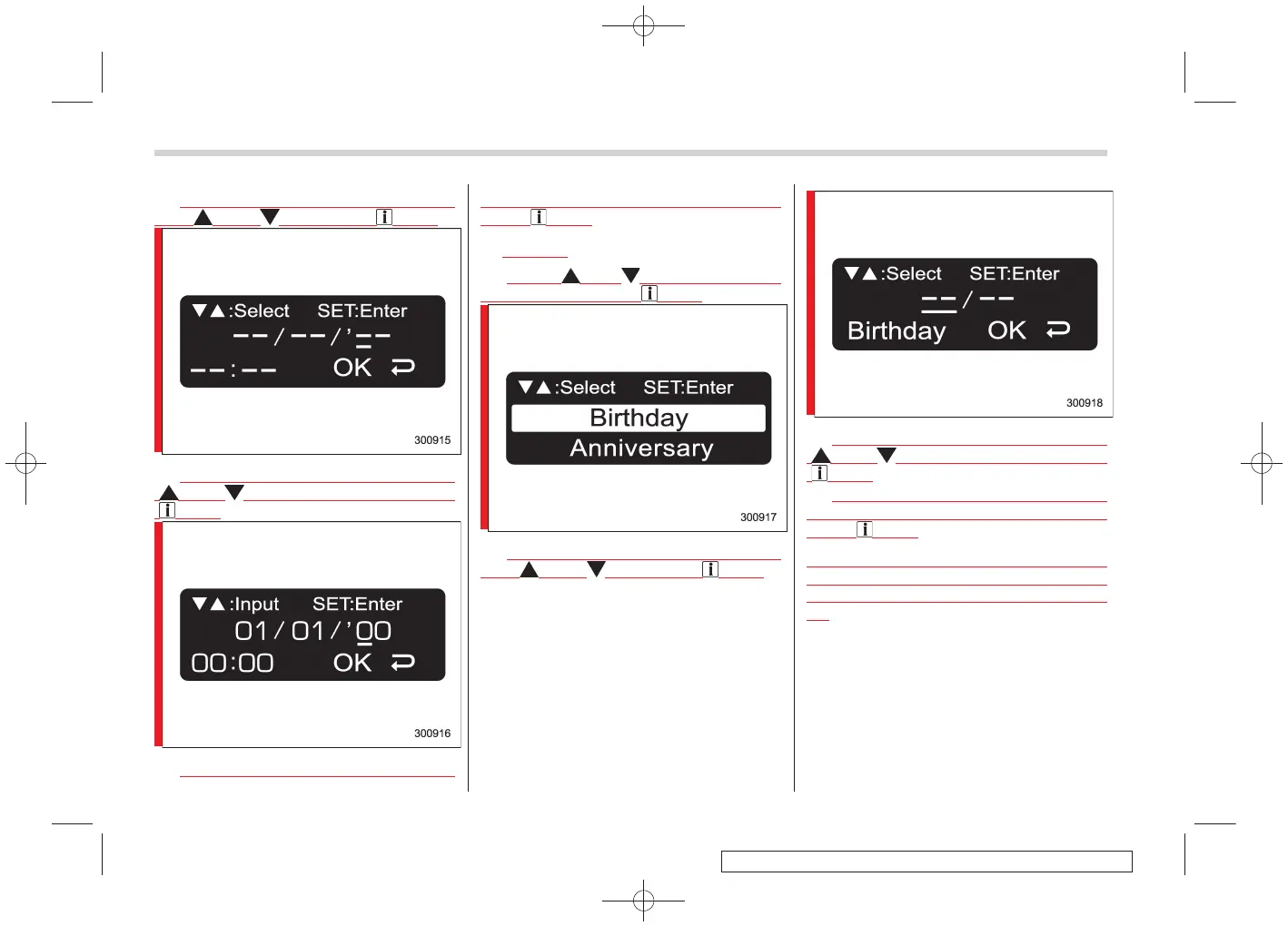
2. Select an item that you desire to set
with “ ” and “ ”, and press “ /SET”.
3. Select a value for the setting item with
“ ” and “ ”, and confirm the setting with
“ /SET”.
4. Repeat step 3 to enter the date and
time. When completed, select “OK”, and
press “ /SET”.
!
Birthday
S03BE120202
1. Press “ ” or “ ” until “Birthday” is
displayed, and press “ /SET”.
2. Select an item that you desire to set
with “ ” and “ ”, and press “ /SET”.
3. Select a value for the setting item with
“ ” and “ ”, and confirm the setting with
“ /SET”.
4.
Repeat step 3 to enter the date and
time. When completed, select “OK” and
press “ /SET”.
When a birthday is registered and the date
that was set nears, a message is dis-
played when the ignition switch is turned
on.















 To Next Page