Partition Report Screens
96116 • Revision: KA Chapter 6 Library Partitioning 229
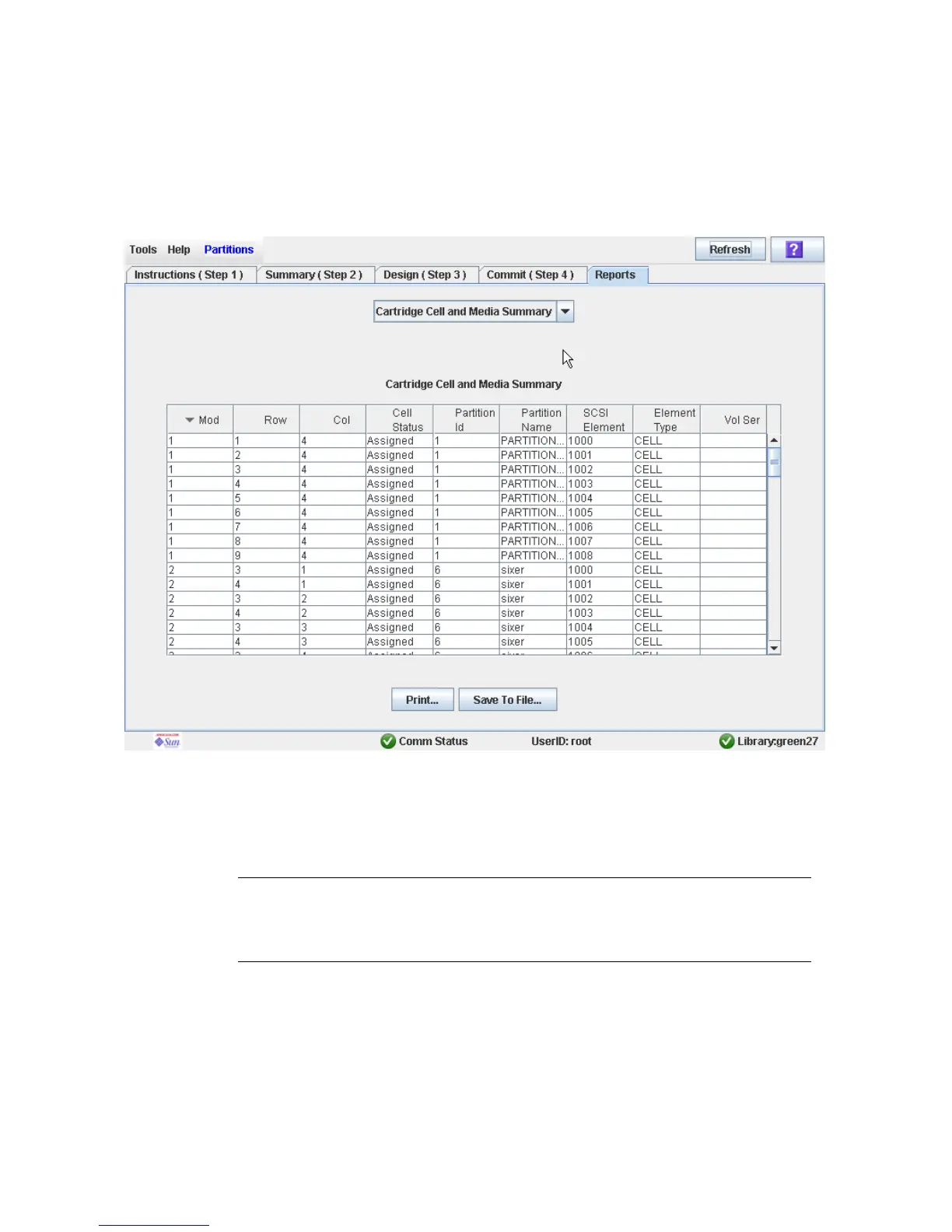
Partitions—Reports—Cartridge Cell and Media
Summary
Sample Screen
Description
Displays detailed information about all library resources (storage cells, tape drives, and
CAP cells) and any stored cartridges.
Note – The partition reports display data saved to the library controller database. If
you have made partition configuration changes without commiting the changes to the
library controller through the Commit (Step 4) screen, the data in these reports will
differ from data shown on the partition Summary (Step 2) and Design (Step 3) screens.
You can modify the layout and display of this screen. See “Modifying the Screen
Layout” on page 32 for details.
Optionally, you can print the screen data or save it to a comma-separated file.



 To Next Page