Chapter 5 Configure the JavaRConsole System 25
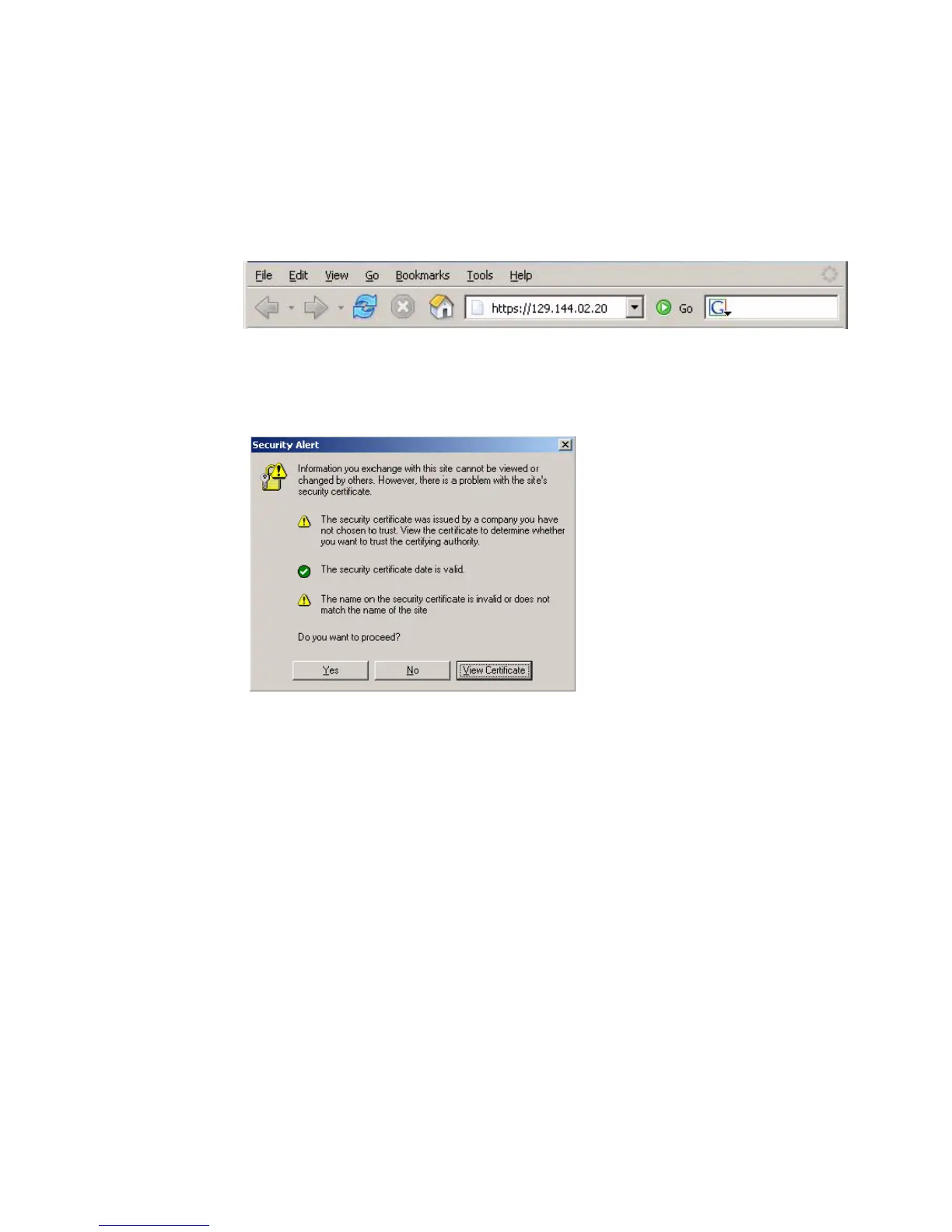
1. Start the remote console application by typing the IP address of the server’s
Integrated Lights Out Manager (ILOM) service processor into a browser on the
JavaRConsole system.
FIGURE 5-1 URL Sample
The Security Alert dialog box displays.
FIGURE 5-2 Security Alert Dialog Box
2. Click Yes.
The ILOM login screen appears.














 To Next Page