26 Sun Fire X4150, X4250 and X4450 Servers Windows Operating System Installation Guide • January 2009
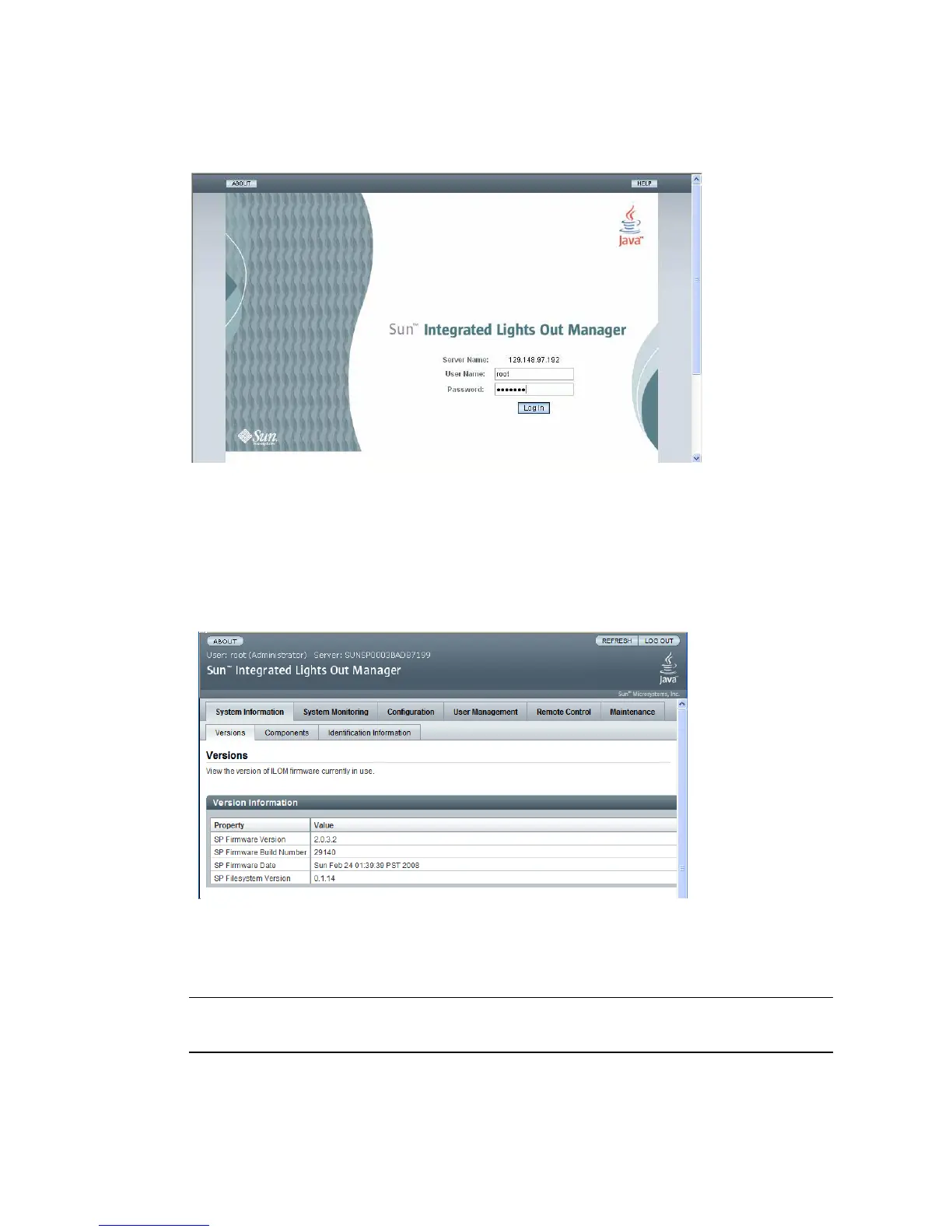
FIGURE 5-3 Login Screen
3. Enter the user name and password and click Log In.
The default user name is root and default password is changeme.
The ILOM Version Information screen appears.
FIGURE 5-4 ILOM WebGUI Interface Version Information Screen
4. Click the Remote Control tab in the ILOM WebGUI.
The Launch Redirection screen appears.
Note – Make sure that the mouse mode is set to Absolute mode in the Mouse Mode
Settings tab.














 To Next Page