Chapter 5 Configure the JavaRConsole System 27
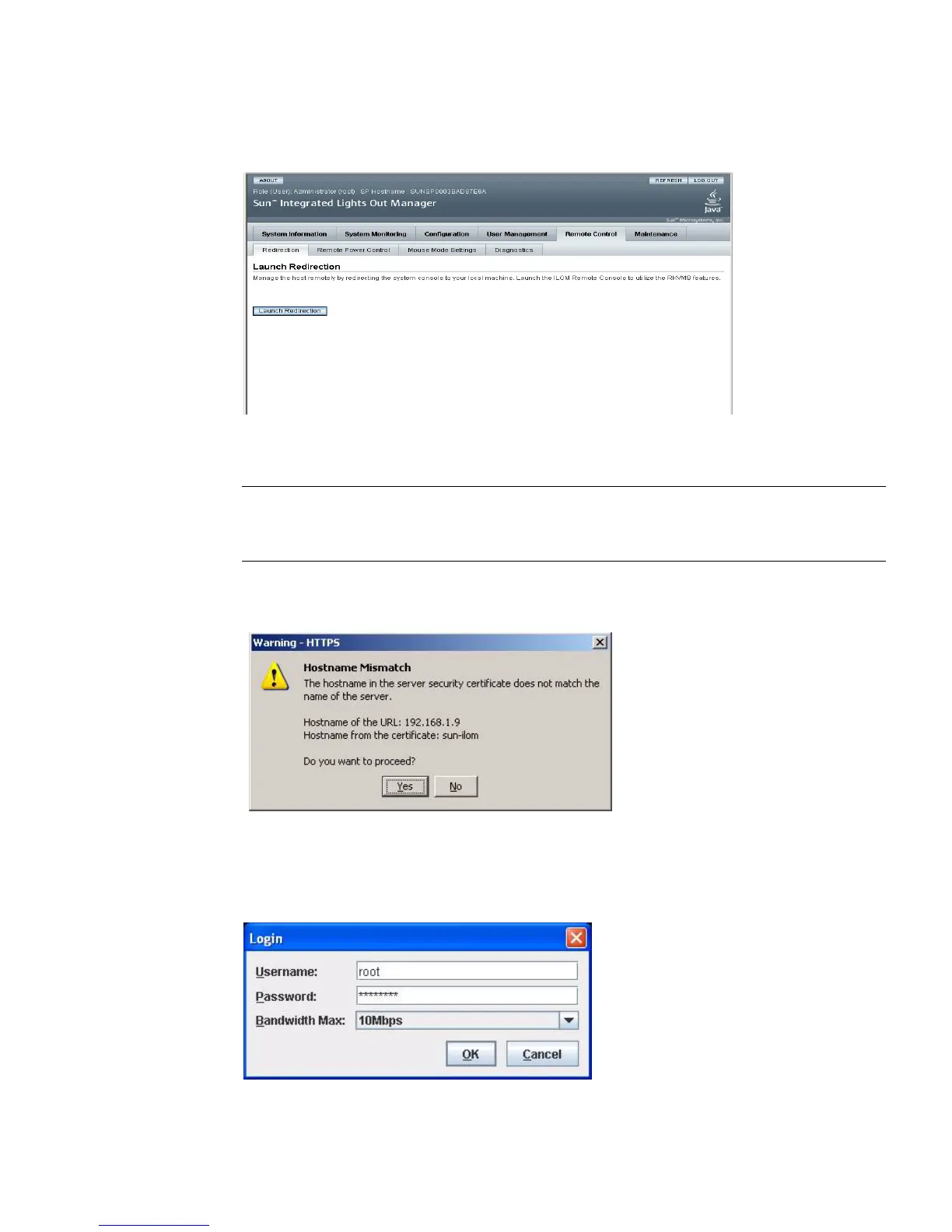
FIGURE 5-5 ILOM WebGUI Launch Redirection Screen
5. Click Launch Redirection.
Note – When using Windows for JavaRConsole system redirection, an additional
warning appears after clicking Launch Redirection. If the Hostname Mismatch
dialog box is displayed, click the Yes button.
FIGURE 5-6 Hostname Mismatch Dialog Box
The Remote Control dialog box appears.
FIGURE 5-7 Remote Control Login Dialog Box














 To Next Page