44 Sun Fire X4150, X4250 and X4450 Servers Windows Operating System Installation Guide • January 2009
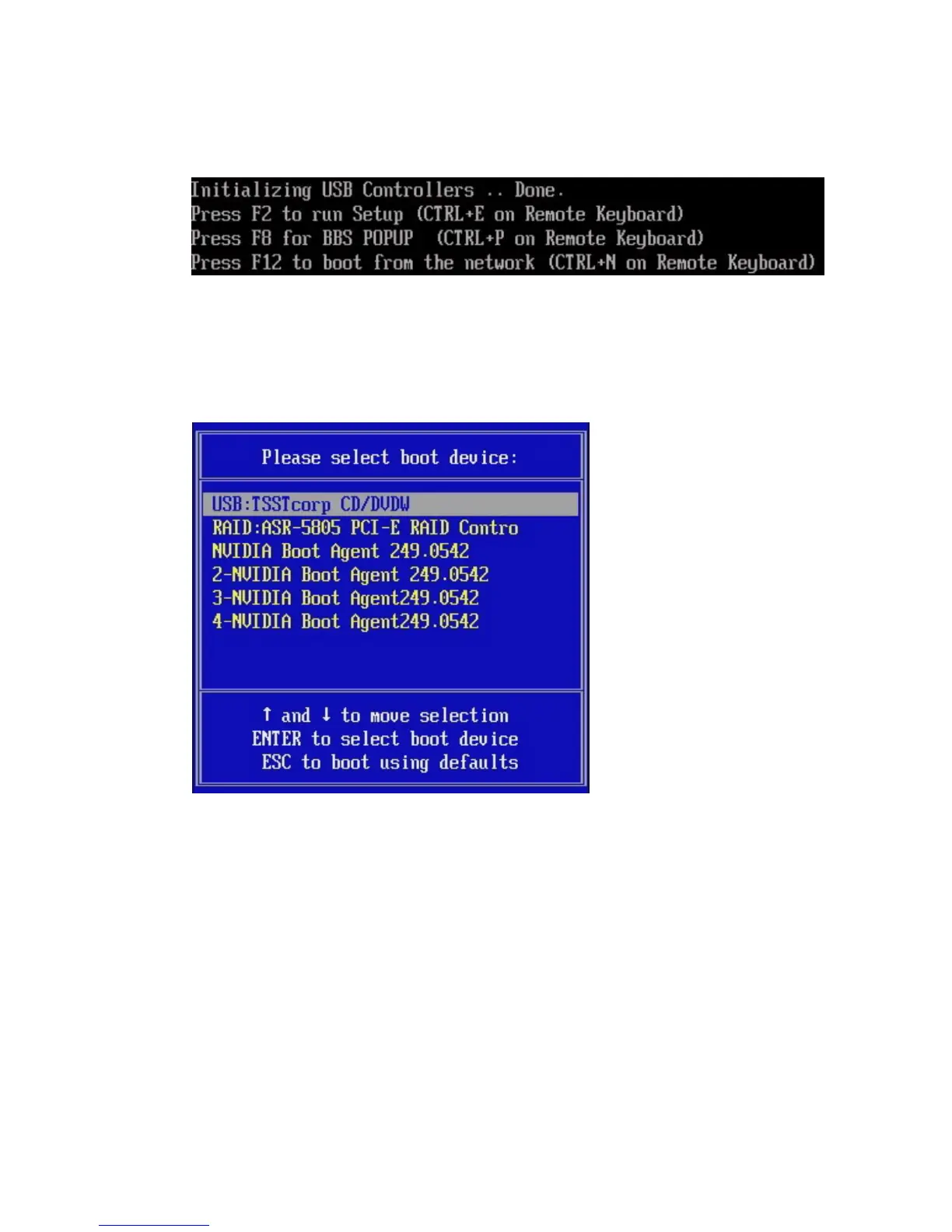
FIGURE 7-2 F8 Prompt Example
4. Once the BIOS POST process is complete, the Boot Device menu appears (see
FIGURE 7-3). If you have selected the Windows Local installation method, insert
the Windows media DVD in the server’s DVD drive now.
FIGURE 7-3 Boot Device Menu Example
5. Select CD/DVDW from the Boot Device menu and press Enter.
If prompted with Press any key to boot from CD, quickly press any key.














 To Next Page