Chapter 7 Install Windows Server 2008 45
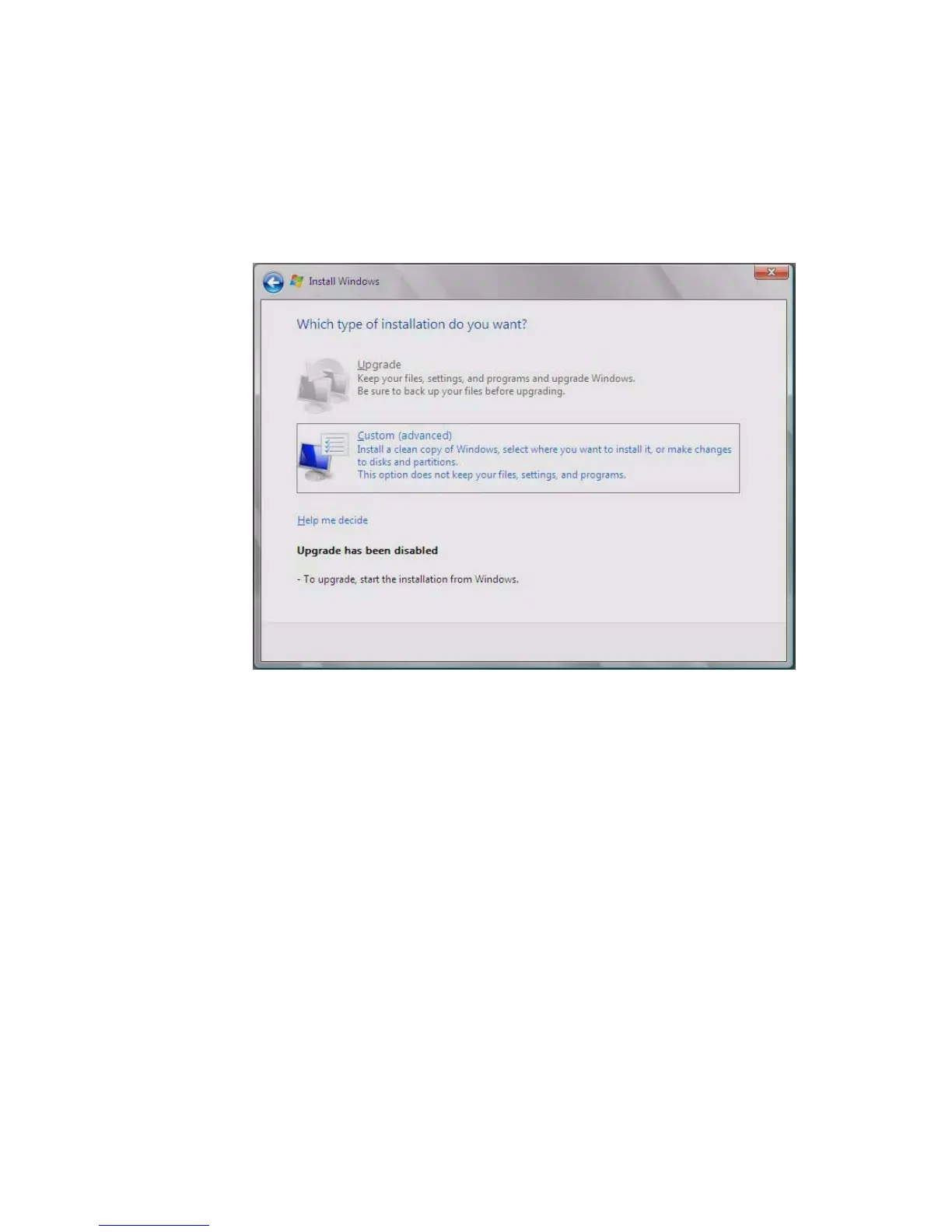
6. The Windows installation wizard starts. Proceed through the installation
wizard until you see the Installation Type page displayed, and then click
Custom (advanced).
FIGURE 7-4 Select Installation Type Page
7. You will then see the Where Do You Want to Install Windows page (see
FIGURE 7-5), do one of the following:














 To Next Page