46 Sun Fire X4150, X4250 and X4450 Servers Windows Operating System Installation Guide • January 2009
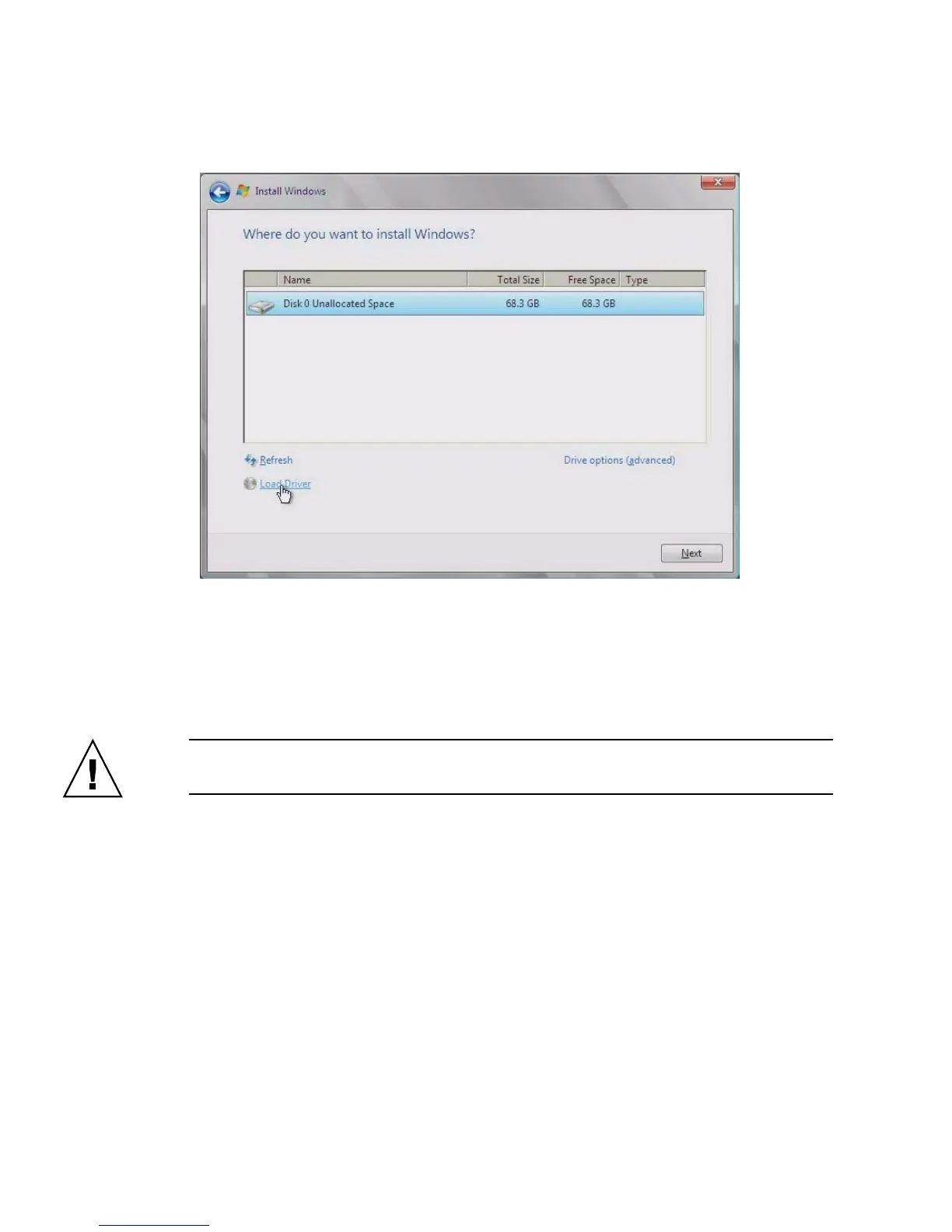
FIGURE 7-5 Where to Install Windows Page Example
8. Do one of the following:
■ If you do not want to override the Windows Default partition information,
click Next and skip to Step 10.
■ If you do want to override the Windows default partition information, click
the Driver Options (advanced) option and proceed to Step 9.
Caution – Formatting or re-partitioning a pre-existing partition will destroy all data
on the partition.
9. At the Advanced Driver Options page (see
FIGURE 7-6), do the following:














 To Next Page