7 LCD Operation User Manual
44
7.4 Viewing Running Info
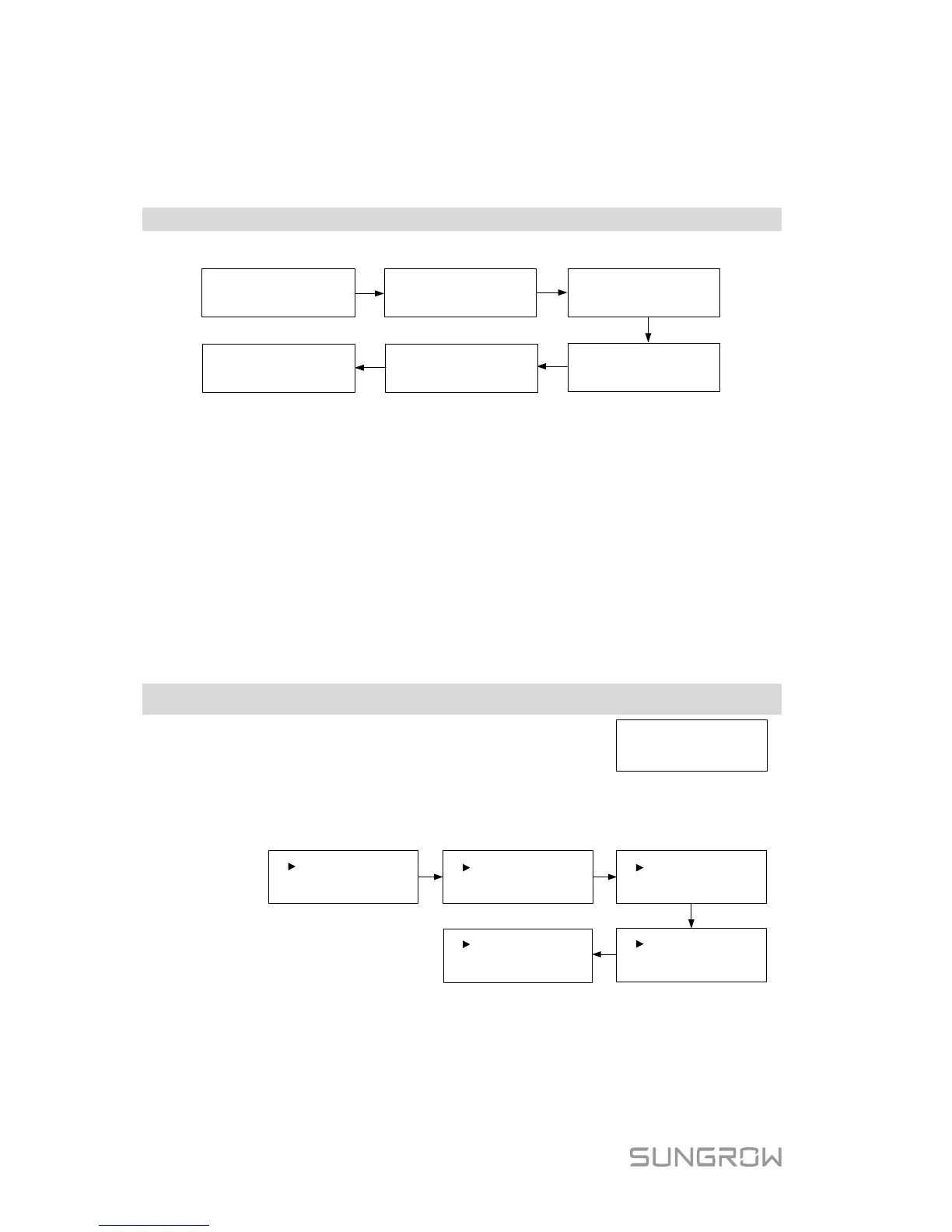
Proceed as follows to look through the detailed running information.
Main Screen (Press ENT)→Menu→Run Info (Press ENT)
Scroll pages by touching ENT / ESC.
E-
total
: 1999
kWh
E
-
today:
20
.
0
kWh
Ipv1
: 2
.
9A
Grid Vtg
:
Grid Frq:
221.
7
V
50
.
0
Hz
Vpv
1:
250
.0
V
Ipv2:
2.
6
A
Vpv2:
244
.
4V
Pac
:
Iac
:
1338.5W
6.0A
Meter Power:
2210W
P
max
Limit:
100%
Meter power:
+ (omitted): The inverter is sourcing power to the grid.
-: The inverter is sinking power from the grid.
P
max
limit: only indicated for the derating in the event of over-temperature,
overvoltage or over-frequency.
7.5 Advanced Settings
7.5.1 Inputting the Password
The parameter settings are protected with a password. If you want to set the
inverter’s parameters, you have to input the correct password.
Touch ESC to add the value and
Touch ENT to move the cursor.
Input the password 111.
Press ENT to confirm the password and enter the submenu.
Touch ESC to navigate down and Press ENT to confirm.
Grid Prot. Param
Param Reset
DRM Switch
Zero-export
PF
Energy Adj.
Ethernet Config
Comm. Param GND Detect
Existing Inverter
7.5.2 Setting Protective Parameters
Protective parameters are designed for the threshold values that can trigger the
protective function of the inverter. The threshold values are compliant with the
requirements of local safety standards and the utility grid.



 To Next Page