8 SUPERBRUSH OWNER’S MANUAL
equal across the width of the conveyor. If the
S
UPERBRUSH is properly leveled (See checking
machine for level), brush misalignment can be
corrected by loosening the two set screws at the
front of the outboard brush support casting (Fig.
5) and by raising or lowering casting to correct
alignment.
NOTE: Improper brush alignment will cause
uneven results and lead to reduced brush life.
BRUSH SPEED ADJUSTMENT
The SUPERBRUSH is equipped with a variable
speed drive which allows the brush to be operated
anywhere between 400 and 1200 RPM. The faster
the brush speed, the more aggressive the brush
action. The brush speed control handle (1)(Fig. 5)
raises or lowers the motor support casting (7)(Fig.
5) which activates the variable speed drive pulley.
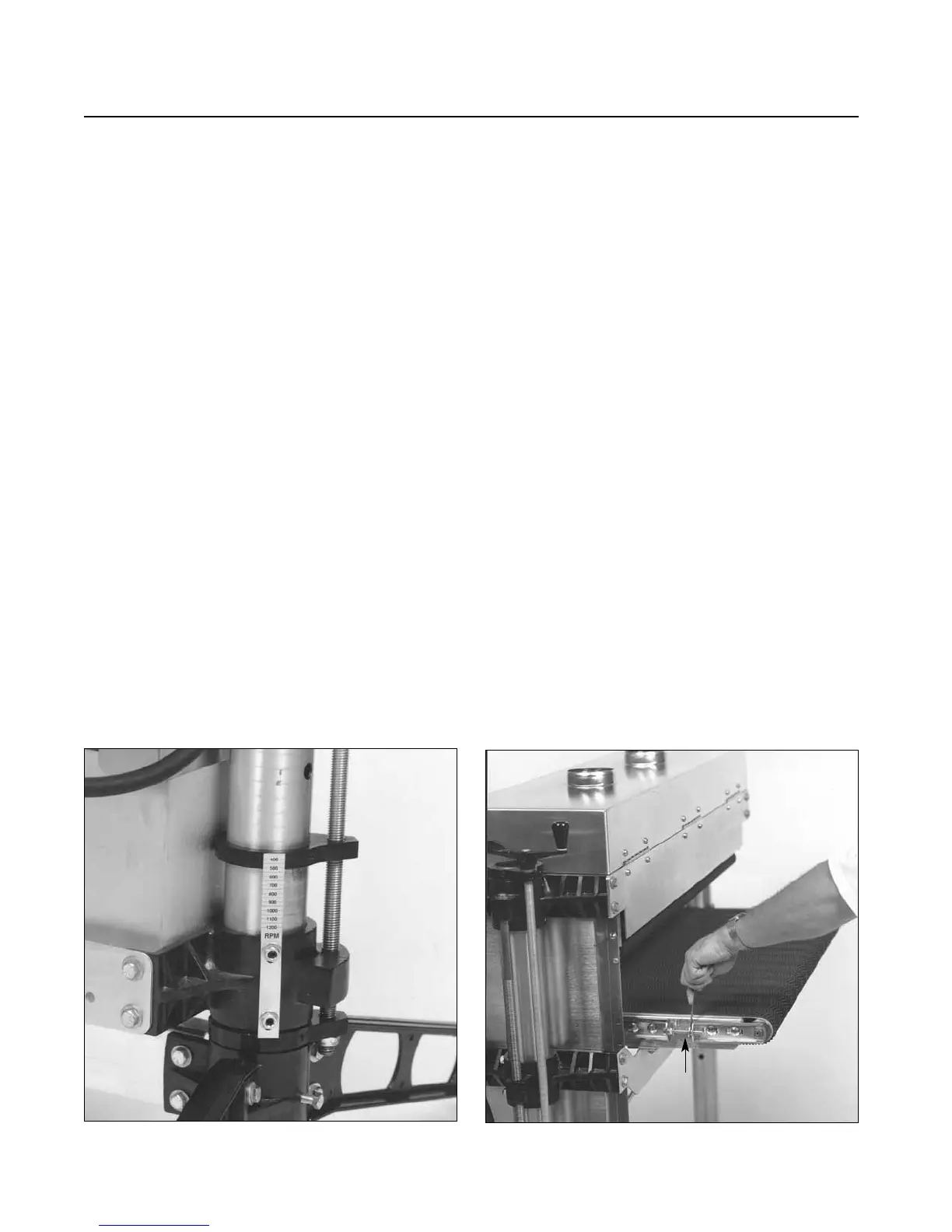
RPM GAUGE
The RPM gauge (Fig. 8) displays the brush speed
and is read where the scale intersects the top of the
screw support casting. To calibrate the gauge,
lower the motor to the lowest position. Loosen
both hex nuts while holding set screws. Position
the RPM scale so that “400” RPM intersects the
top of the screw support casting (Fig. 8). Tighten
hex nuts to hold gauge in this position.
CHECKING THE CONVEYOR BELT
Conveyor belt tracking adjustments may occasionally
be necessary during break-in and normal operation to
compensate for belt stretching. If adjustments are
necessary, follow the instructions below:
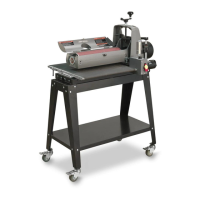
Belt tracking adjustments are made while the
conveyor belt is running. With the conveyor unit
on and set at the fastest speed setting, watch for a
tendency of the conveyor belt to drift to one side
of the conveyor. To adjust the belt tracking, tighten
the take-up screw nut (see Fig. 9) on the side the
belt is drifting toward, and loosen the take-up
screw nut on the opposite side. Adjusting the take-up
screw nuts on either side of the conveyor allows
belt tracking adjustments to be made without
affecting belt tension. Adjust the take-up screw nuts
only 1/4 turn at a time. Then allow time for the belt
to react to the adjustments before proceeding further.
Try to avoid over-adjustments.
NOTE: Make sure wrench is below surface when
brushing.
Fig. 8. Brush RPM gauge.
Fig. 9. Adjusting conveyor belt tracking.
TAKE UP
SCREW NUT


 To Next Page