User manual [English]
10
Down ,then press OK key to set favorite
channel you choose.
3 Keys ◄,► and ▲,▼ can implement the
“Page up/Page down” function.
4 The favorite group is the favorite channels
you have marked in Menu “TV channel list”.
Please refer to Favorite.
5 Press Exit key to draw back from “Favorite”
menu.
? Frequently Asked Question
Q: Why the screen displays “No Favorite
Channel” ,after pressing FAV key?
A: It is because you haven’t set any channels
as “favorite channel”. Please refer to Favorite
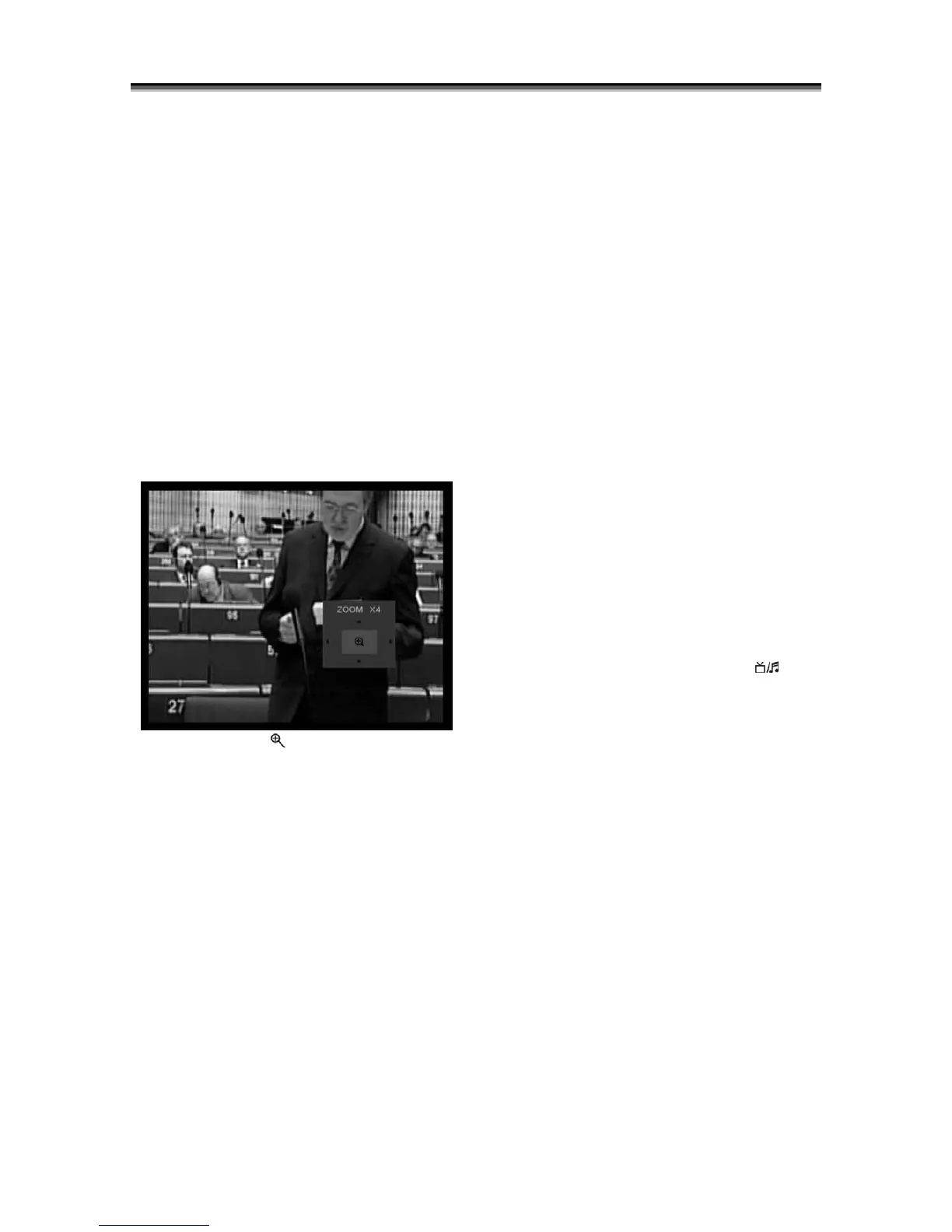
6.10 Zoom
1 The key Zoom [ 0/ ]allows you to magnify a
certain area on the images and the current
screen will show.
2 Press key Zoom again, the image will enlarge
rotate as x1, x2, x4, x6, x8, x12, x16.
3 In “x2 ~ x16” image, ◄,►/▲,▼keys are to
move the inner yellow square you want to see.
4 In zoom mode, press Exit to close “Zoom”
Window.
6.11 Audio Track / Audio Mode
1 In full screen, pressing key Audio can open
the “Audio Mode” window on the right side of
the screen.
2 You can move highlight by pressing ▲,▼
keys and switch each selection by pressing
◄,► keys
6.12 Information
In full screen, pressing key Info can open
information screen. The window shows the
parameters of current channel.
6.13 EPG
1 The STB has an Electronic Program Guide
(EPG) to help you select channels through all
the possible viewing options. The EPG supplies
information such as channel lists and time
starting/ ending for all available channels.
Press key [EPG] to display EPG screen.
1 Pressing [▲,▼] key can switch between
channels,
2 Pressing [green] key will display more details
about currently shown channel
3 Pressing [yellow] key will display more details
about next program displayed on current
channel
3 In EPG menu, press key Exit to close EPG
Screen.
6.14 TV/RADIO
In TV mode, pressing key TV/RADIO [ ] can
switch to Radio mode.
In Radio mode, pressing key TV/RADIO can
switch to TV mode.
6.15 Channel List
1 In full screen, pressing [OK] key can enter
“Channel List”, please refer to TV Channel List
for detailed information.
2 In “Channel List” menu, press OK key to draw
back to full screen.
6.16 Change Satellite
1. In full screen mode , pressing key [SAT] can
open installed satellite list and switch satellites.
2. In full screen, pressing key [OK] and ◄,►
can switch satellite directly.



 To Next Page