User manual [English]
19
Note:
All information showed in this menu and submenu
are coming from inserted card. In case if anything
is wrong, it could be card problem. After inserting
the card correctly at any time, a message-box will
show on the screen with message about detecting
the card, in "card info" menu all available
information will be displayed.
9 System
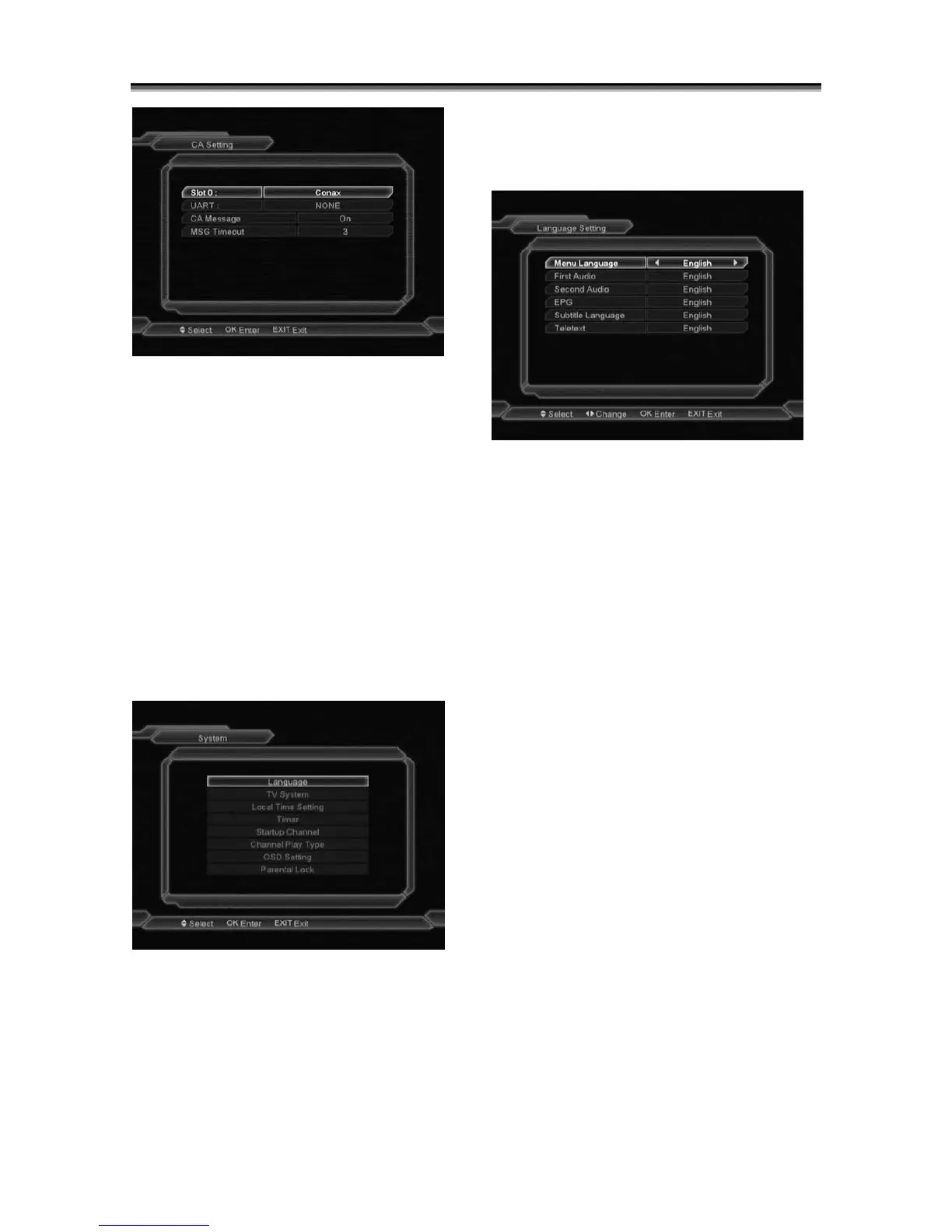
When you enter to “System ” menu, you will see
the screen like below:
In “System” menu:
1 Press[Channel Up/Channel Down]key to
select menu items among Language, TV
System, Time, Timer, Channel Play Type,
Startup Channel OSD Setting, Parental Lock.
2 Press[OK]key to enter the selected item.
9.1 Language
When you enter to “Language” menu, you will
see the screen like below:
1 Language: press [Volume Up/ Volume Down]
key to select languages, the selections of
languages include: English, French, German,
Italian,Russia,Spanish,Turkish,Portuguese,
Arabic,Polish,Ukraine,Persian,Romanian,
Hungarian,Kurdish,Bosnian,Croatian,
Bulgarian,Czech,Indonesia,Slovenian,Greek
and Sweden
2 First Audio: Some channels have more than one
audio language for choosing; by this function
you can set the first audio for this channel. If the
playing channel has the same audio as the
“First Audio” you set, system will play this audio
language as default. If the channel hasn’t the
suited audio language, then the system will
compare automatically with second audio
language. The selections of audio languages
include:English,French,German,Italian,Russia,
Spanish,Turkish,Portuguese,Arabic,Polish,
Ukraine, Persian,Romanian,Hungarian,Kurdish,
Bosnian,Croatian,Bulgarian,Czech,Indonesia,
Slovenian,Greek and Sweden.
3 Second Audio: If the channel has no correspond
audio with “First Audio” but have corresponded
audio with “Second Audio”, system will play the
second audio language as default. If no audio
language corresponds with the “Second Audio”,



 To Next Page