User manual [English]
12
6.20 Time Shift
This function is optional, available only in receivers PVR
Ready.
Connect the USB HDD, and enable the Time
Shift function in the menu "Main Menu/USB/
PVR Setting/Time Shift".
It will start the Time Shift function automatically
after you switch the program, and when you
press the "TMS" button the Time Shift info bar
will displayed as the following picture:
You can press " " button to pause the
video, and can save the picture to flash by
press " P+ " button when the video is
paused.
You can press " " or " " button to
Fast Backward or Fast Forward.
You can press " " or " " button to Slow
Backward or Slow Forward.
Press “left" or "right" button to jump to
different position, then press "OK" button to
confirm.
Press " " button to exit the playback.
6.21 Picture In Picture (PIP)
1 Press PIP [red] key to start PIP function.
2 At PIP screen, press
key to exchange
main-picture with sub-picture.
3 Press [Blue] key to move the position of
sub-picture.
4 press [OK] key to display the PIP list of
sub-picture
7 Channel
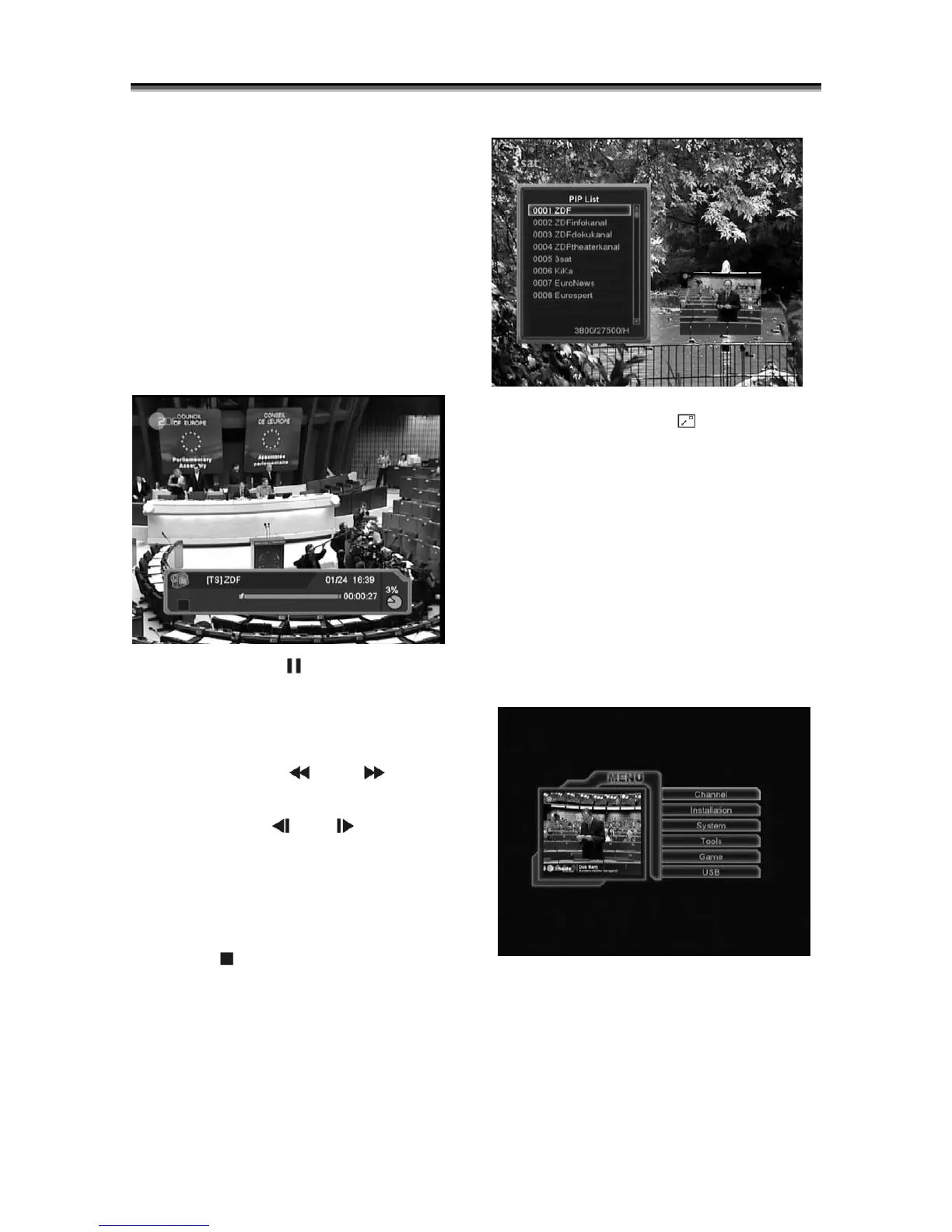
When you press[Menu]key to enter menu, there
will display the picture like below:
1 Press[Up/Down]key to select menu pages
among Channel, Installation, System,
Tools,Game and USB.
2 Press[OK]key to enter the selected item.



 To Next Page