User manual [English]
13
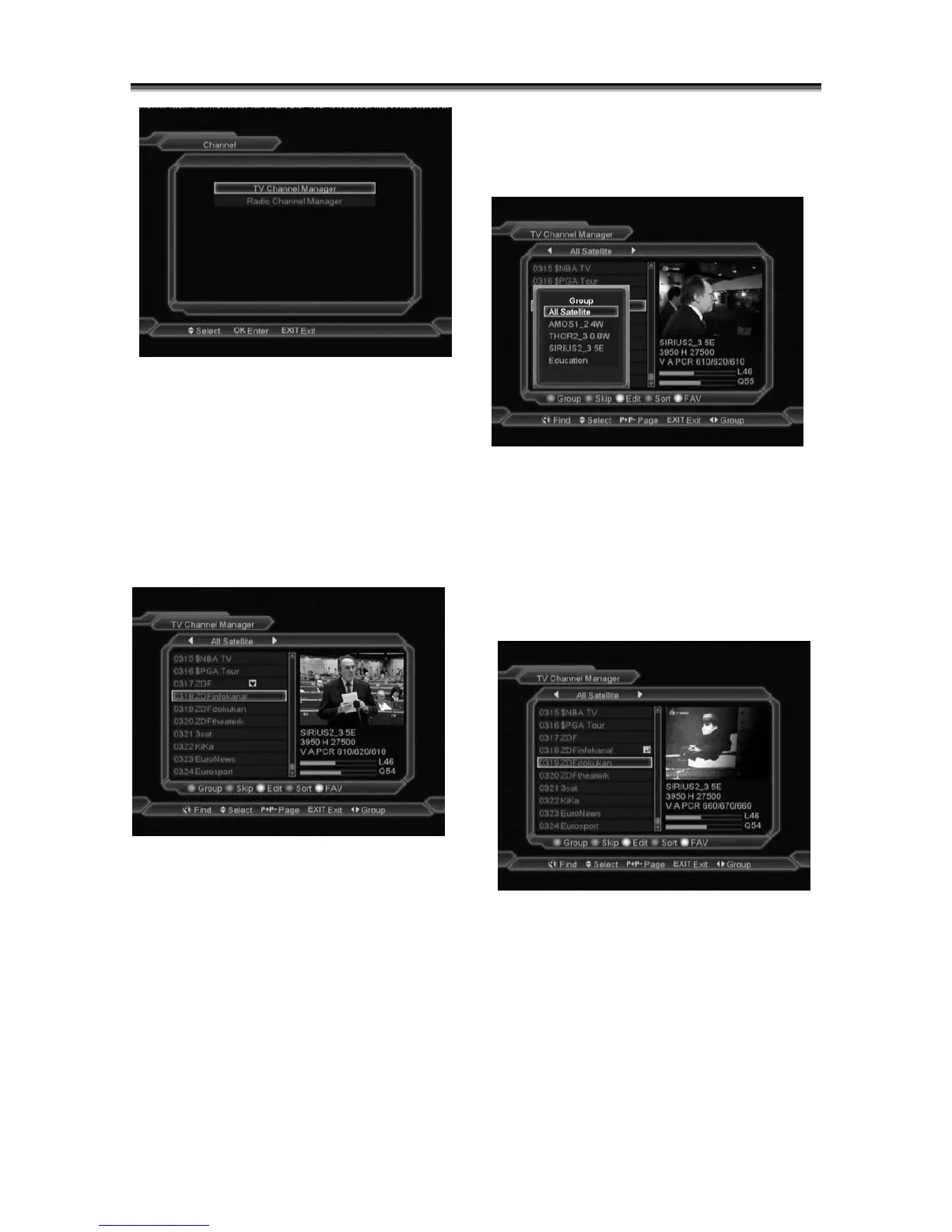
In “Channel” menu:
1 Press[Channel Up/Channel Down]key to
select menu items among TV Channel, Radio
Channel and Delete All.
2 Press[OK]key to enter the selected item.
7.1 TV Channel Manager
When you enter to “Channel List” menu, there
will display the screen like below.
1
You can move highlight by press[Channel
Up/Channel Down]key and press[OK]key to
preview the current highlighted program in the
right side preview window.
2 You can press[Page Up/Page Down]key to
implement the Page Up/Page Down function.
3 You can use [Volume Up/Volume Down]key
to switch “Program Group”.
4 You can press[Menu]or[Exit]keys to enter full
screen playing mode.
5 Press color key can implement the
corresponding function in “Channel Manager”.
7.1.1 Group
1
Press [Red] key can open the “Group” window
like above
2 You can press [Up/Down] key to move
highlight and press [OK] key to select group.
3 Press [Menu] key or [EXIT] key to close
“Group” list.
7.1.2 Skip
1
In “TV Channel Manager” menu, press
[Green] key can make a “skip mark” in the
right side of the highlighted channel.
2 After save and exit “TV Channel Manager”
menu, the channel will be skip while user
change channel in the full screen.



 To Next Page