User manual [English]
27
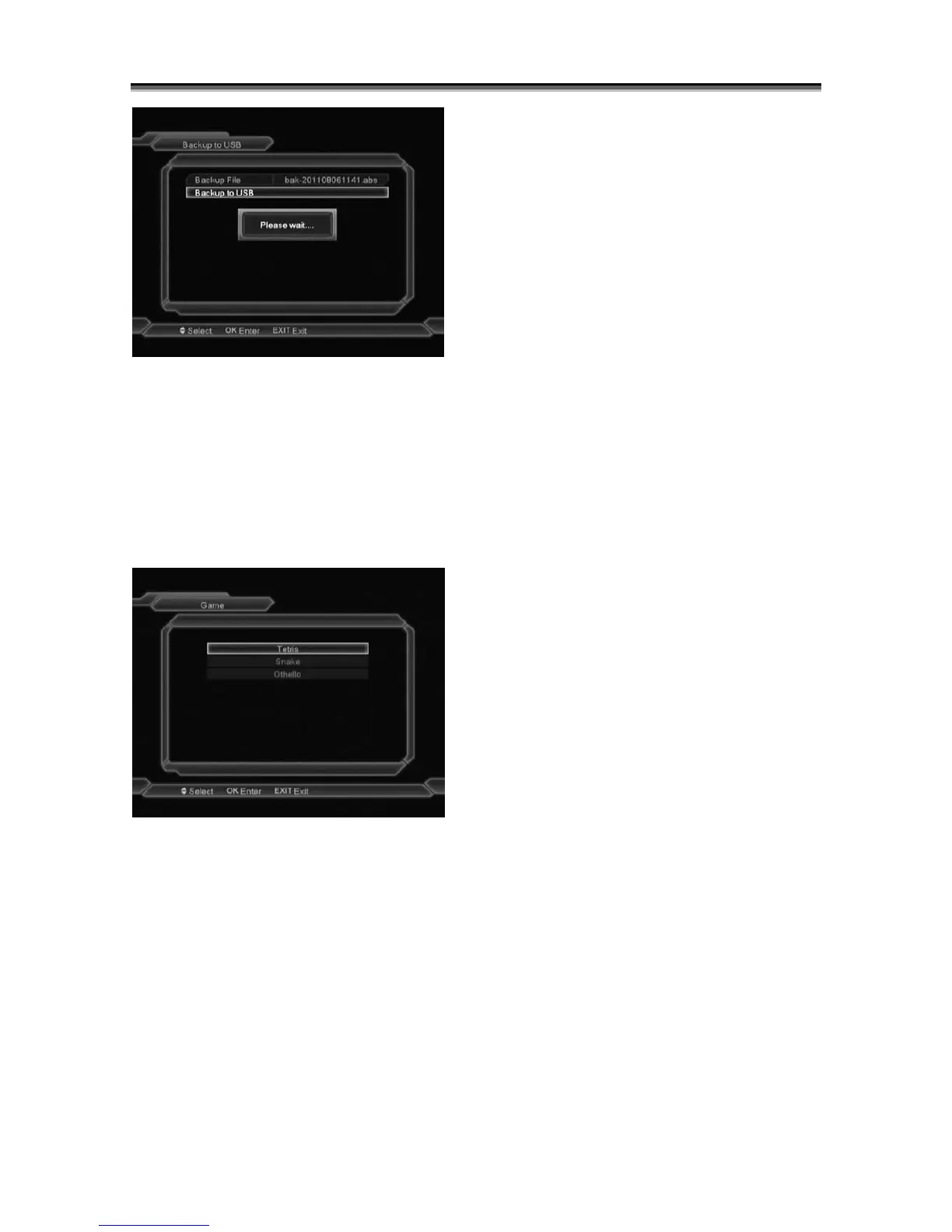
You can change the name of backup file, by
pressing OK on Backup File position.
To save the file press OK on position Backup to
USB. Your file will be saved directly on the
partition of your USB device.
11 Game
When you enter “Game” menu, you will see
three Games include Tetris, Snake and Othello.
Basic operation statement:
11.1 Tetris
Moving highlight to “Setup” and press
[OK] key or [Volume Up/Volume Down]
key to select the game level (speed).
Moving highlight to “Start” and press
[OK] key to start the game.
Moving highlight to [Cancel]keys and
press [OK]key to draw back from the
game.
Start on the game:
¾ [Volume Up/Volume Down] Move
shape left or right
¾ “Channel Up” Rotate clockwise
¾ “Channel Down” Faster drop
¾ [OK] Pause/Play the game
¾ [Menu] Quit game and draw back to
“Game” menu.
11.2 Snake
Moving highlight to “Setup” and press
[OK] key or [Volume Up/Volume Down]
key to select the game level (speed).
Moving highlight to “Start” and press
[OK] key to start the game.
Moving highlight to[Cancel]keys and
press [OK]key to draw back from the
game.
Start on the game:
¾ [Volume Up/Volume Down/Channel
UP/Channel Down] use these arrow
keys to guide the snake.
¾ [OK] Pause/Play game
¾ [Menu] Quit game and draw back to
“Game” menu.
11.3 Othello
Moving highlight to “Setup” and press
[OK] key or [Volume Up/Volume Down]
keys to select the game level (degree
of difficulty).
Moving highlight to “Start” and press
[OK] key to start the game.
Moving highlight to [Cancel] keys and
press [OK] key to draw back from the
game.
Start on the game:



 To Next Page