User manual [English]
22
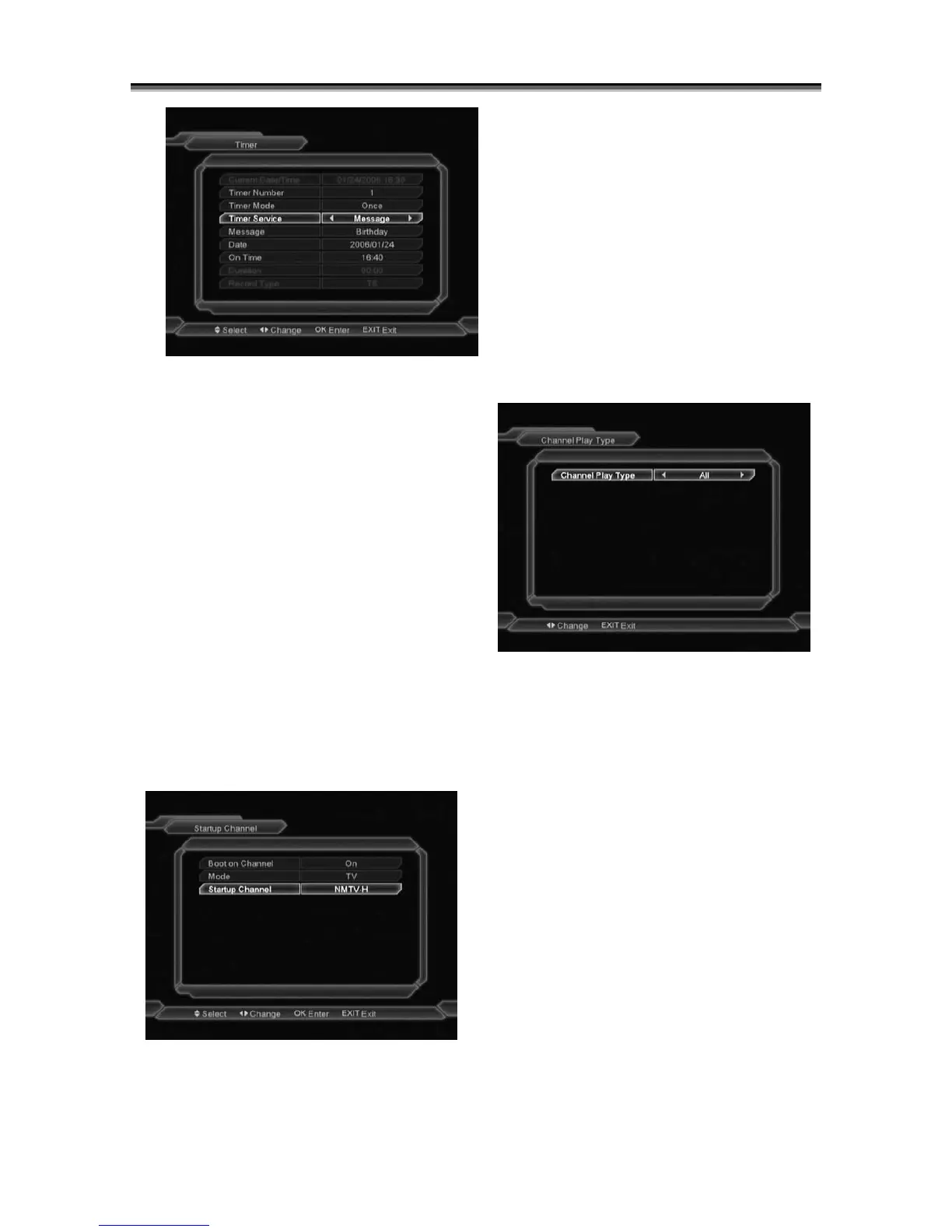
¾ Message: press [Volume Up / Volume
Down] key to select reminding message as
Birthday, Anniversary and General.
¾ Date, you can use number key to input your
wakeup date.
¾ On Time: use number keys to input your
wakeup time. Once the time’s up, no matter
what the system is in standby mode or in
playing mode, the system will automatically
pop a reminding message.
¾ The message will always display on the
screen, you can press [Exit] key to close it.
¾ Press [Menu]key to exit the current menu.
9.5 Startup Channel
Press [OK] key to enter “Startup Channel”
menu, and you will see the screen like below:
If the setting of “Boot on Channel” is
“On”, it means the following two items
can be work. If the setting is “Off”, it
means the “Boot on Channel” function
can’t work.
In the “Mode” item, you can set the
“Startup Channel” as “TV channel”
mode or “Radio channel” mode.
In “Startup Channel” menu, you can
press [OK] key to open the channel
list, and select the channel that you
want it to startup, press [OK] key again
to confirm.
9.6 Channel Play type
1 Press [OK] key to enter “Channel Play Type”
menu, and you can select the “playing
channels” as “Free”, “Scrambled” or “All”.
2 For Example: If you select “Free”, in full screen
play, all scrambled channels will be skipped
when you change channels by use [Channel
up/Channel Down] key.
3 Press [Menu] to draw back from “Channel
Setup” menu.
9.7 OSD Setting
When you input to “OSD Setting” menu, you will
see a screen like below:



 To Next Page