User manual [English]
30
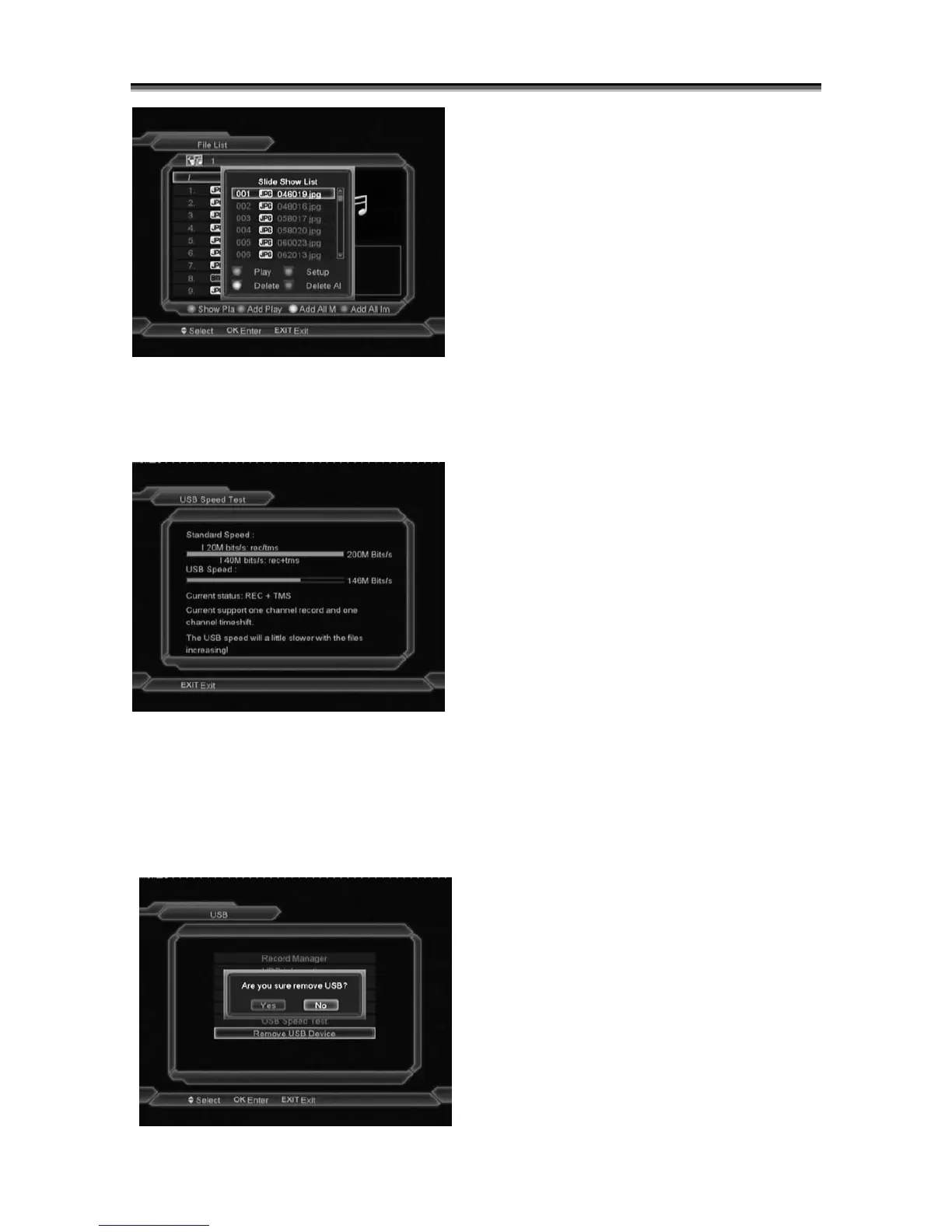
In this "Show Play List" menu you can Play file
list, select the Play Mode or Delete the files.
12.6 USB Speed Test
In "USB Speed Test" Menu you can see the
Standard speed and your USB harddisk speed,
according this infomation you can know what
operation your disk can support.
12.7 Remove USB Device
You can remove USB Device safely by select
YES in the menu.



 To Next Page