4-30
X9DRW-3LN4F+/3TF+ Motherboard User’s Manual
USB Device BBS Priorities, Network Device BBS Priorities, Hard Disk
Drives
Use these options to set the order of the legacy network, USB, and Hard Disk Drive
devices detected by the motherboard.
Add New Boot Option
This feature allows the user to add a new EFI (Extensible Firmware Interface) boot
option to the boot order.
Delete Boot Option
This feature allows the user to select a EFI boot device to delete from the boot
priority list.
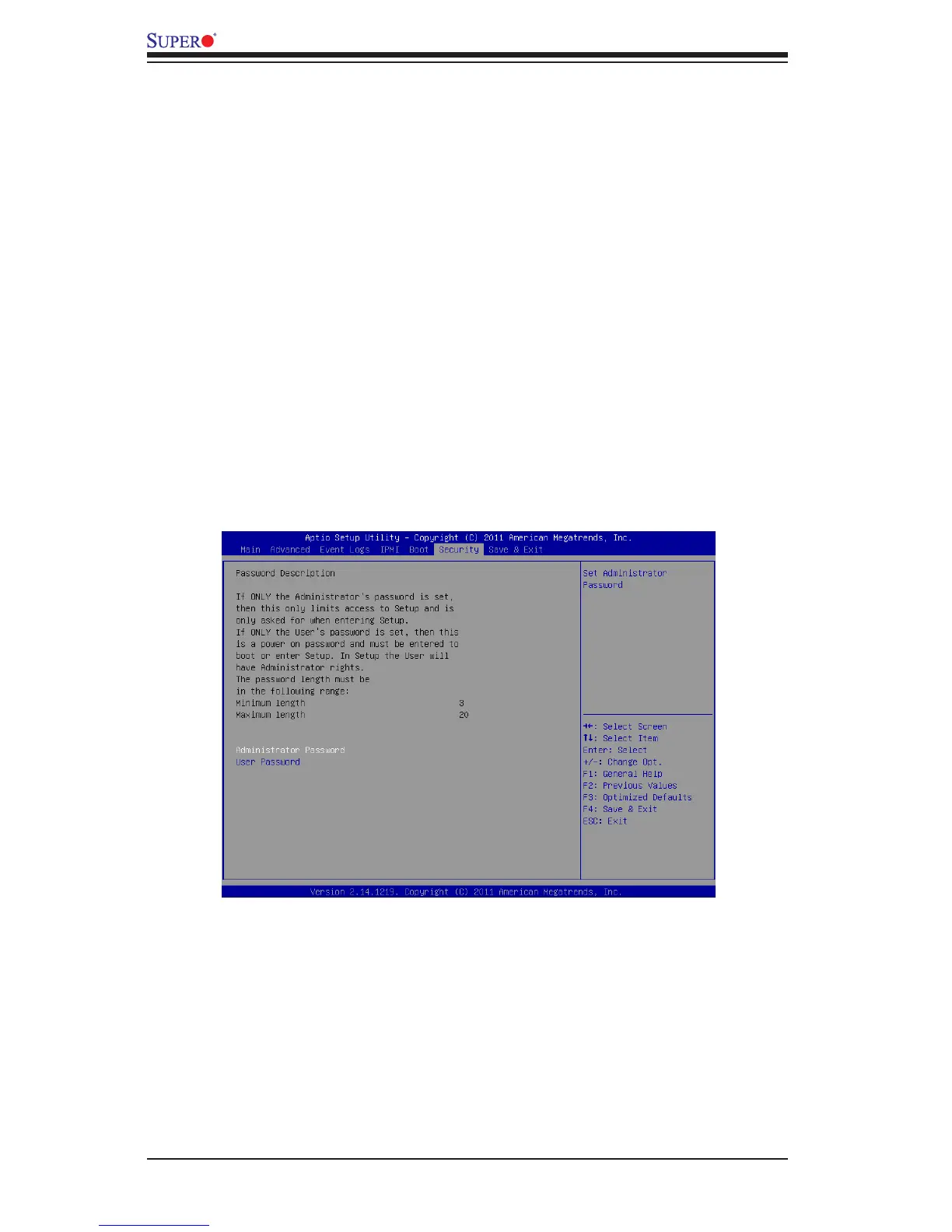
4-7 Security
This menu allows the user to congure the following security settings for the
system.
Administrator Password
Use this feature to set the Administrator Password which is required to enter the
BIOS setup utility. The length of the password should be from 3 characters to 8
characters long.
User Password
Use this feature to set a User Password which is required to log into the system
and to enter the BIOS setup utility. The length of the password should be from 3
characters to 8 characters long.



 To Next Page