Chapter 4: AMI BIOS
4-29
Subnet Mask
This item displays the sub-network that this computer belongs to. The value of each
three-digit number separated by dots should not exceed 255.
Station MAC Address
This item displays the Station MAC address for this computer. Mac addresses are
6 two-digit hexadecimal numbers.
Gateway IP Address
This item displays the Gateway IP address for this computer. This should be in
decimal and in dotted quad form (i.e., 192.168.10.253).
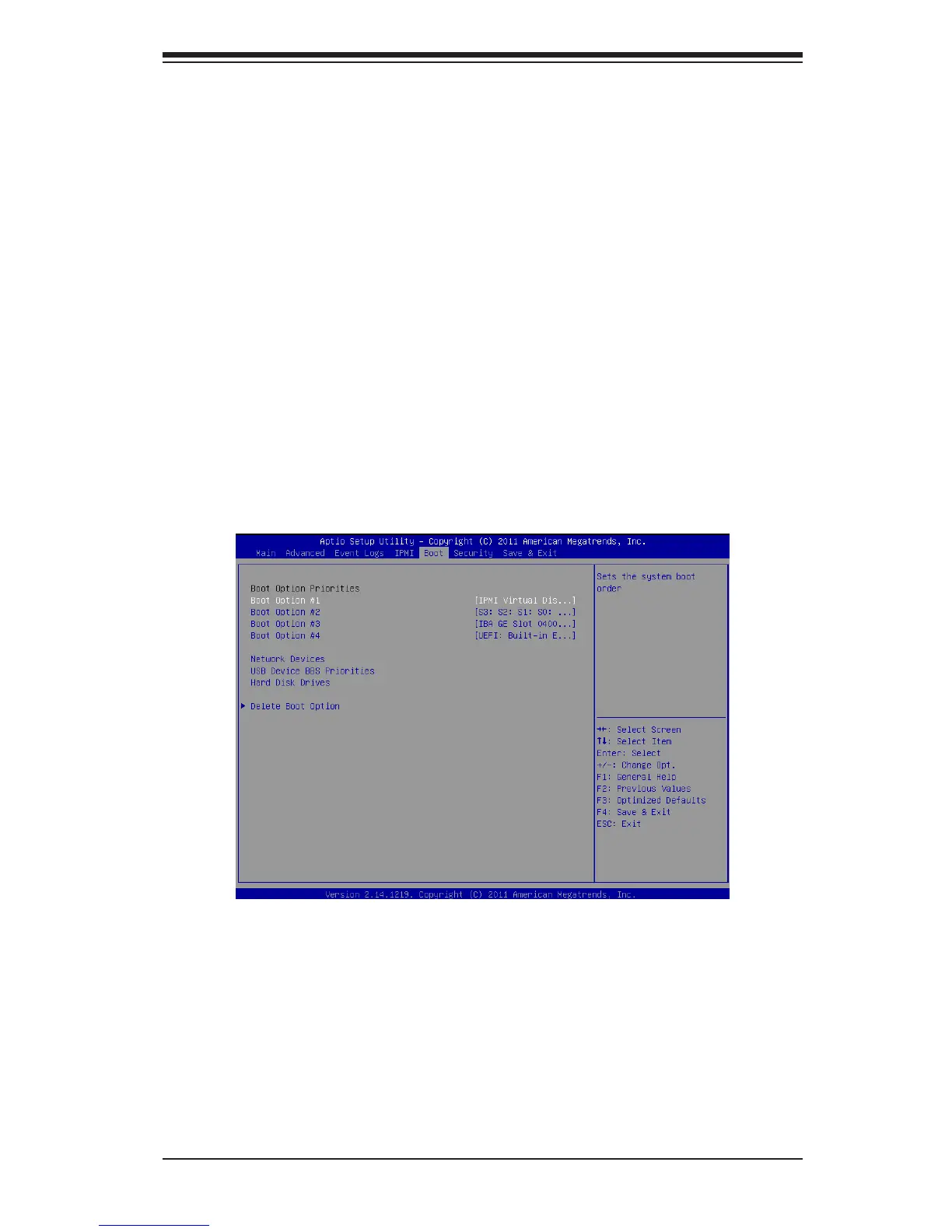
4-6 Boot
This submenu allows the user to congure the following boot settings for the
system.
Boot Option Priorities
Boot Option #1/ Boot Option #2/ Boot Option #3, etc.
Use this feature to specify the sequence of boot device priority.



 To Next Page