Chapter 4: AMI BIOS
4-27
View System Event Log
This item allows the user to view the event in the system event log. Select this item
and press <Enter> to view the status of an event in the log.
Date/Time/Error Code/Severity
4-5 IPMI
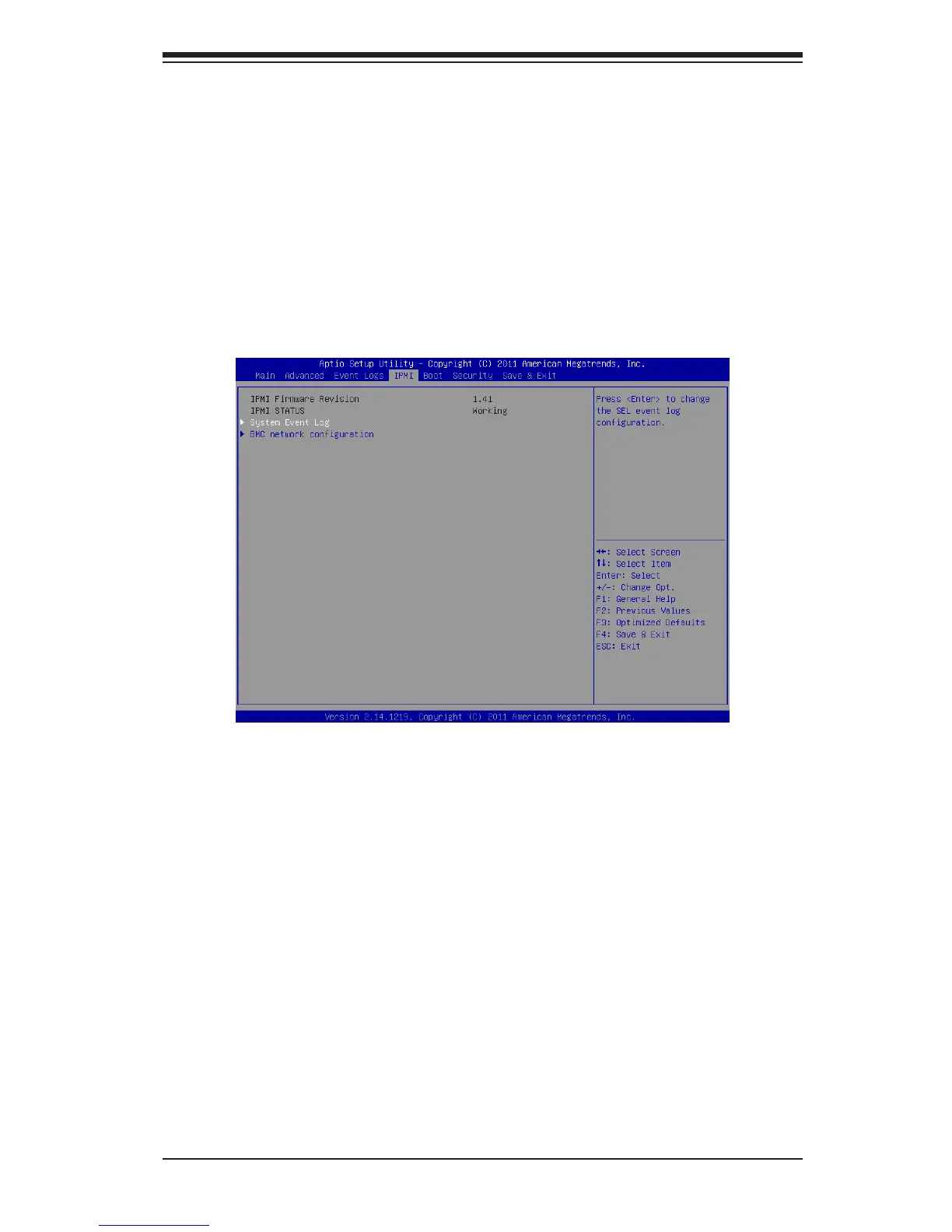
Use this feature to congure Intelligent Platform Management Interface (IPMI)
settings.
IPMI Firmware Revision
This item indicates the IPMI rmware revision used in your system.
IPMI Status
This item indicates the status of the IPMI rmware installed in your system.
System Event Log
Enabling/Disabling Options
SEL Components
Select Enabled for all system event logging at bootup. The options are Enabled
and Disabled.



 To Next Page