Appendix B: Software Installation Instructions
B-3
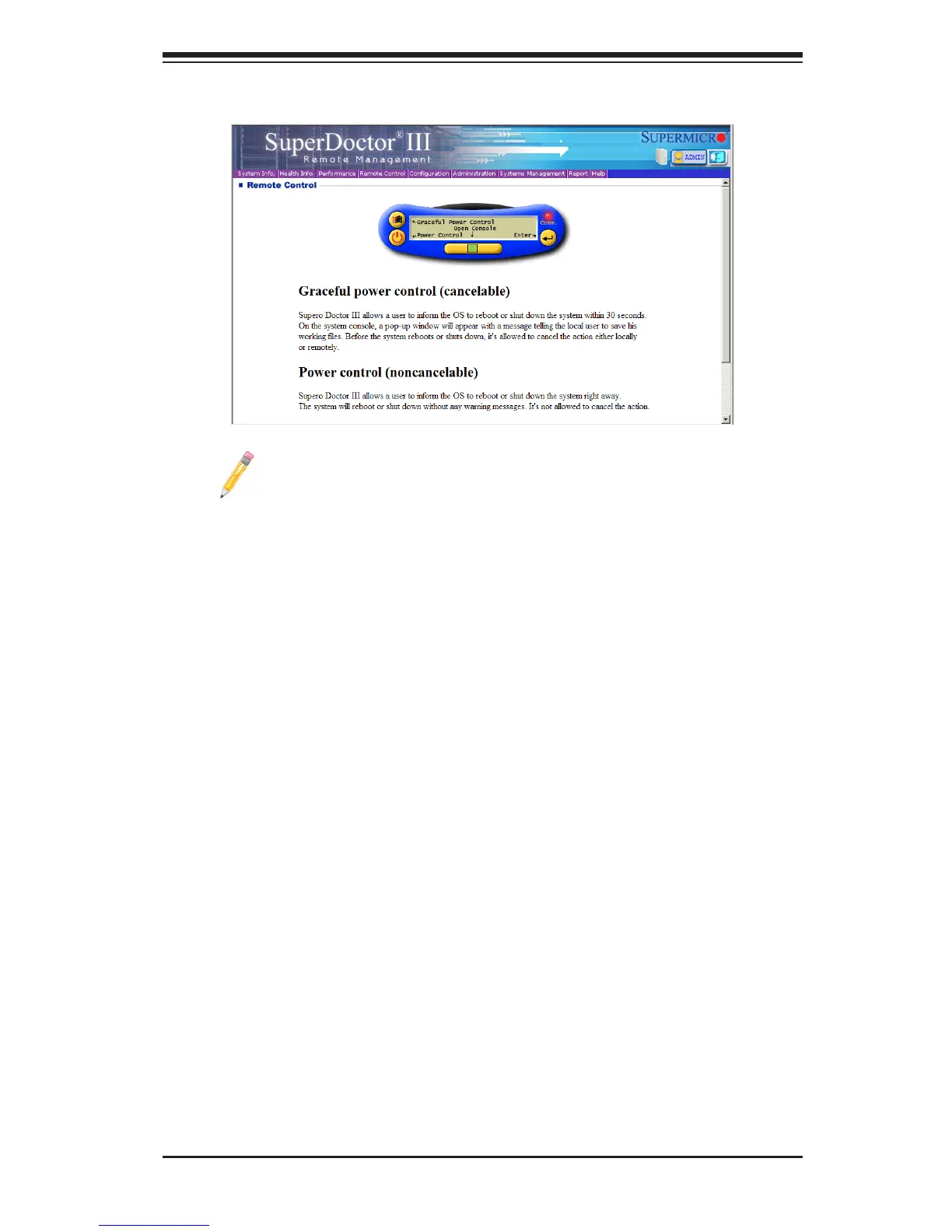
SuperDoctor III Interface Display Screen-II (Remote Control)
Note: The SDIII utility and the user guide can be downloaded from our
website at: http://www.supermicro.com/products/accessories/software/
SuperDoctorIII.cfm. For Linux, we will still recommend that you use
SuperDoctor II.



 To Next Page