52 A-96.250.571 / 050517
AMI Codes-II
Maintenance
Standard pH
Display
instructions
1 Rinse and dry the pH sensor and put it into standard 1
2 Standard 1, current value (Progress is shown).
3 Rinse and dry the pH sensor and put it in standard 2
4 Standard 2, current value (Progress is shown)
5 Rinse and dry the pH sensor and put it into the flow cell
Possible error message see Calibration Errors, p. 65.
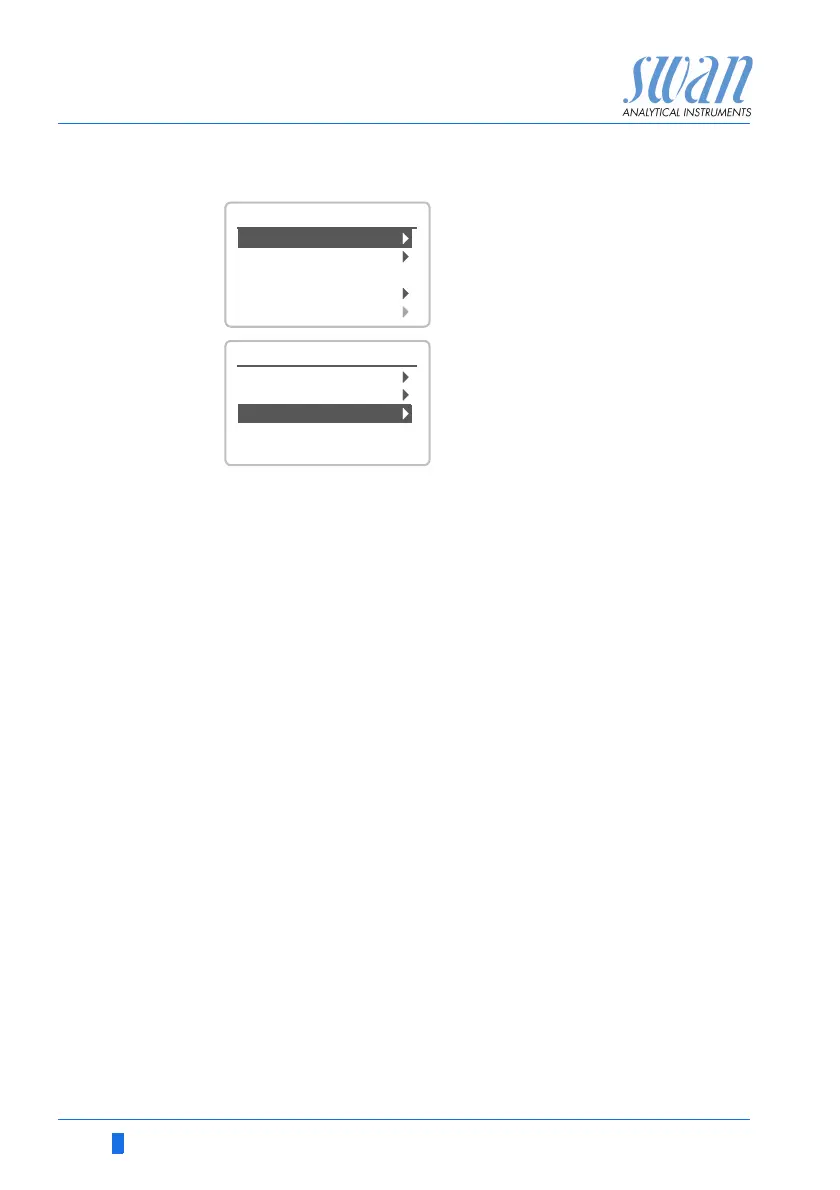
1 Navigate to menu <Maintenance>/
<Calibration>.
2 Press [Enter].
3 Remove the pH sensor from the
flow cell.
4 Follow the instructions on the dis-
play.
Enter
Enter
3.1
Calibration
Simulation
Maintenance
Set Time 01.06.04 16:30:00
Fill System
Cleaning
3.1.3
Process pH
Standard pH
Process DIS.
Calibration


 To Next Page