AMI INSPECTOR pH
Maintenance
A-96.250.761 / 161017 37
6.5.4 Carry out comparison measurement
The comparison measurement is menu driven. Start by selecting
Quality assurance in menu 3.4 of the monitor AMI pH-Redox.
NOTICE: Temperature compensation is automatically
deactivated during comparison measurement.
If QA-Check is not successful it is recommended to clean the sen-
sor, see Maintenance of the Sensor, p. 36.If QA-Check fails again
contact your local SWAN distributor for support.
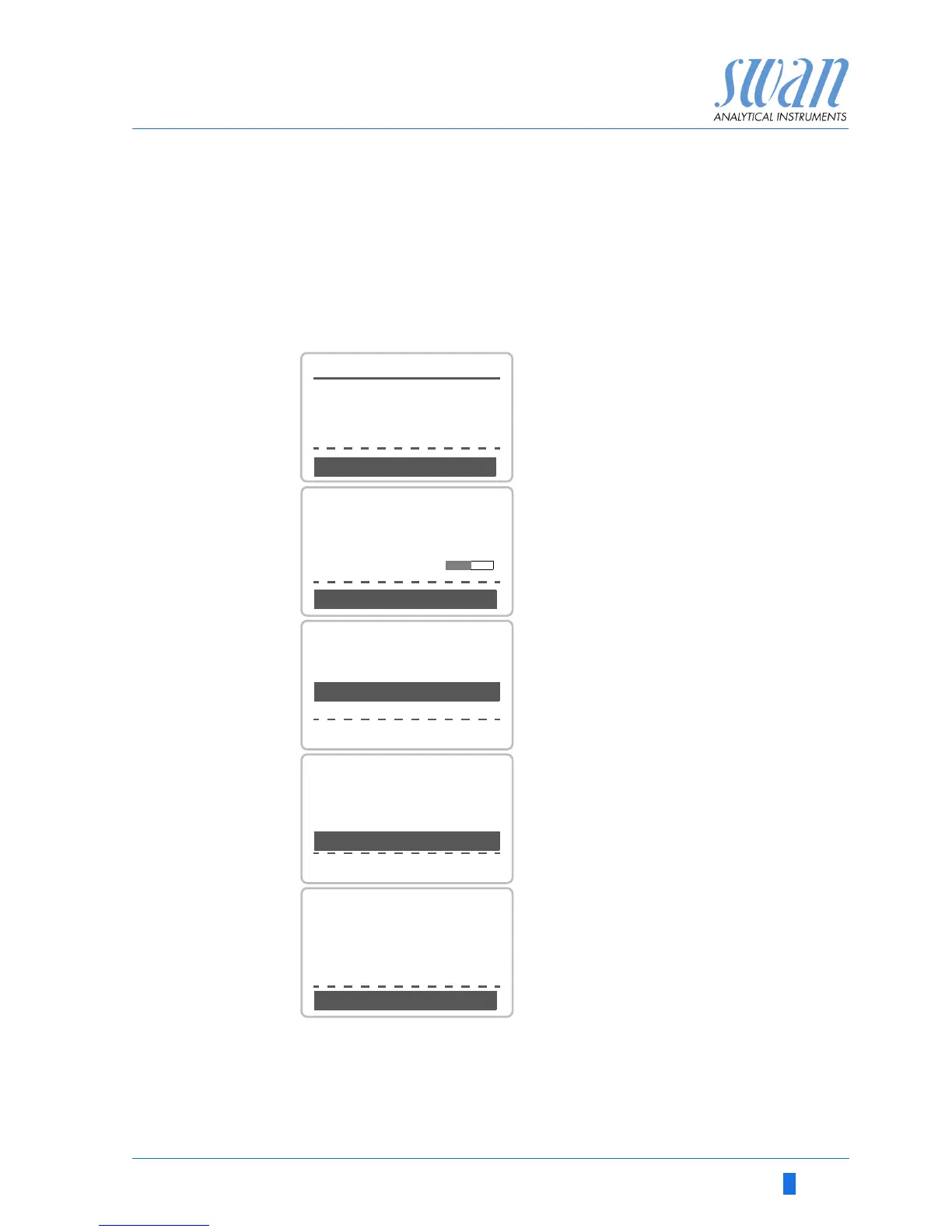
1 Carry out pre test preparations.
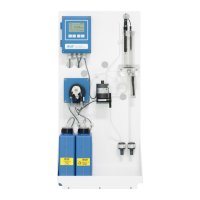
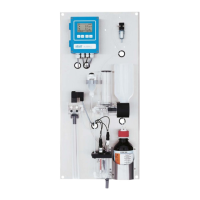
Connect instruments.
Regulate sample flow to 10 l/h us-
ing the appropriate valve.
2 Wait 10 minutes whilst measure-
ment is running.
<Enter> to continue.
3 Read the pH value of the reference
instrument and enter under “In-
spector.” by using the Up/Down
keys. <Enter> to confirm.
4 Read temperature value of the ref-
erence instrument and enter un-
der “Inspector Temp.” busing Up/
Down keys. <Enter> to confirm.
<Enter> to continue.
5 - Review result.
- Results are saved in QA-History
regardless if successful or not.



 To Next Page