GB.GOLDSK509.091101
We reserve the right to alter specifications without notice.
18
www.swegon.com
6.5 Air Adjustment
The speed of the fans can be locked for up to 72 hours.
This is practical when making air adjustments in the duct
system and air devices.
The period desired is preset but can be interrupted earlier
by selecting STOP in the menu or by changing the time
setting to 0.
6.6 Alarms
If an alarm is initiated, this is shown in the hand-held ter-
minal both as clear text and by a blinking red diode.
This menu enables you to read alarms quickly.
ACTIVE ALARMS
Shows alarms that are active but have not initiated an
alarm signal in the display. This applies to alarms that have
a long delay, i.e. airflow or temperature alarms.
ALARM HISTORY
The 10 most recent tripped alarms are shown.
Alarm settings can be entered at INSTALLATION
LEVEL under ALARM SETTINGS.
For complete description of alarms, see Section 17.
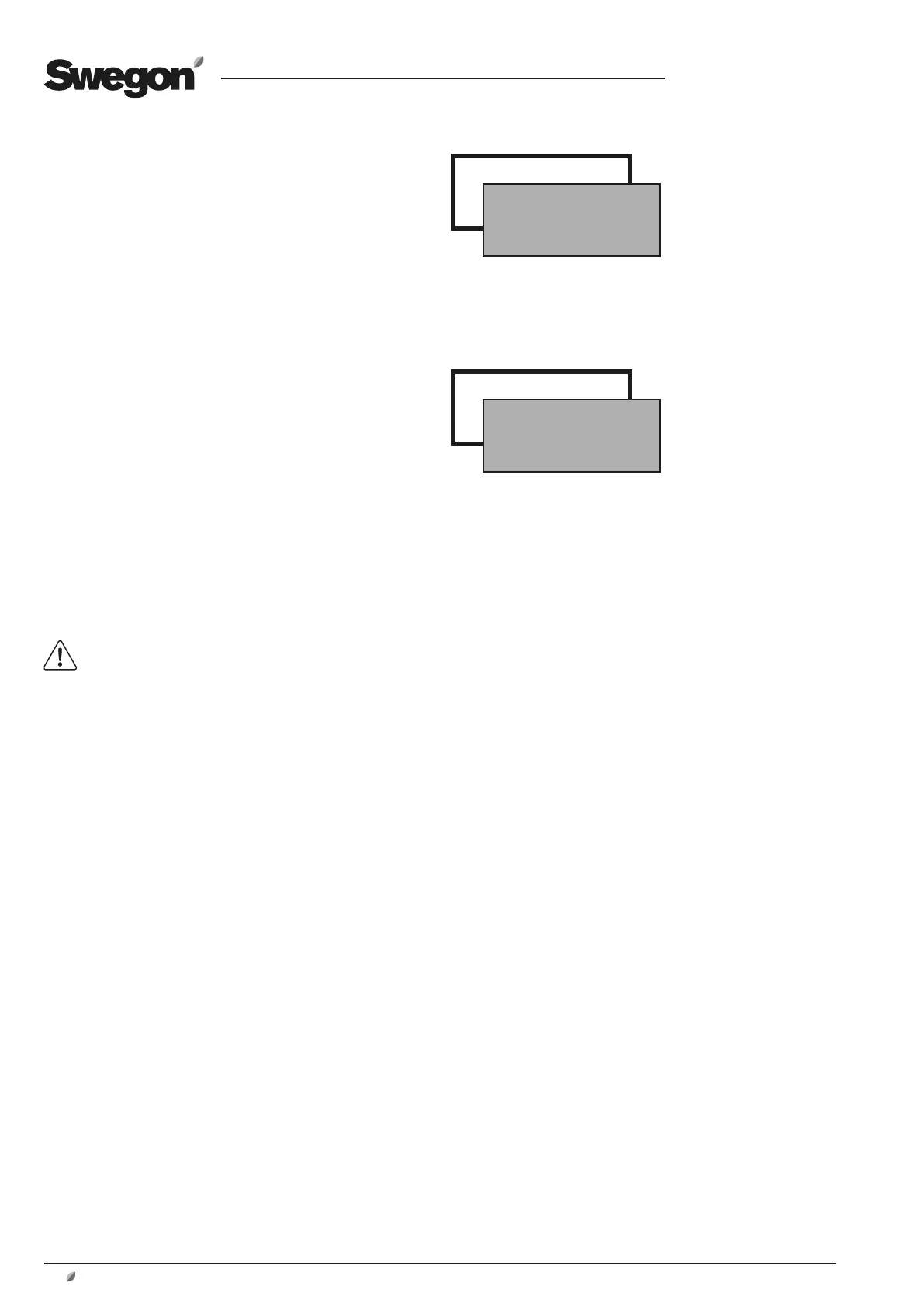
AIR ADJUSTMENT
*AIR ADJUSTMENT*
LOCKS FAN SPEED.
TIME SETTING: 0 h
ALARMS
*ALARMS*
ACTIVE ALARMS
ALARM HISTORY




 To Next Page