37
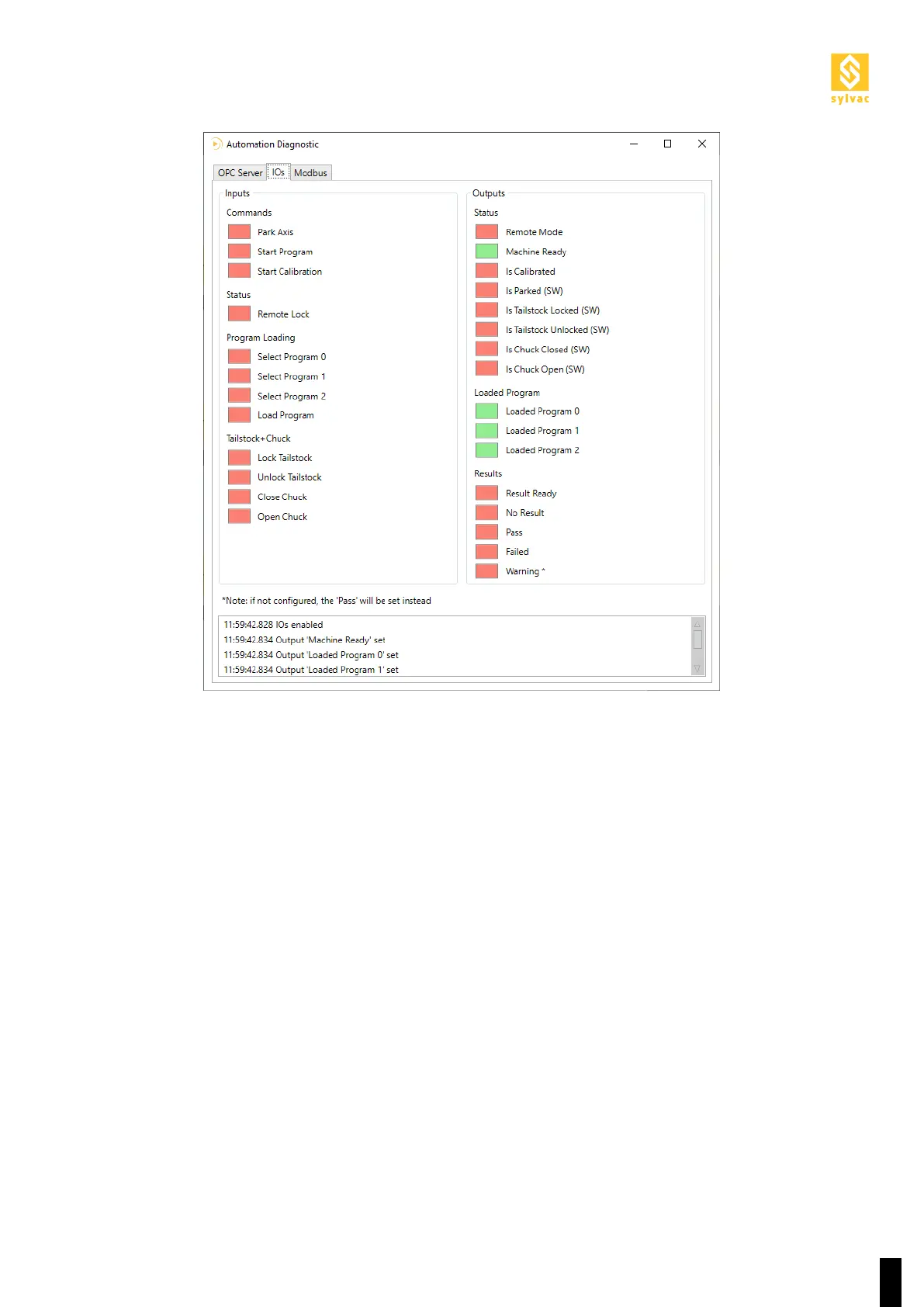
11.3.3 There is no signal from the robot
11.3.4 The wrong program is loaded
1. Contact the integrator of the robot.
2. Try to turn ON one output on the robot.
3. Check there is +24V on the appropriate pin.
4. Turn OFF one output on the robot.
5. Check there is 0V on the appropriate pin.
6. If that doesn’t work, ask the integrator of the robot to check the wiring.
1. Check the Programs Mapping in the Automation Setup
2. Verify that the robot turns on the right inputs: Select Program 0, Select Program 1, Select Program 2



 To Next Page