38
11.3.5 The Tailstock Lock/Unlock doesn’t work
11.3.6 The Tailstock doesn’t go to the correct position
1. Contact the robot integrator.
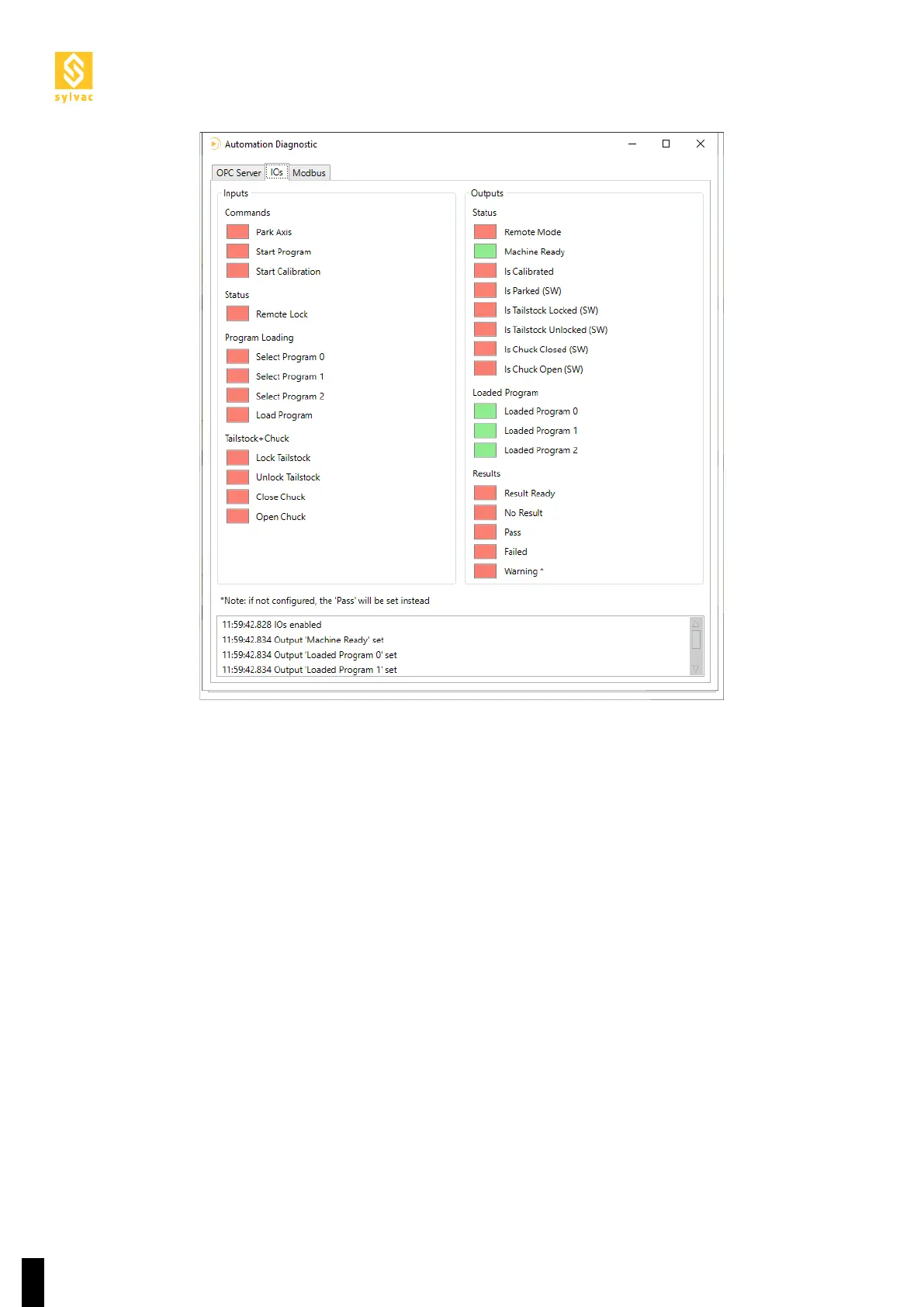
2. Verify that the robot waits for “Machine Ready” = ON before sending a “Lock Tailstock”/”Unlock Tailstock”
command.
3. This advice works well for all others commands.
1. Verify that the correct program is loaded
2. Verify that the right tailstock position is set in the program
3. Verify manually that the tailstock is able to move freely in Normal mode and its encoder works fine



 To Next Page