x Symbol LS9203/LS9203i Product Reference Guide
Notational Conventions
The following conventions are used in this document:
•
The terms client, device and terminal refer to the CA50 hand-held device.
•
Italics are used to highlight the following:
• chapters and sections in this and related documents
• dialog box, window, and screen names
• drop-down list and list box names
• check box and radio button names
• icons on a screen.
•
Bold text is used to highlight the following:
• key names on a keypad
• button names on a screen.
•
Bullets (•) indicate:
• action items
• lists of alternatives
• lists of required steps that are not necessarily sequential.
•
Sequential lists (e.g., those that describe step-by-step procedures) appear as numbered lists.
•
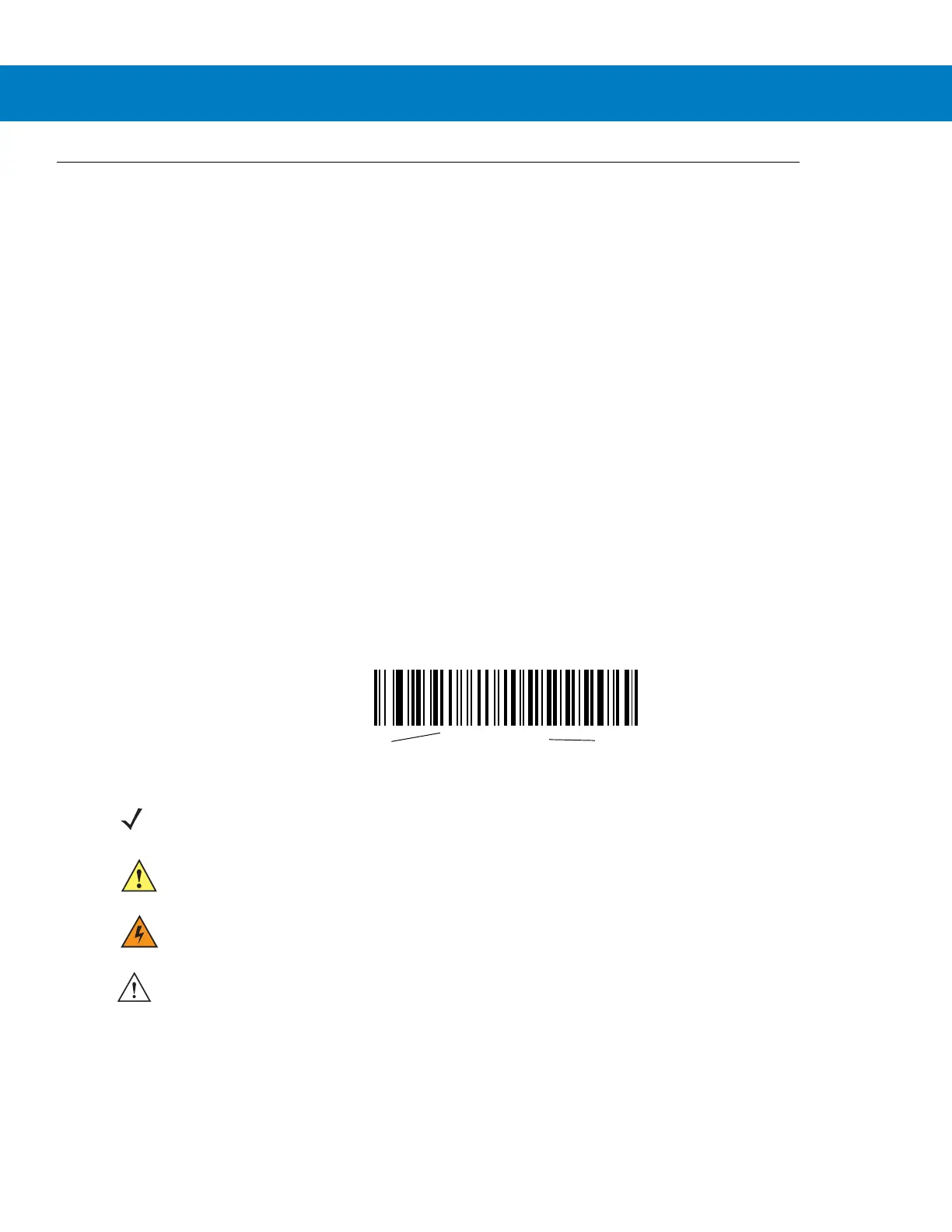
Throughout the programming bar code menus, asterisks (*) are used to denote default parameter settings.
•
Text boxes:
*Baud Rate 9600
Feature/Option
* Indicates Default
NOTE This symbol indicates something of special interest or importance to the reader. Failure to read the note
does not result in physical harm to the reader, equipment or data.
CAUTION This symbol indicates that if this information is ignored, the possibility of data or material damage may
occur.
WARNING! This symbol indicates that if this information is ignored, the possibility that serious personal
injury may occur.
IMPORTANT This symbol indicates that an important step is required to complete a task correctly.



 To Next Page