9 - 84 Symbol LS9203/LS9203i Product Reference Guide
Set Lengths for MSI
The length of a code refers to the number of characters (i.e., human readable characters), including check digit(s)
the code contains. Lengths for MSI may be set for any length, one or two discrete lengths, or lengths within a
specific range.
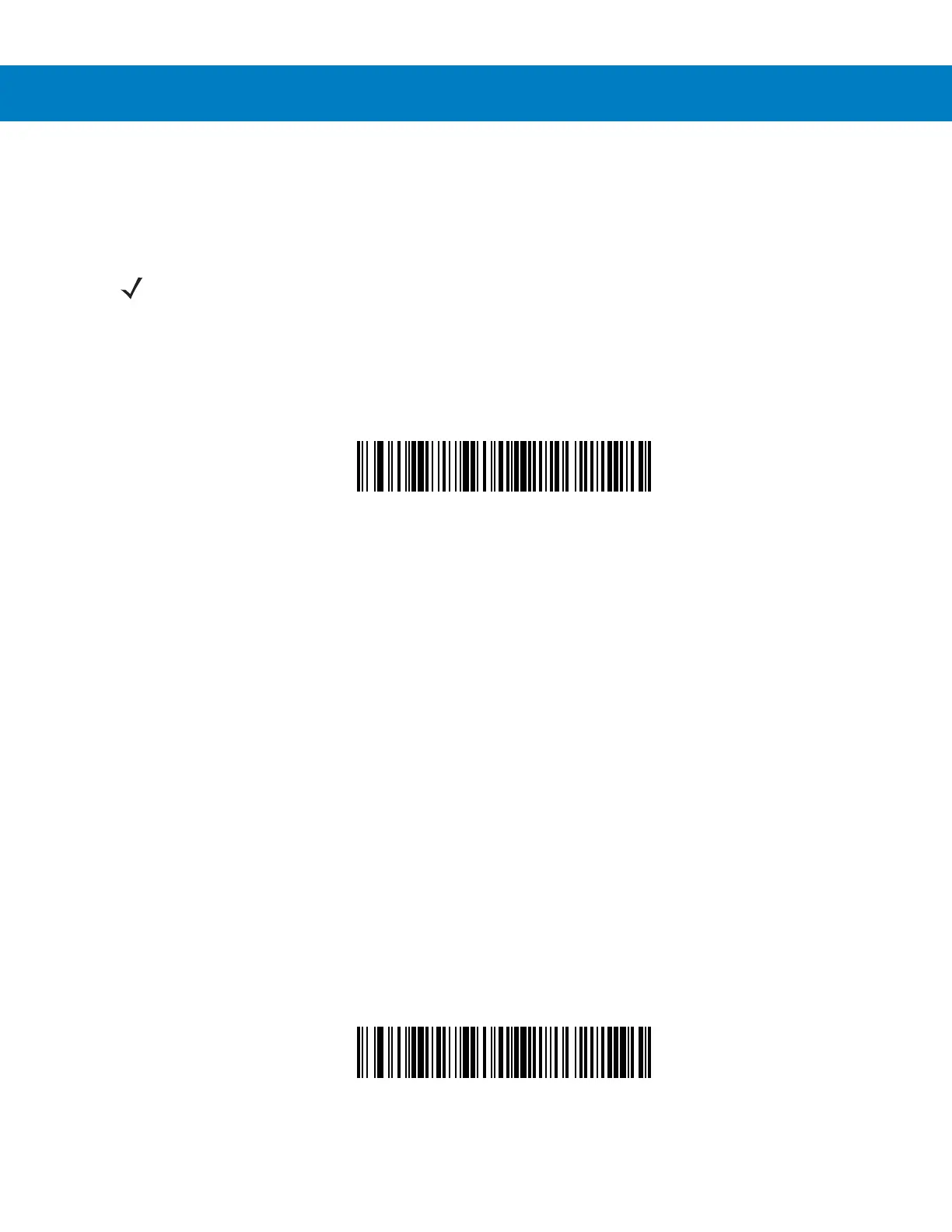
One Discrete Length - This option allows the scanner to decode only those MSI symbols containing a selected
length. Lengths are selected from the numeric bar codes beginning on page D-1 in Appendix D, Numeric Bar
Codes. For example, to decode only MSI symbols with 14 characters, scan MSI - One Discrete Length, then scan
1 followed by 4. If an error is made or to change a selection, scan Cancel on page D-6.
MSI - One Discrete Length
Two Discrete Lengths - This option allows the scanner to decode only those MSI symbols containing either
of two selected lengths. Lengths are selected from the numeric bar codes beginning on page D-1 in Appendix D,
Numeric Bar Codes. For example, to decode only those MSI symbols containing either 2 or 14 characters, select
MSI - Two Discrete Lengths, then scan 0, 2, 1, and then 4. If an error is made or to change a selection,
scan Cancel on page D-6.
MSI - Two Discrete Lengths
NOTE When setting lengths for different bar code types by scanning single digit numbers, single digit numbers
must always be preceded by a leading zero.



 To Next Page