4 - 10 Symbol LS9203/LS9203i Product Reference Guide
Timeout Between Decodes
Timeout Between Decodes, Same Symbol
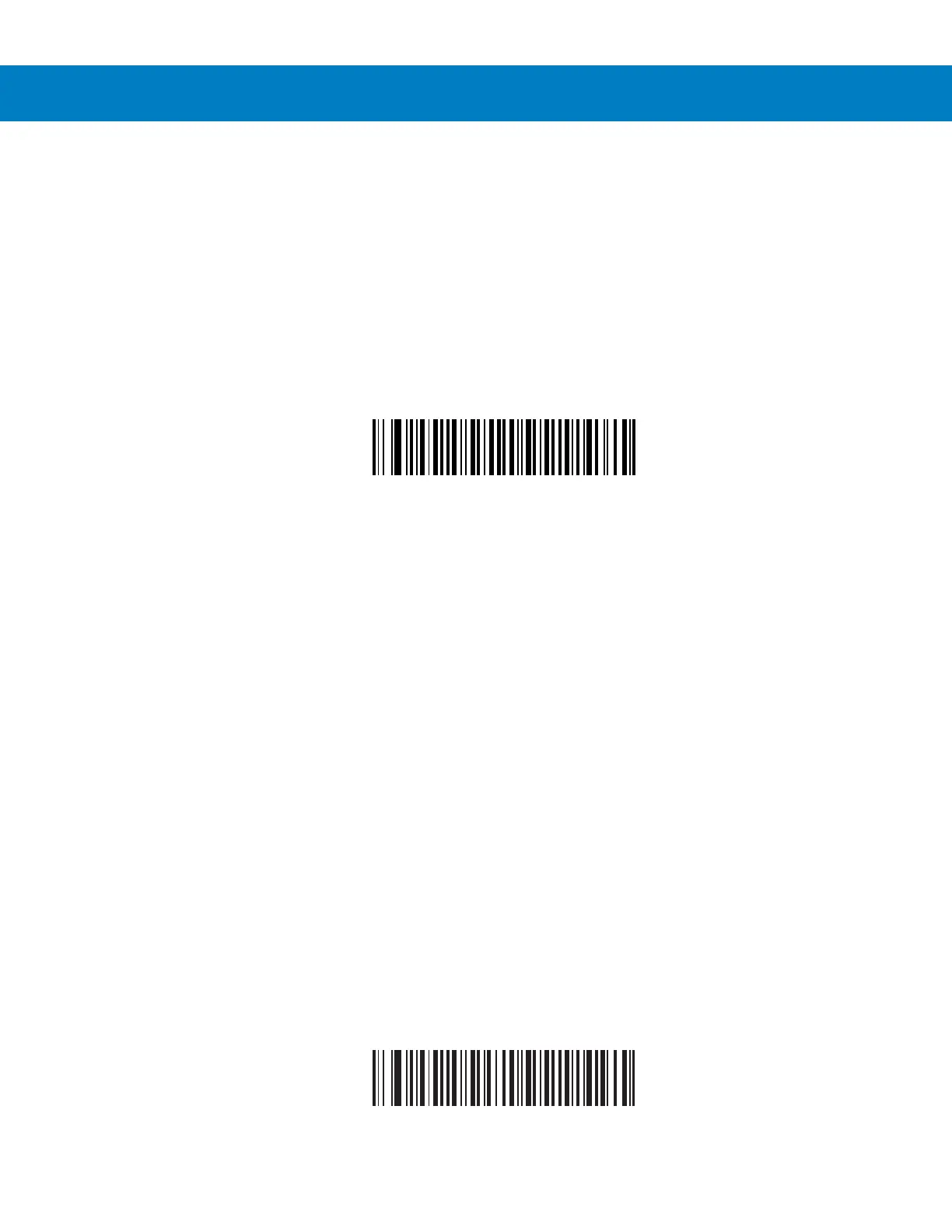
This parameter sets the minimum time between decodes of different symbols. It is programmable in 0.1-second
increments from 0.0 to 9.9 seconds. Setting this above 0.4 seconds is recommended. The default for the LS9203 is
0.6 seconds. The default for the LS9203i is 0.5 seconds.
Scan the bar code below to select a new timeout. Next, scan two numeric bar codes beginning in Numeric Bar
Codes on page D-1 that correspond to the desired timeout. Single digit numbers must have a leading zero. For
example, to set a timeout of 0.5 seconds, scan the bar code below, then scan the “0” and “5” bar codes. If an error
is made, or to change a selection, scan Cancel on page D-6.
Timeout Between Same Symbol
Timeout Between Decodes, Different Symbol
This parameter sets the minimum time between decodes of different symbols. It is programmable in 0.1-second
increments from 0.0 to 9.9 seconds. The default for this parameter is 0.2 seconds.
Scan the bar code below to select a new timeout. Next, scan two numeric bar codes beginning in Numeric Bar
Codes on page D-1 that correspond to the desired timeout. Single digit numbers must have a leading zero. For
example, to set a timeout of 0.5 seconds, scan the bar code below, then scan the “0” and “5” bar codes. If an error
is made, or to change a selection, scan Cancel on page D-6.
Timeout Between Different Symbol



 To Next Page