6 - 2 Symbol LS9203/LS9203i Product Reference Guide
Connecting an RS-232 Interface
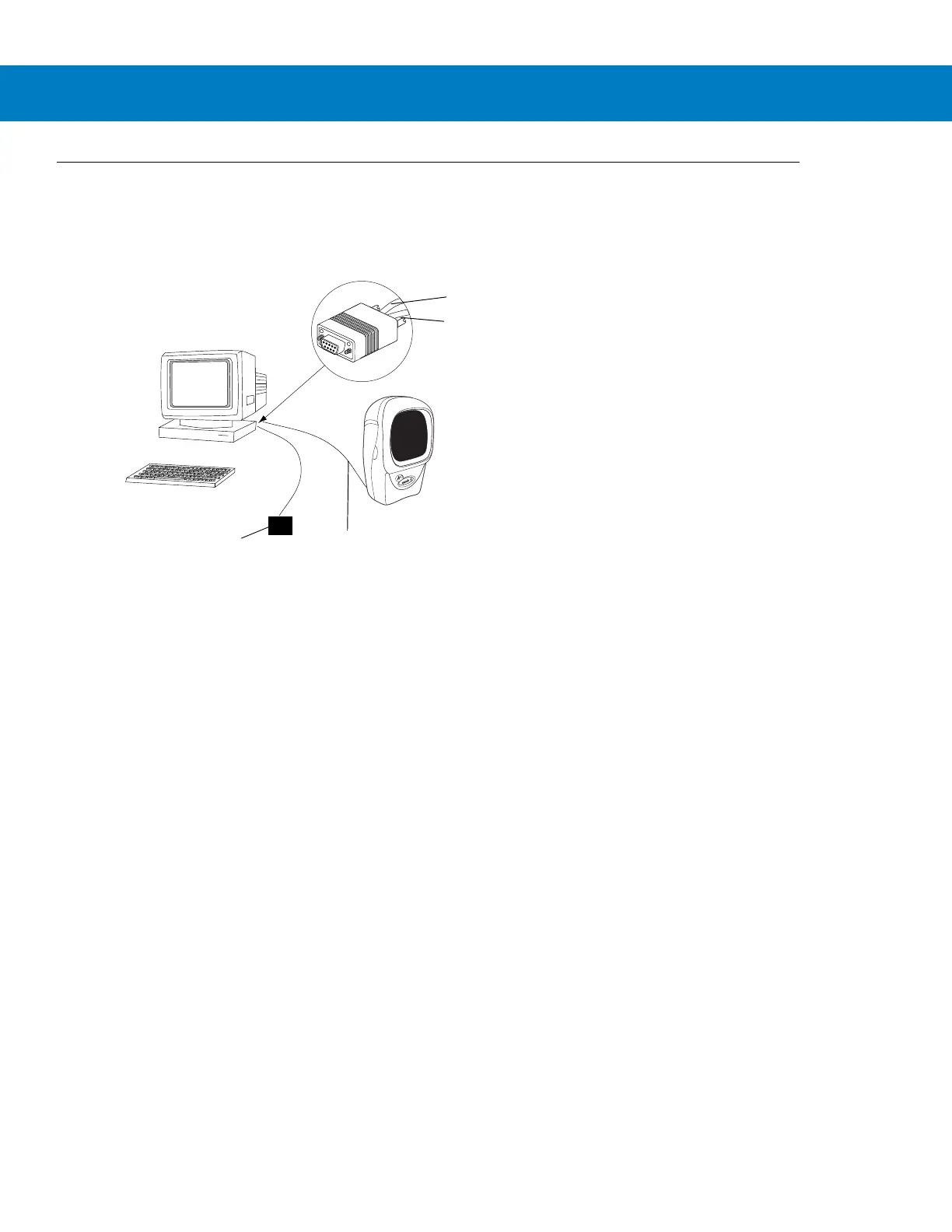
This connection is made directly from the scanner to the host computer.
Figure 6-1
RS-232 Direct Connection
1. Connect the RS-232 interface cable to the rear of the scanner, as described in Installing the Interface Cable on
page 1-3.
2. Connect the other end of the interface cable to the serial port on the host.
3. Connect the power supply.
4. Scan appropriate bar codes in this chapter to match the host settings.
Serial Port Connector to Host
Interface cable
Power supply
Interface cable
Power supply cable



 To Next Page