6 - 4 Symbol LS9203/LS9203i Product Reference Guide
RS-232 Host Parameters
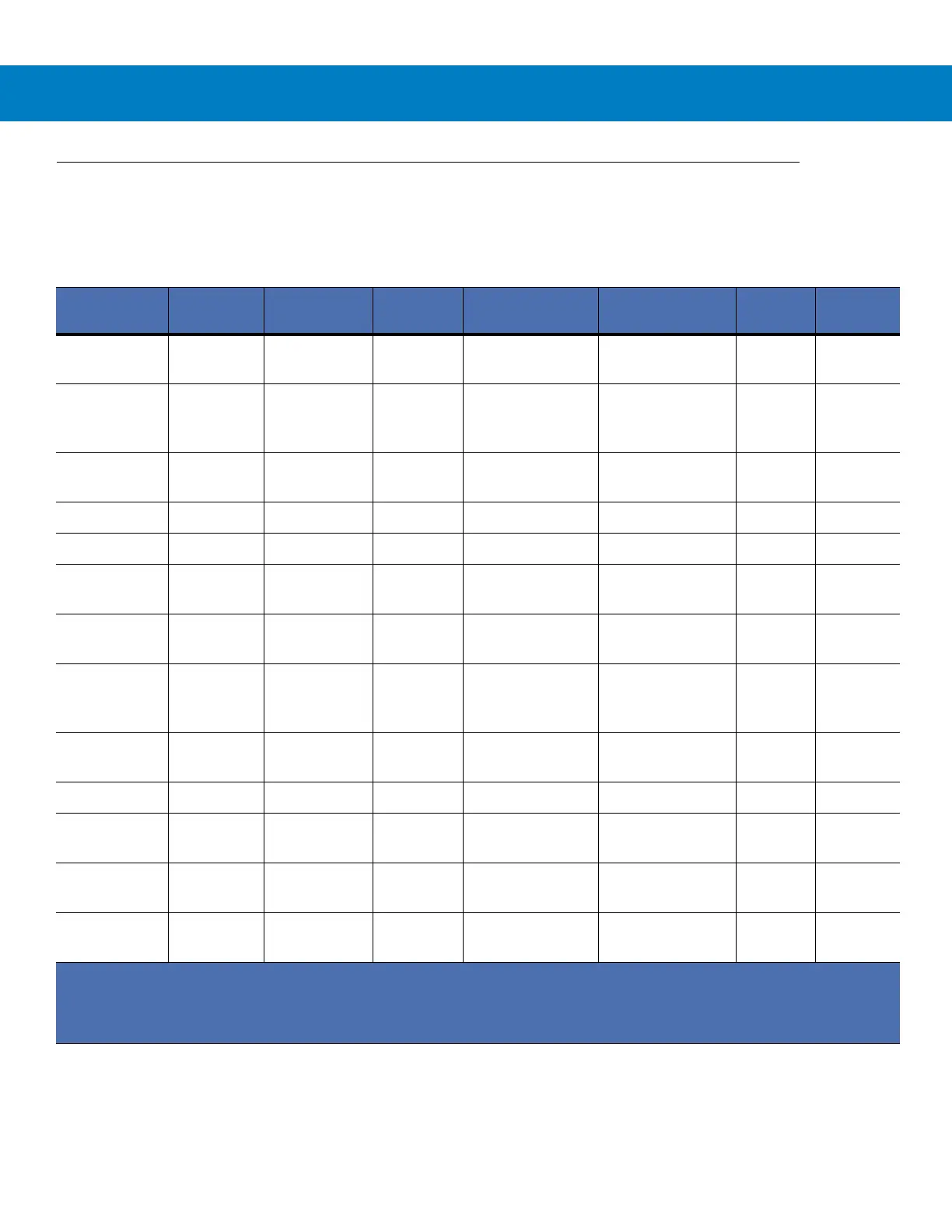
Various RS-232 hosts are set up with their own parameter default settings (Table ). Selecting the ICL, Fujitsu,
Wincor-Nixdorf Mode A, Wincor-Nixdorf Mode B, Olivetti, Omron, or terminal sets the defaults listed below.
Selecting the ICL, Fujitsu, Wincor-Nixdorf Mode A, Wincor-Nixdorf Mode B, OPOS, JPOS terminal enables the
transmission of code ID characters listed in Table below. These code ID characters are not programmable and are
separate from the Transmit Code ID feature. The Transmit Code ID feature should not be enabled for these
terminals.
Table 6-2
Terminal Specific RS-232
Parameter
Standard
(Default)
ICL Fujitsu
Wincor-Nixdorf
Mode A
Wincor-Nixdorf
Mode B/OPOS
Olivetti Omron
Transmit
Code ID
No Yes Yes Yes Yes Yes Yes
Data
Transmission
Format
Data as is Data/Suffix Data/Suffix Data/Suffix Data/Suffix Prefix/Da
ta/Suffix
Data/Suffi
x
Suffix
CR/LF
(7013)
CR (1013) CR (1013) CR (1013) CR (1013) ETX
(1002)
CR
(1013)
Baud Rate
9600 9600 9600 9600 9600 9600 9600
Parity
None Even None Odd Odd Even None
Hardware
Handshaking
None RTS/CTS
Option 3
None RTS/CTS Option
3
RTS/CTS Option
3
None None
Software
Handshaking
None None None None None Ack/Nak None
Serial
Response
Time-out
2 Sec. 9.9 Sec. 2 Sec. 9.9 Sec. 9.9 Sec. 9.9 Sec. 9.9 Sec.
Stop Bit
Select
One One One One One One One
ASCII Format
8-Bit 8-Bit 8-Bit 8-Bit 8-Bit 7-Bit 8-Bit
Beep On
<BEL>
Disable Disable Disable Disable Disable Disable Disable
RTS Line
State
Low High Low Low Low = No data to
send
Low High
Prefix
None None None None None STX
(1003)
None
*In the Nixdorf Mode B, if CTS is Low, scanning is disabled. When CTS is High, the user can scan bar codes.
**If Nixdorf Mode B is scanned without the scanner connected to the proper host, it may appear unable to scan. If
this happens, scan a different RS-232 host type within 5 seconds of cycling power to the scanner.



 To Next Page