Miscellaneous Scanner Options 10 - 9
Scan Data Transmission Format
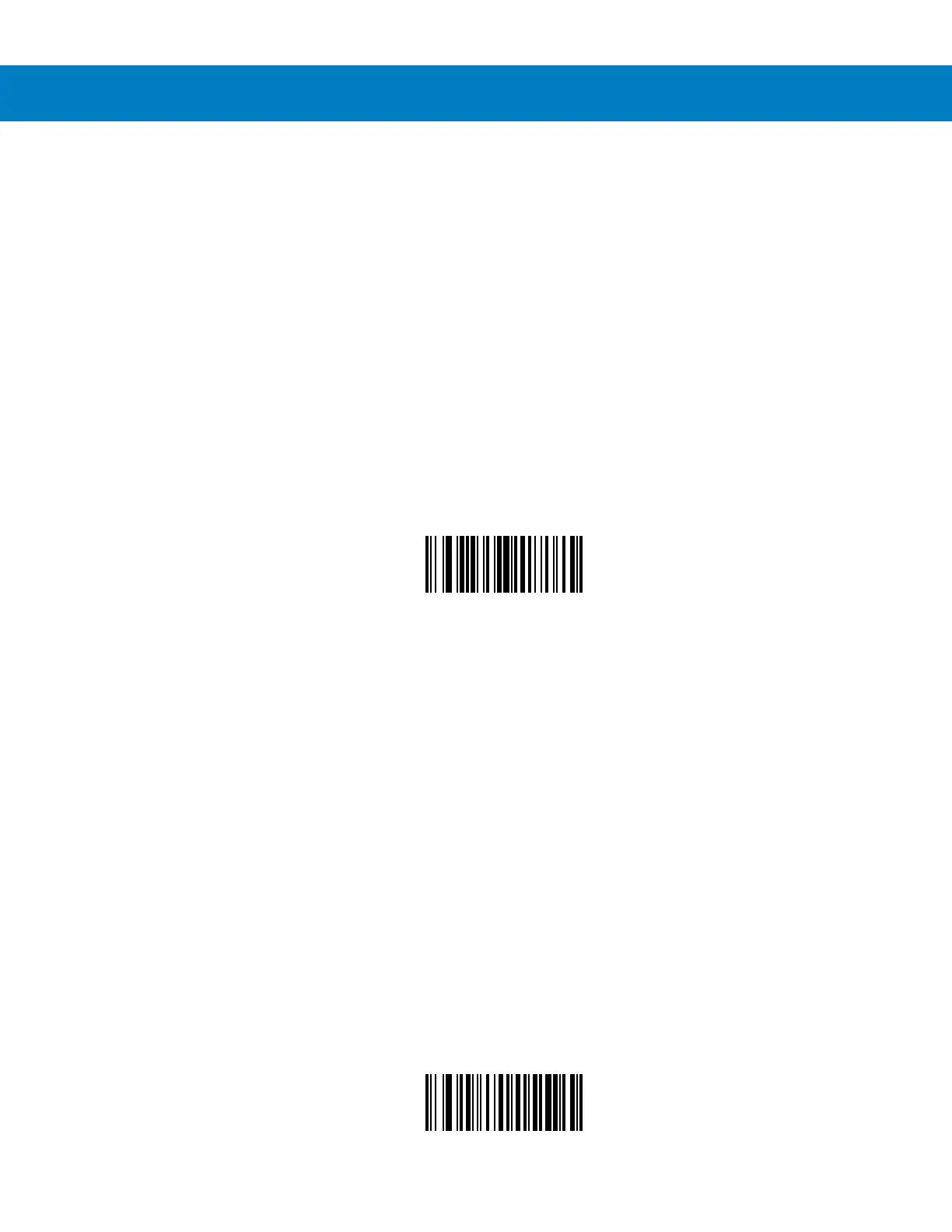
To change the Scan Data Transmission Format, scan the Scan Options bar code below. Then select one of four
options:
•
Data As Is
•
<DATA> <SUFFIX>
•
<PREFIX> <DATA>
•
<PREFIX> <DATA> <SUFFIX>
When you have made your selection, scan the Enter bar code on page 10-11. If you make a mistake, scan the
Data Format Cancel bar code on page 10-12.
If you need to have a carriage return/enter after each bar code scanned, scan the following bar codes in order:
1. <SCAN OPTIONS>
2. <DATA> <SUFFIX>
3. Enter (on page -11)
Scan Options
*Data As Is



 To Next Page