Symbologies 9 - 85
Set Lengths for MSI (Continued)
Length Within Range - This option allows the scanner to decode an MSI symbol with a specific length
range. The length range is selected from numeric bar codes beginning on page D-1 in Appendix D, Numeric
Bar Codes. For example, to decode MSI symbols containing between 4 and 12 characters, first scan MSI -
Length Within Range. Then scan 0, 4, 1, and 2 (single digit numbers must always be preceded by a leading zero).
If an error is made or to change a selection, scan Cancel on page D-6.
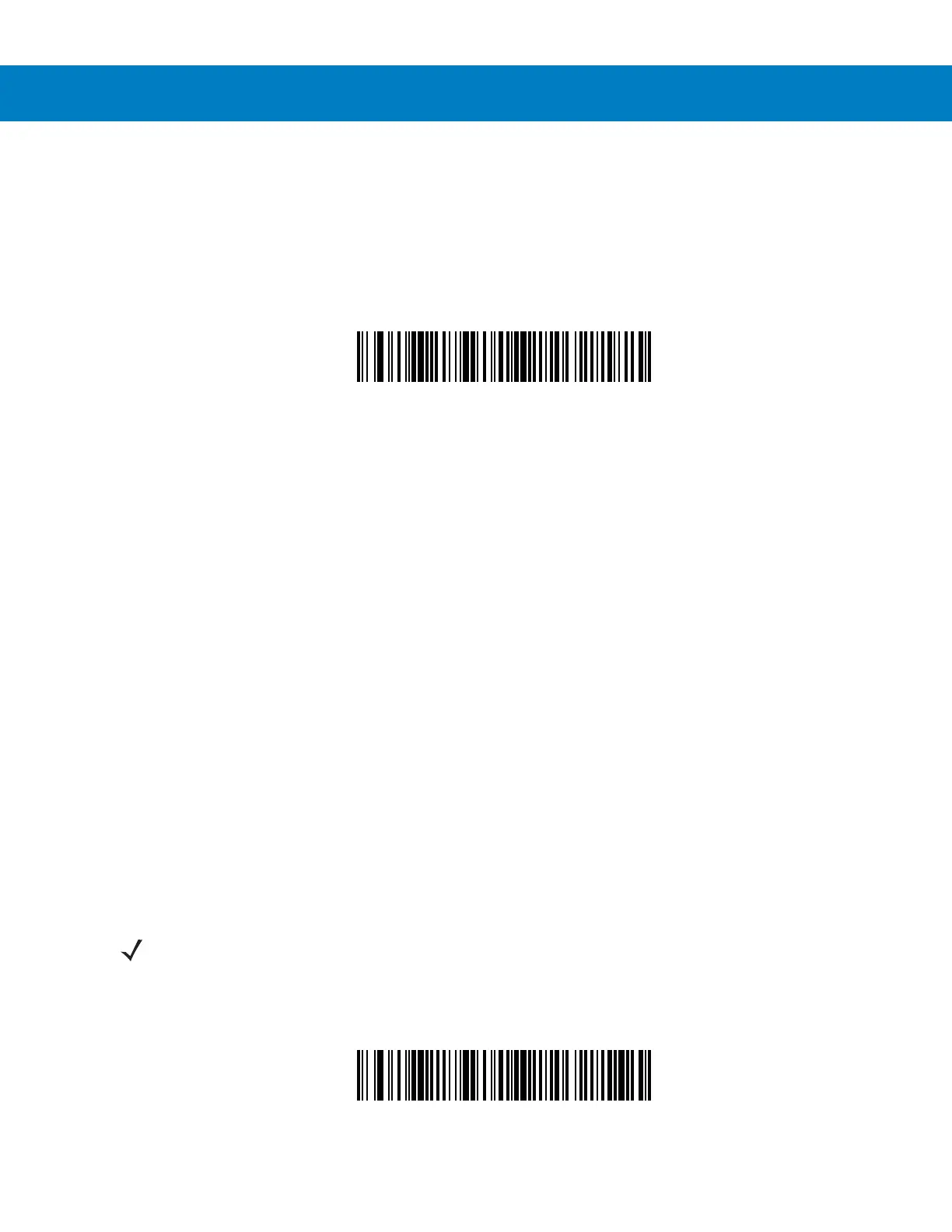
MSI - Length Within Range
Any Length - Scanning this option allows the scanner to decode MSI symbols containing any number of
characters within the scanner capability.
MSI - Any Length
NOTE Due to the construction of the MSI symbology, it is possible for a scan line covering only a portion of the
code to be interpreted as a complete scan, yielding less data than is actually encoded in the bar code. To
prevent this from happening, it is recommended that specific lengths (MSI - One Discrete Length - Two
Discrete Lengths) be selected for MSI applications.



 To Next Page