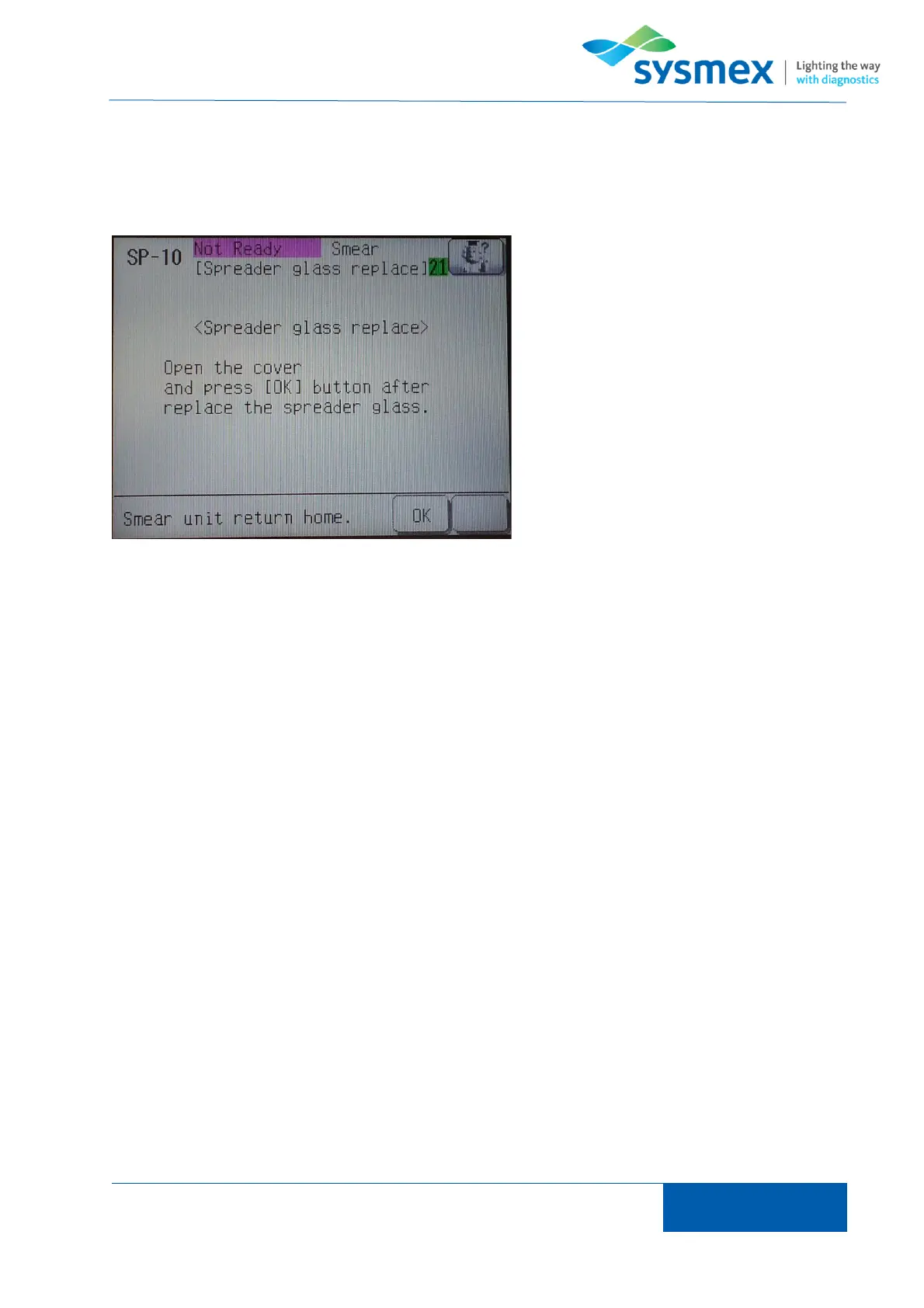
Once smear unit has moved forward open smear unit cover and clean spreader glass using
moistened gauze with deionized water.
NOTE: if spreader glass moves during cleaning simply lightly push spreader back into place.
Once spreader has been clean return
press [OK] to return smear unit to home
position.
When prompted to ‘Reset the counter of
the spreader glass’ press [Cancel].
NOTE: Spreader glass counter should only
be reset if spreader glass has been
changed.



 To Next Page