The Setup Program Installing I/NET
2-2 I/NET 2000 Getting Started
4. If you receive the following error message, proceed with the
instructions in this step. Otherwise, you may skip to Step 5
now.
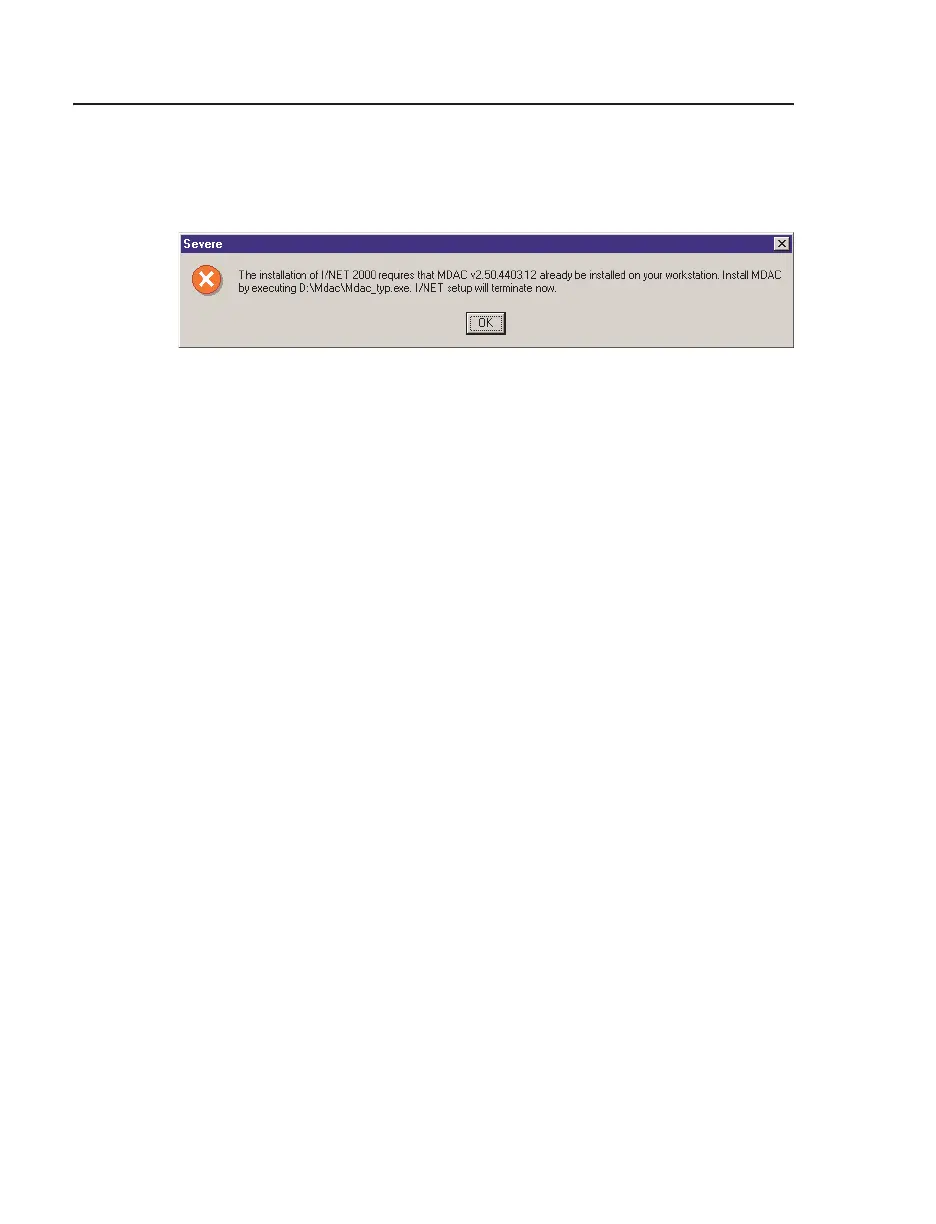
This version of I/NET 2000 requires that version 2.5 or later
of Microsoft Data Access Components (MDAC) already be
installed on your system. If Setup determines that your
system does not have the required MDAC, it displays the
error message shown in Figure 2-1.
If you receive this message, you must install MDAC before
continuing with the I/NET installation. Read the message
and take note of the specified path to the MDAC installation
program. Perform the following steps to install MDAC.
a. Select
OK to close the MDAC error message and termi-
nate the I/NET setup.
b. On the I/NET CD-ROM, go to the MDAC directory
and run MDAC_TYP.EXE. This is the MDAC installa-
tion executable file.
Figure 2-1. MDAC Error Message



 To Next Page