Installing I/NET The Setup Program
I/NET 2000 Getting Started 2-3
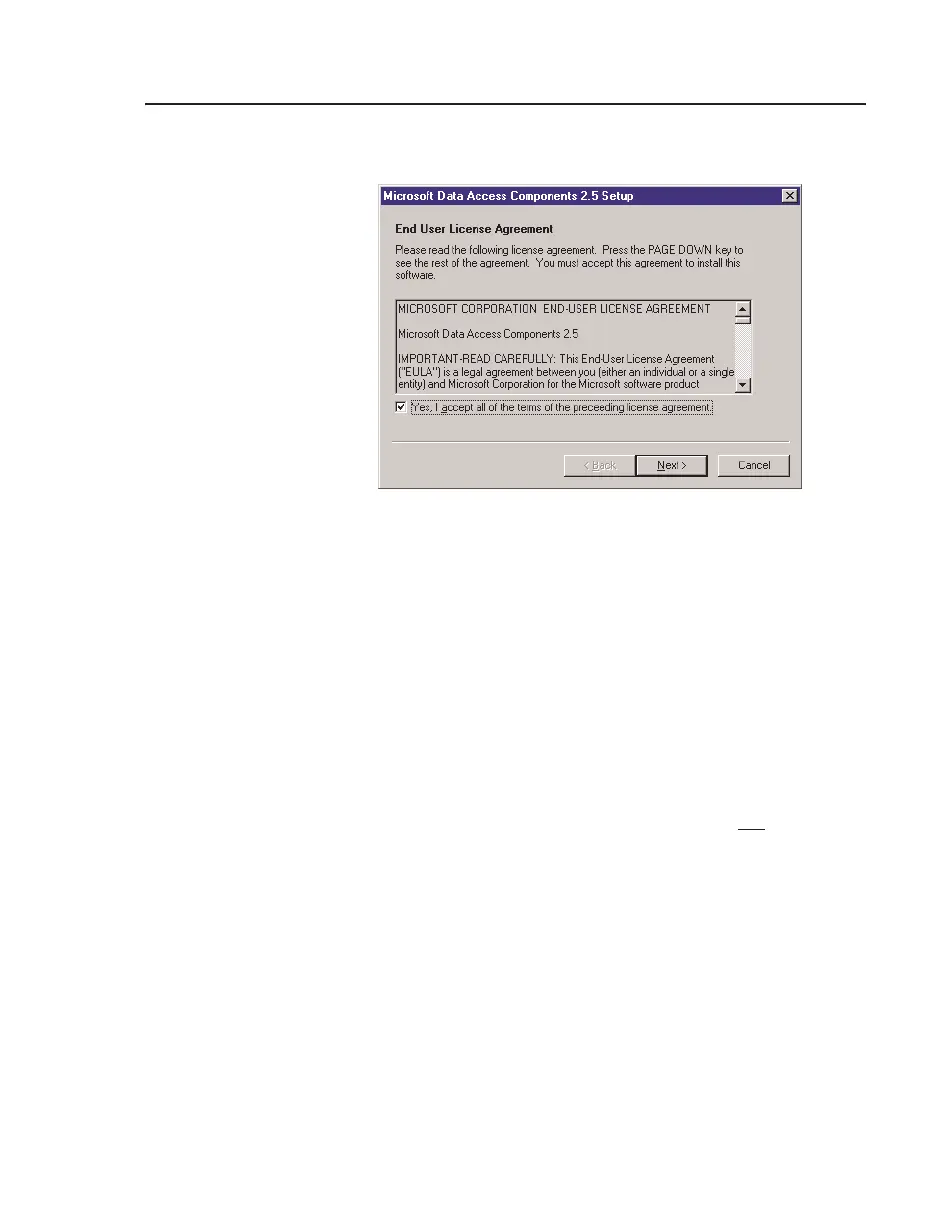
The following dialog will be displayed:
c. Review the license agreement. You must check (!) the
box accepting the license agreement terms in order to
continue. These components must be installed for your
I/NET 2000 program to operate properly.
d. Click
Next to go to the next screen.
e. Click
Next to begin the installation.
f. When the MDAC installation is finished, a screen will
inform you that “Setup is Complete.”
You will be presented with the option of restarting
Windows now or waiting until later. Do not
restart now.
Yo u must choose to restart Windows later or the PC will
fail to correctly reboot. You will then be required to
press the reset button, let the computer reboot, and
then begin the install process again. Any subsequent
installations will not require a reboot after MDAC is
installed.
g. Click the
Finish button to complete the MDAC installa-
tion.
h. Manually restart Windows. After Windows has
restarted, return to Step 1 to begin installing I/NET.
Figure 2-2. Data Access Components Setup Dialog Box



 To Next Page