The Setup Program Installing I/NET
2-4 I/NET 2000 Getting Started
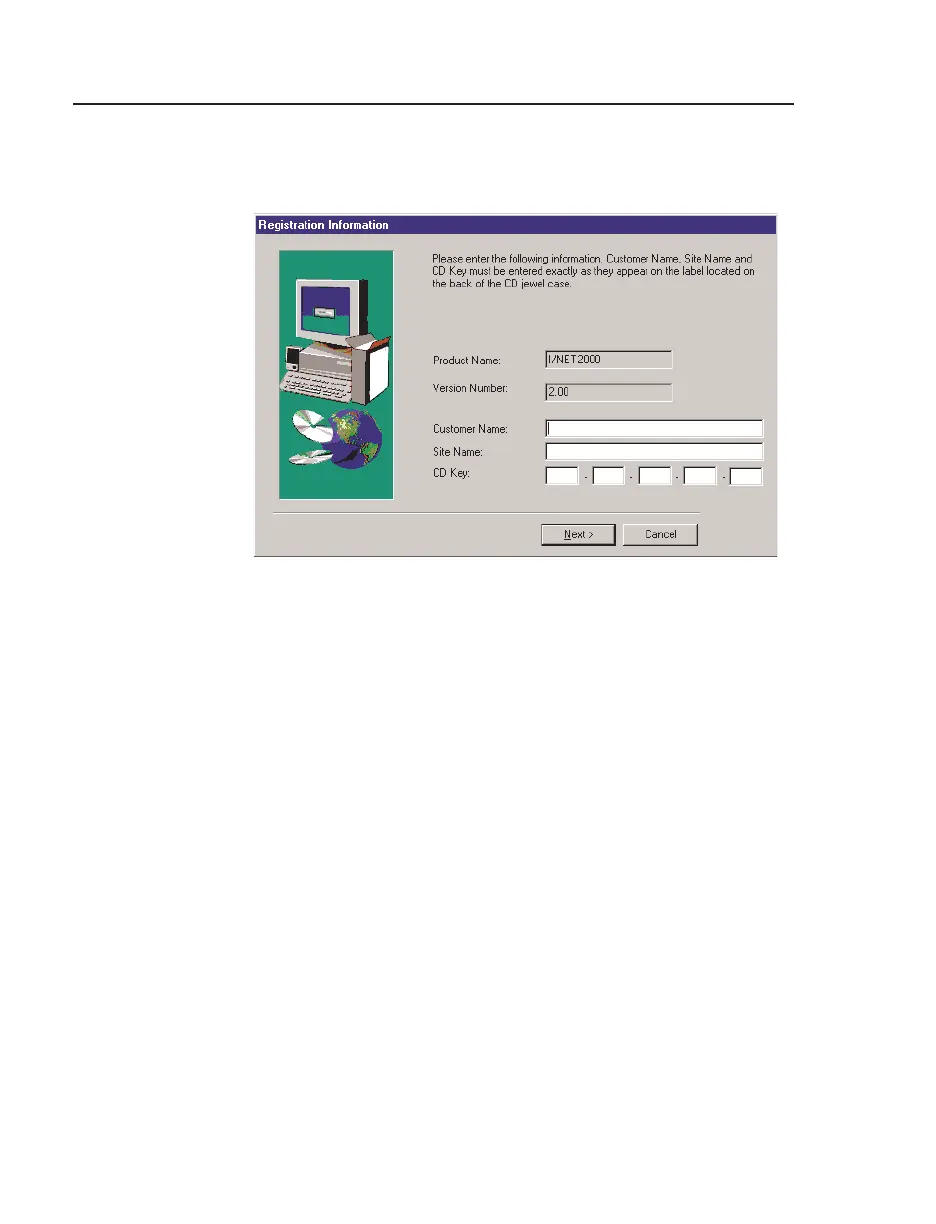
5. Setup displays the I/NET 2000 Registration Information
dialog box, shown in Figure 2-3.
The registration data is on a label located on the back of the
CD-ROM jewel case.
a. Enter the
Customer Name. If this is an upgrade installa-
tion, this information will be filled in automatically.
b. Enter the
Site Name. If this is an upgrade installation,
this information will be filled in automatically.
c. Enter the
CD Key.
d. Click Next.
Note: Setup checks to see if you have the latest version of DCOM. If you do
not, Setup will install it and may reboot your PC. Be patient; this
may take a few minutes.
Figure 2-3. I/NET 2000 Registration Information dialog box



 To Next Page