48
7.3 Testing operation of inputs and outputs
Let us assume that all the outputs and inputs were properly connected according to the
connections table described above. However before all the outputs and all the inputs were
tested one by one we cannot be sure that they are all functioning as expected.
In this document we explain how to carry out the testing through the local MMI of the
controller.
7.3.1 Testing the outputs
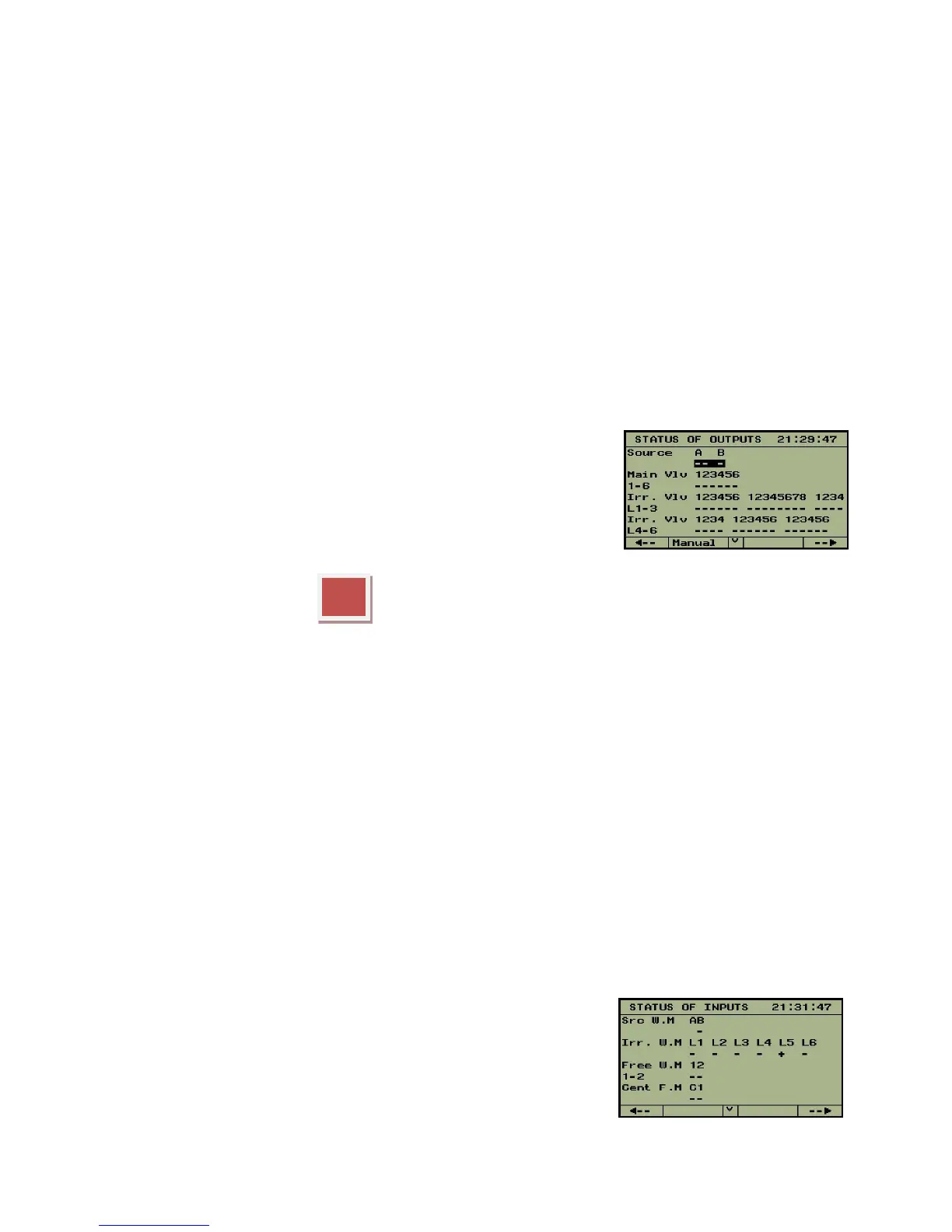
For testing the outputs, we use the "MANUAL OPERATION" mode that can be activated from
the screen STATUS OF OUTPUTS. In the main menu select
STATUS and then in the submenu select OUTPUTS. The screen
that we arrive to contains a structured description of the outputs
included in the system. In case of large systems there may be
several screens needed to contain the complete list of outputs
the movements from one screen to another is accomplished by
use of the PgDn (˅) and PgUp (˄) buttons.
Push the red function key underneath the word "Manual", the cursor changes its form
into a blinking underline "_", now by using the horizontal arrows , the cursor can be moved
to the right and to the left, enabling selection of outputs from the list. For activating/
deactivating the selected output we use the same function key F2 which now functions as
"ON/OFF" button. The activated outputs will be marked by the symbol “^”. Make sure that
each output really follows the open and close commands as expected. To exit the manual
operation mode the ENTER key is used.
7.3.2 Testing the inputs
In the main menu select STATUS and then in the submenu select IUPUTS. The screen that we
arrive to contains a structured description of the inputs included in the system. In case of large
systems there may be several screens needed to contain the complete list of inputs, the
movements from one screen to another is accomplished by use of the PgDn (˅) and PgUp
(˄) buttons.
In the STATUS OF INPUTS screen each digital input that
senses a closed contact will be indicated by a “+” sign otherwise
it will be indicated by a “-“.



 To Next Page