50
8. THE DREAM SIMULATION SOFTWARE
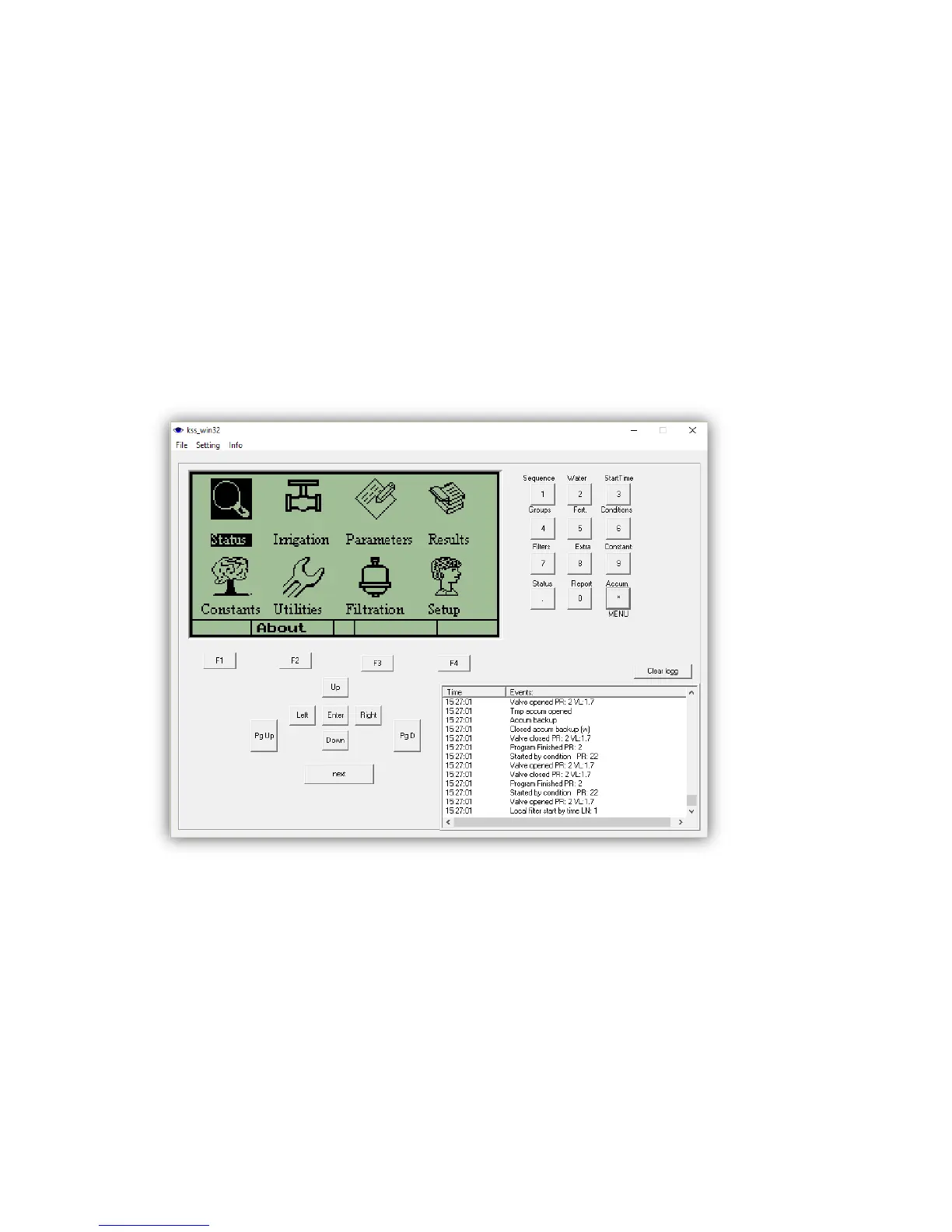
The DREAM SIMULATION SOFTWARE is a program that enables simulating the DREAM on
the PC. The simulation software is a very useful tool for demonstrating, training, experimenting
and checking problems. The simulation software will login into the SERVER and then it
becomes accessible through the CONSOLE or the SPOT. It can be programmed exactly as a
real controller. The simulated controller has an ID number of 4 digits, this makes it different
from a real controller whose ID is of 10 digits. In order for a user to be able to access the
simulated controller by the CONSOLE or the SPOT a DEMO PROJECT has to be defined in
the ADMINISTRATION software and both the user and the simulated controller need to be
assigned to the project.
The key board of the simulation is used the same way as the key board of the real DREAM
controller except for the way the SYSTEM MANAGER screens are reached. At the real
controller we need to press simultaneously the PgDn (˅) and PgUp (˄) buttons, at the
simulation we need to activate special software “SysManager.exe” included in the software
package of the simulator.
For selecting the desired configuration file, use the File/Open option at the menu bar. The
simulation software will take over the image of the controller from which the configuration was
taken. The user may now experiment with the simulation exactly as if he was doing it on the
controller itself. The only difference is that the simulator is not connected to all the valves and



 To Next Page