21
09
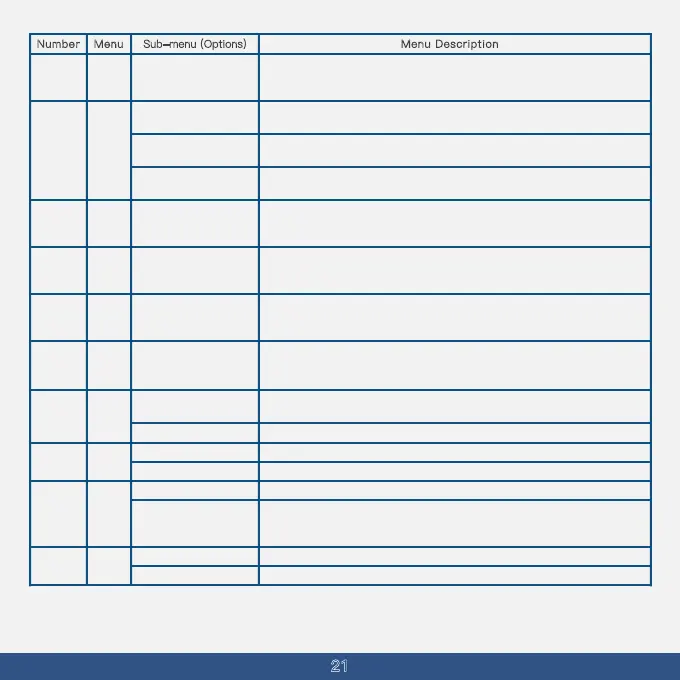
Menu Description
Directly input frequencies
from 00.000 to 99.995
using the keyboard.
SET
In frequency mode, turn off the offset between the transmit and receive
frequencies; it is off by default.
S-D
In frequency mode, the transmit frequency is equal to the receive frequency plus
10
the offset frequency, typically used for accessing repeater stations.
In frequency mode, the transmit frequency is equal to the receive frequency minus
the offset frequency, typically used for accessing repeater stations.
OFF
-
In frequency mode, pressing the up or down key changes the step value of
the frequency.
In frequency mode or channel mode, select the channel number to save. If
''CH''
is displayed, it indicates the channel is already saved, and the current channel
will be overwritten.
2.5K、5K、6.25K、10K
12.5K、20K、25K
30K、50K
001~999
STEP
11
You can assign a name to the current channel or customize it through
programming software.
Default settings: Channels
1-10, Workgroups 1-10,
Repeaters 1-10.
CH-
NAME
13
Delete the stored information of the current channel; if
''CH-001'' is displayed,
it means the channel is already saved. If
''001'' is shown, the channel is free and
has no stored information, making the operation invalid.
001-999DELCH14
If the current channel needs to be included in the scan, it should be set to
''add''
status.
Add
Delete
15
If the current channel should not be scanned, set it to
''delete'' status.
Wide
W/N16
Operate in wide band.
Turn off encryption to ensure compatibility with standard analog systems.
Activate frequency hopping with the option to select an encryption group. Only
devices with matching encryption groups can communicate. Once enabled,
accessing repeaters is not possible.
Encryption 1,
Encryption 2,
Encryption 3.
Enable simultaneous monitoring of two frequencies or channels.
Monitor only the main frequency or channel indicated by the MAIN icon.
Numbe
VOICE
-PRI
17
r Menu
In frequency mode, the difference between the transmit and receive frequencies
can be adjusted (whether an offset is applied is controlled by the offset direction
Sub-menu (Options)
setting).
+
MEN
-CH
12
SCAN
ADD
Operate in narrow band.Narrow
OFF
OFF
ON
TDR18



 To Next Page